Cloud Drive is similar to a folder you carry in your flash drive everywhere, except for the fact that there is no flash drive! You will have access to your most critical data from any device, in a form as if it is on your local drive, and on your IDrive account.
The moment you modify files, the updates sync to the local drive of computers on which Cloud Drive is active and to your cloud account; thus you can instantly access the latest version of your files locally via a web browser, and download them using the mobile apps too!
Cloud Drive storage does not impact your backup storage. It matches your backup storage limits.
Note: IDrive® Cloud Drive does not support collaborative editing and renaming the same file simultaneously from multiple devices.
Keep files in Sync
Sync your files and folders in real time across all the devices that you link using Cloud Drive, and easily access them from anywhere! Although your mobile apps and web account are always in sync, you can choose to link only those computers on which you wish to keep files in sync.
You may also be interested in
Create / Edit Word, Excel, and PowerPoint Files
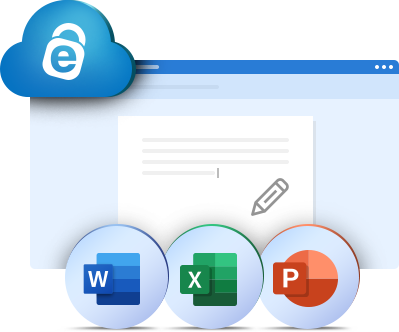
Collaborate directly on your Word, Excel, and PowerPoint files stored in Cloud Drive. Create new files or edit existing ones, and share them with view-only or edit permissions.
Via desktop app
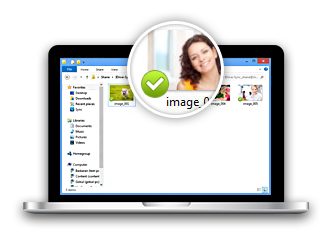
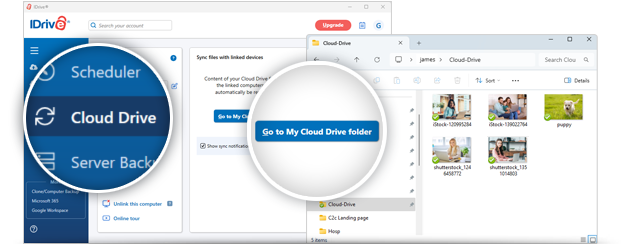
On the Cloud Drive tab of the IDrive desktop app, click 'Go to My Cloud Drive folder', to start sync and link the particular computer. Cloud Drive creates a unique local folder on the computer. Add files to this folder to sync them in real time. Whenever you modify files within this folder, the updates reflect on all linked devices and vice-versa.
Via mobile app
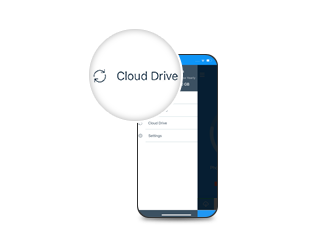
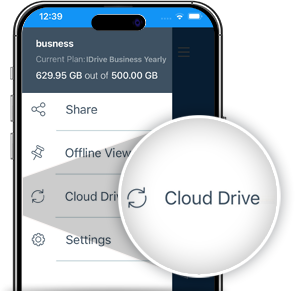
Go to the menu of the IDrive mobile app, tap 'Cloud Drive'. Use your mobile to add new files to the sync folder. Download and access the files synced from PC, Mac, Linux, or via the web. You can also select some synced files for offline access.
Via web browser
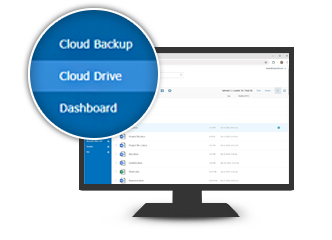
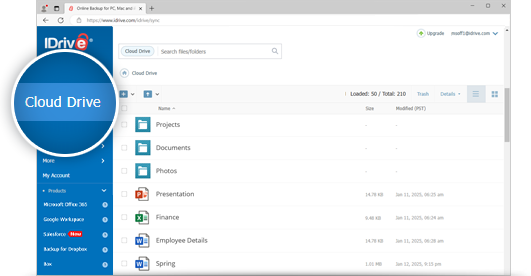
Sign in to IDrive.com and go to the 'Cloud Drive' tab. Upload or simply drag-and-drop files to sync them. Also, view, download, and share files synced from elsewhere. Access the recently deleted synced files from Cloud Drive's Trash.
Sharing synced files
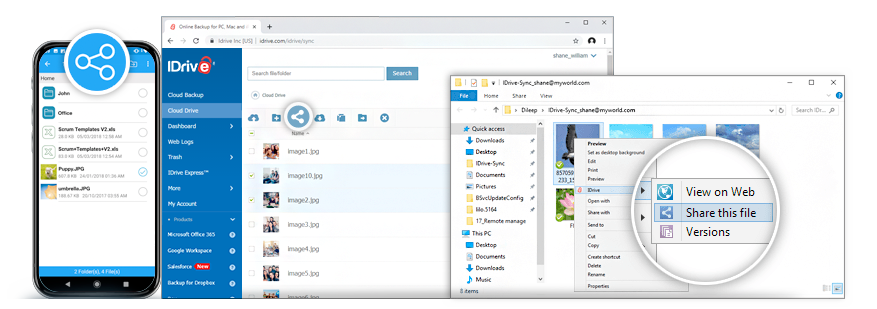
Easily share any number of synced files with anyone you wish via email.
You can share synced files from your computer, mobile device, or via the web with your friends or associates for collaborative access. Once you sign in to IDrive.com, you will find that all the share links are listed in the 'Shared' tab. You can edit the access rights, and even discontinue sharing them.