Legacy workflows
Tasks wait for file transfers
- Files to be downloaded or synced before work starts
- Multiple copies across devices and apps cause confusion
- Slow performance and collaboration for remote teams
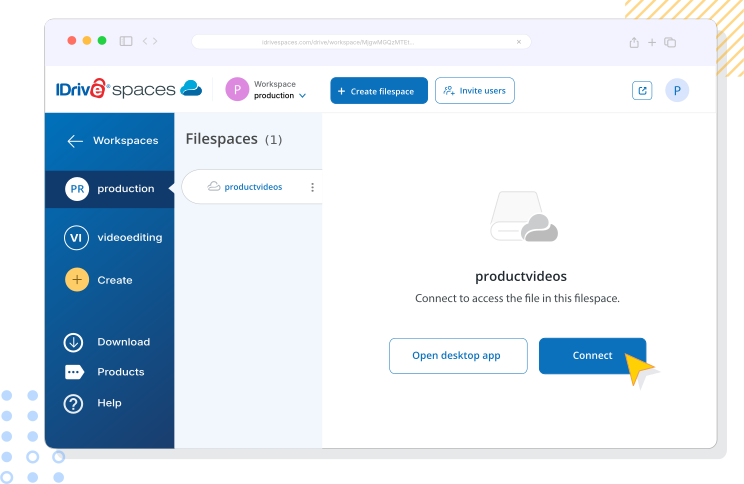
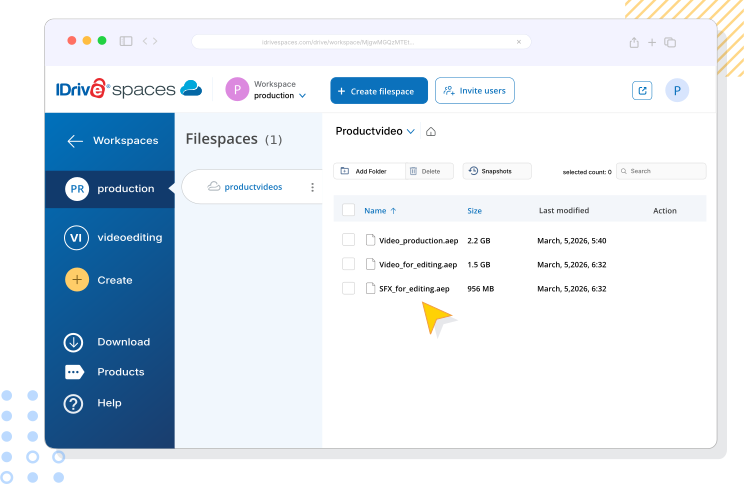
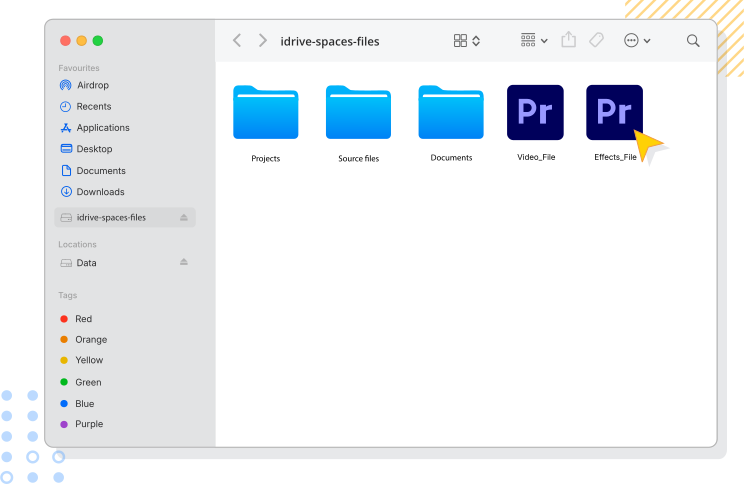
With file streaming, open and access large files instantly from the cloud as if they are on a local SSD.
This lets your team collaborate easily from any location, while built-in security and control keep your files safe.


Set workspace, filespace, or folder-level permissions and manage the users in real time.
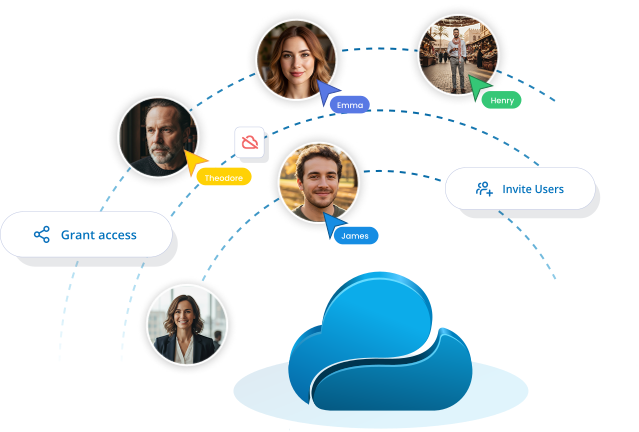
Start projects instantly without waiting for syncs or downloads, and collaborate seamlessly across offices and continents.
Updates happen instantly with no duplicates or missing edits. Changes reflect in real time for faster turnarounds.
A single platform replaces VPNs and file handoff hassles, giving distributed teams easy access from anywhere.
Collaborating on large files across multiple team members and external partners can be challenging. IDrive® Spaces file streaming provides real-time access, prevents editing conflicts, and gives professionals full control over permissions, so teams can work simultaneously and securely from any location with files always up to date.
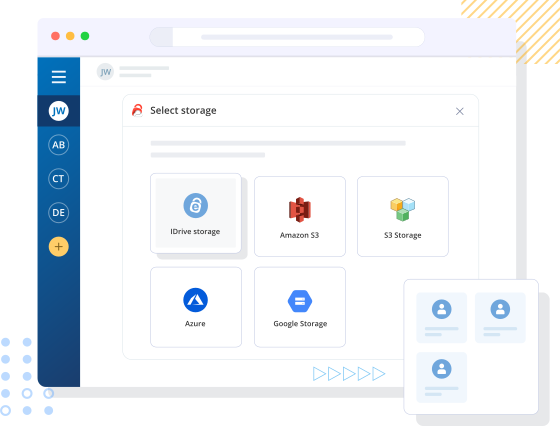
Use your existing Amazon S3, other S3-compatible storage, Microsoft Azure, or Google Cloud Storage without migration or setup changes. Leverage a storage that you already manage for full data control, efficiency, compliance, and flexible scalability.



Stream only the files you need and edit large files instantly - from 4K video to CAD - on desktop and web
Collaborate in the same filespace with real-time updates to prevent version conflicts and keep everyone aligned
Zero-knowledge encryption and granular permissions keep data accessible only to authorized collaborators
Add users, storage, and workspaces in minutes. Integrate workflows seamlessly, with no downtime or unexpected costs
A workspace is a collaborative cloud environment where teams work together on files in real time. It is a central hub to organize project files with admin controls for user access.
Read more on WorkspacesA filespace is a shared space that works like a local drive, letting users store, access, and edit files directly from the cloud without downloading or syncing. Multiple filespaces can be created within a workspace with permissions to control access.
Read more on FilespacesYes, a filespace can be mounted like a local drive, giving direct access to all its files from the cloud. You can open and edit files in real time, making collaboration with the team efficient.
You can create multiple workspaces. Each workspace functions as an independent shared cloud environment. You can set up workspaces for different projects or teams and manage the member access and permissions, as needed.
IDrive® Spaces uses end-to-end AES-256 encryption, along with granular admin controls and strict security protocols, to keep your data private and compliant - even from us.