VMware Full and Incremental Backup
IDrive 360 delivers a comprehensive VMware backup solution, supporting both full and incremental backups. It is fully compatible with VMware vCenter and provides complete protection for your virtualized infrastructure.
Key Features
- Protect multiple virtual machines running on VMware ESXi (versions 6.5, 6.7, 7.0, 8.0) and VMware vCenter (versions 6.5, 6.7, 7.0, 8.0).
- Supports incremental backups and allows scheduling of backup jobs for automated protection.
- Backup destinations can include networked computers or NAS locations, in addition to the cloud.
- Perform live backups of virtual machines with zero downtime using VMware backup capabilities.
- Ensures secure backup with 256-bit AES encryption for both transfer and storage, using a user-defined encryption key that is never stored on IDrive 360 servers.
- Fully integrates with VMware vCenter for centralized management.
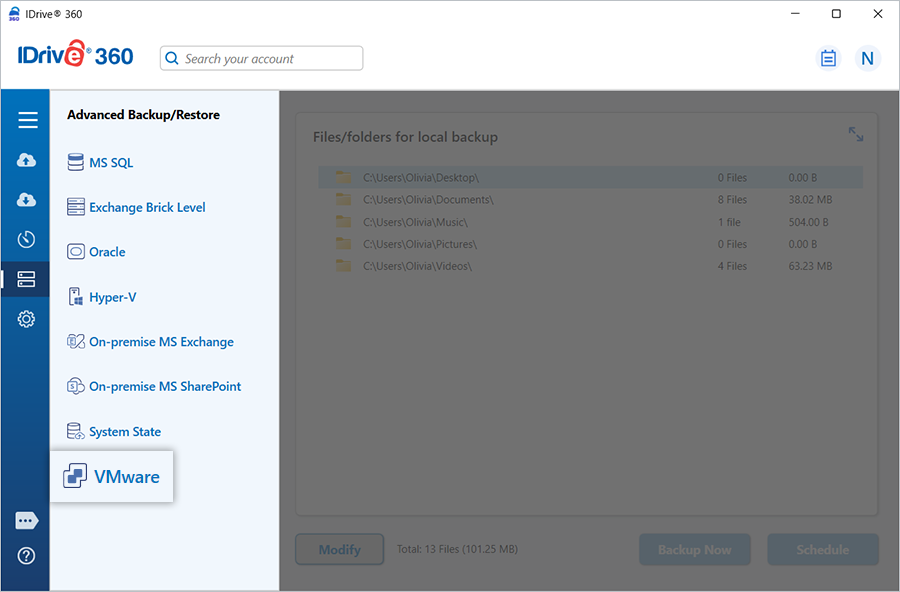
VMware Backup
Secure your VMware virtual machines with flexible options including incremental backups and scheduled backups to ensure continuous data protection.
Refer to the step-by-step guide to perform VMware backups
VMware Restore
Restore your VMware virtual machines quickly from your IDrive 360 account whenever required.
Refer to the instructions for VMware restore
System Requirements
- VMware ESXi 6.5, 6.7, 7.0, or 8.0
- 64-bit Windows operating system
- Minimum 2 GB RAM
- Adequate storage to accommodate VM files for temporary backup and restore operations