System State
For businesses, maintaining reliable system-level backups is a critical part of ensuring recovery after hardware failures, crashes, or system corruption. System State Backup in IDrive 360 captures essential operating system components that can be restored to bring a machine back to a functional state after an unexpected failure.
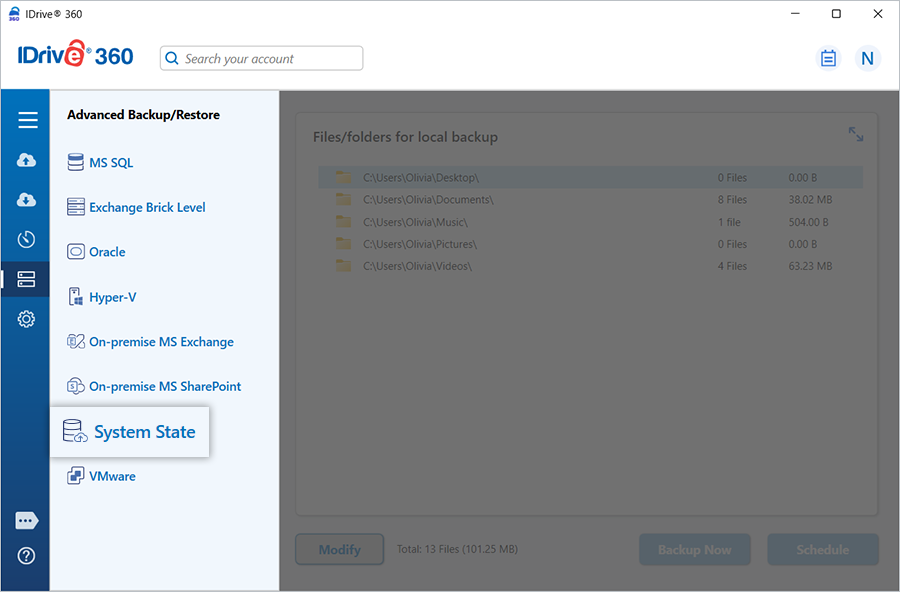
System State Backup
Perform fast and secure backups of important system configuration elements - such as the registry, boot configuration, Active Directory (if applicable), and the system volume. These backups are transferred to an offsite location without disrupting active applications on the computer.
Refer to the detailed guide on how to configure System State backups to your IDrive 360 account.
System State Restore
Restore essential System State components quickly and safely to maintain uptime and continuity in case the system becomes unstable or encounters a critical failure.
Detailed instructions for restoring System State data from your IDrive 360 account are available in the restore guide.
Components Included in System State Backup
The following elements are part of the System State backup:
- Boot files
- COM+ Class Registration database
- Windows registry
If the machine serves as a domain controller, these additional components are also included:
- Active Directory database (NTDS)
- System Volume (SYSVOL)
If the machine acts as a certificate server, certificate-related data is included as well.
Supported Operating Systems
IDrive 360 supports System State backup for the following platforms:
Client operating systems:
- Windows 7
- Windows 8
- Windows 10
Server operating systems:
- Windows Server 2008
- Windows Web Server 2008
- Windows Server 2008 R2
- Windows Server 2012
- Windows Home Server 2012
- Windows Server 2016
- Windows Server 2019