MS SQL Server
Keep your company’s databases safe and accessible at all times with IDrive 360. The application leverages the native capabilities of Microsoft SQL Server to deliver fast, consistent, and reliable backup and restore operations - without interrupting your daily business activities.
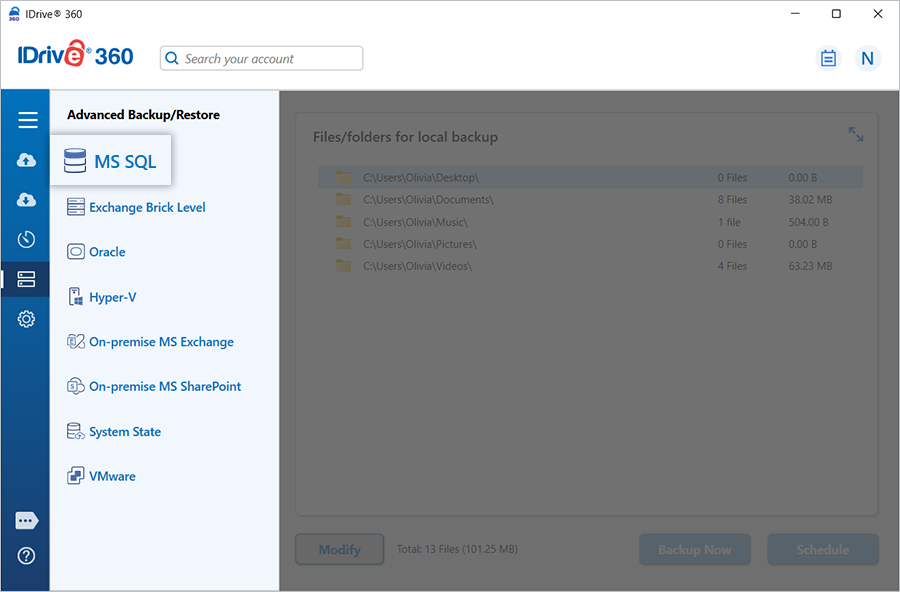
MS SQL Server Backup
Easily configure your SQL Server backups using the IDrive 360 intuitive interface. Schedule automated backups for any date and time that fits your workflow.
Before the process begins, make sure your computer has enough local storage, as the data is temporarily saved before being uploaded to your IDrive 360 account.
View detailed steps to back up your MS SQL Server database
MS SQL Server Restore
Quickly restore your databases whenever needed, including point-in-time recovery for selected databases. Ensure you have the required permissions to perform backup and restore operations.
View detailed steps to restore your MS SQL Server database
Key Features
- Perform backups without stopping SQL Server services
- Support for full, differential, and incremental backups
- Transaction log backups for precise recovery points
- Built on Microsoft SQL Server API technology for reliability
- Custom scheduling and email notifications for backup status updates
- Data compression to optimize backup and restore speed
- Option to back up to network-mapped drives, NAS devices, or the cloud
System Requirements
Operating System
Windows Server 2022, 2019, 2016, 2012 R2, 2012
Supported Databases
MS SQL Server 2019, 2017, 2016, 2014, 2012
Memory
Minimum 128 MB RAM
Storage
Sufficient local disk space to temporarily store .dmp backup files