On-premise MS SharePoint Server (Granular Backup/Restore)
Safeguard data across your on-premise MS SharePoint environment while improving scalability and reducing operational overhead.
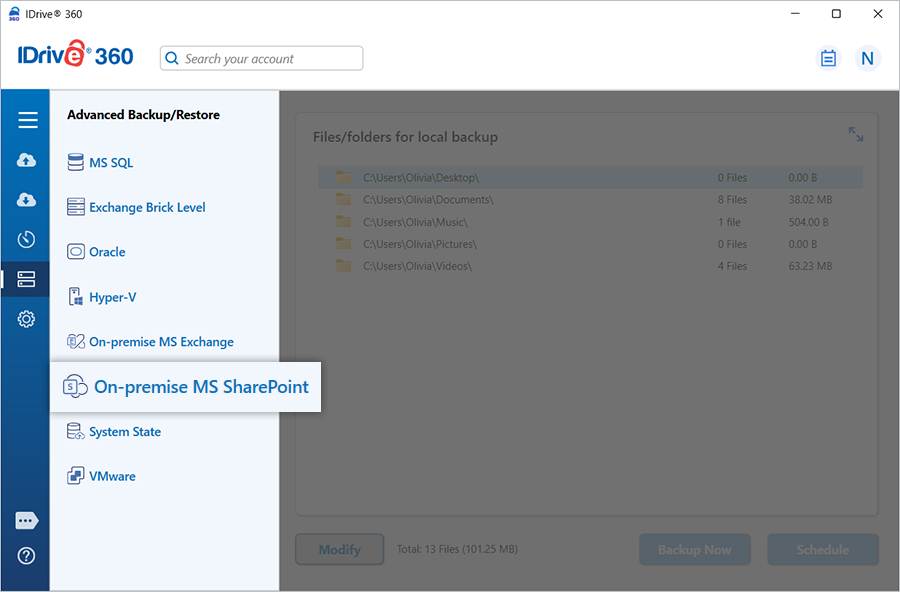
IDrive 360’s granular backup and restore capability for on-premise MS SharePoint Server enables cost-effective protection of full site collections or selected site components.
On-premise MS SharePoint Server – Backup
Back up complete site collections or target specific sites and elements using IDrive 360’s granular backup options for SharePoint Server.
Features
- Back up an entire site collection or web application.
- Back up specific sites within a site collection, with the option to include or exclude content from sub-sites.
- Protect individual lists, document libraries, or even particular folders inside a library.
- Access detailed logs for every backup task.
Refer to the step-by-step procedure for backing up your on-premise MS SharePoint Server to your IDrive 360 account.
On-premise MS SharePoint Server – Restore/Recovery
Restore full sites or selected SharePoint components quickly and accurately with IDrive 360’s granular restore support.
Features
- Restore site collections, individual sites, lists, document libraries, ASPX pages, templates, or contacts in minutes.
- Restore SharePoint objects directly from backup, eliminating the need for a recovery farm or re-creating the production database.
- Search and recover specific documents or earlier document versions.
- Perform granular restore operations without deploying a SharePoint recovery farm.
- View detailed logs of every restore activity.
Refer to the steps to restore your on-premise MS SharePoint Server from your IDrive 360 account.
System Requirements
- MS SharePoint Server 2013 or 2016
- Windows Server 2012 or later
- Minimum 8 GB RAM
- Adequate disk space to hold temporary backup and restore data