Effortless, Secure Backup for Hyper-V Environments
As businesses virtualize their infrastructure to optimize costs, protecting Hyper-V virtual machines is critical. IDrive 360 provides a reliable and easy-to-use solution to back up your complete Hyper-V environment. Key features include:
Key Features
- Intuitive and user-friendly interface for easy management.
- Unified backup and recovery solution for the entire virtual environment.
- Supports incremental cloud backups (Windows Server 2016 and later).
- Hot backups with Microsoft VSS integration: Back up active Hyper-V VMs with no downtime using Microsoft Hyper-V Writer.
- Option to back up data not only to the cloud but also to network-mapped drives or NAS storage.
- Simplifies the process of protecting virtual machines.
- Rapid restoration of all servers in the virtual infrastructure.
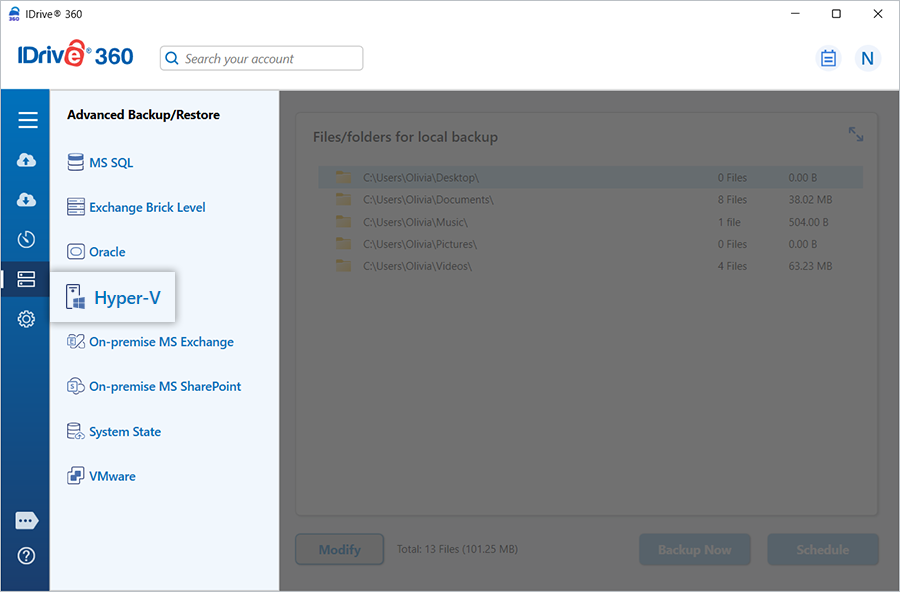
Hyper-V Backup
Protect your Hyper-V virtual machines with a single-step backup process, high security, and instant recovery capabilities.
Refer to the guide to perform Hyper-V backups
Hyper-V Restore
Quickly restore your backed-up Hyper-V VMs using IDrive’s 360 secure cloud technology, ensuring minimal downtime and continuity.
Refer to the guide to perform Hyper-V restore
System Requirements
- Supported Hyper-V Servers: Microsoft Hyper-V Server 2012, 2012 R2, 2016, 2019
- Supported OS for management: Windows Server 2012, 2016, 2019, 2022, 2025
- Minimum 2 GB RAM
- Sufficient disk space to accommodate VM files for temporary backup and restore operations