Boards
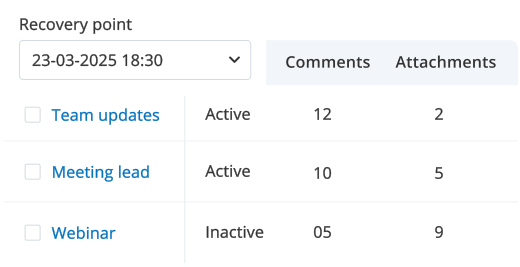
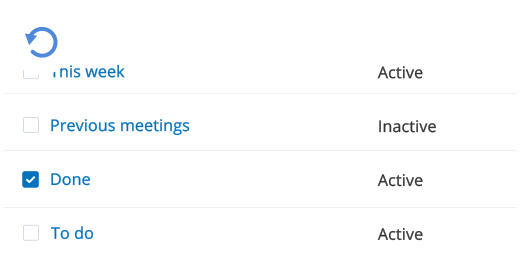
Recover entire boards with all lists, cards, files, labels, and collaboration details.
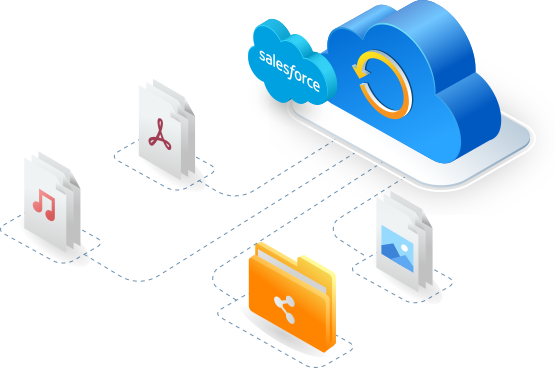
Salesforce keeps its platform secure, but it doesn’t shield you from data loss. Accidental deletions, corruption, overwrites, or malicious activity can still disrupt your operations.
IDrive® Salesforce Backup automates your backups and gives you point-in-time recovery, snapshot restore, and selective restore — so you can quickly recover without downtime.
Restore your Salesforce data to any previous version with snapshot-based recovery. Roll back to a clean state and recover from accidental deletions, corruption, or unwanted changes while preserving accuracy across objects and records.
Choose exactly what you want to recover — specific objects, records, metadata, or entire data sets. Selective restore helps you undo small mistakes without affecting the rest of your Salesforce environment.
Recover only the missing or required data while keeping existing records intact. IDrive® creates new entries for missing data, skips duplicates, and allows side-by-side comparison — ideal for testing and audits.
Overwrite outdated or corrupted Salesforce data with your most recent clean backup. Replace your current dataset entirely or update specific objects to ensure accuracy across your organization.
IDrive® keeps an immutable copy of your Salesforce data in secure cloud storage. If an attack occurs, restore clean versions instantly and resume operations with minimal downtime.
Recover object/field definitions, layouts, reports/dashboards, Workflows/Processes. Restore an entire metadata snapshot or specific components to maintain consistent configurations across orgs.
Restore data to production or sandbox environments based on your needs. Easily refresh sandboxes for development and testing using snapshot, selective, or non-destructive restore workflows.
Compare past and current snapshots to track changes or potential issues. Export selected data for auditing, migration, compliance checks, or offline review.
Note: Dropbox is a registered trademark of Dropbox, Inc. IDrive is a third-party service and is not affiliated with, sponsored by, or endorsed by Dropbox.