Protect Your Data and Metadata with Automated, Compliant Backup and Robust Recovery

Accidental deletions, sync issues, or configuration mistakes can put your critical Salesforce data at risk.

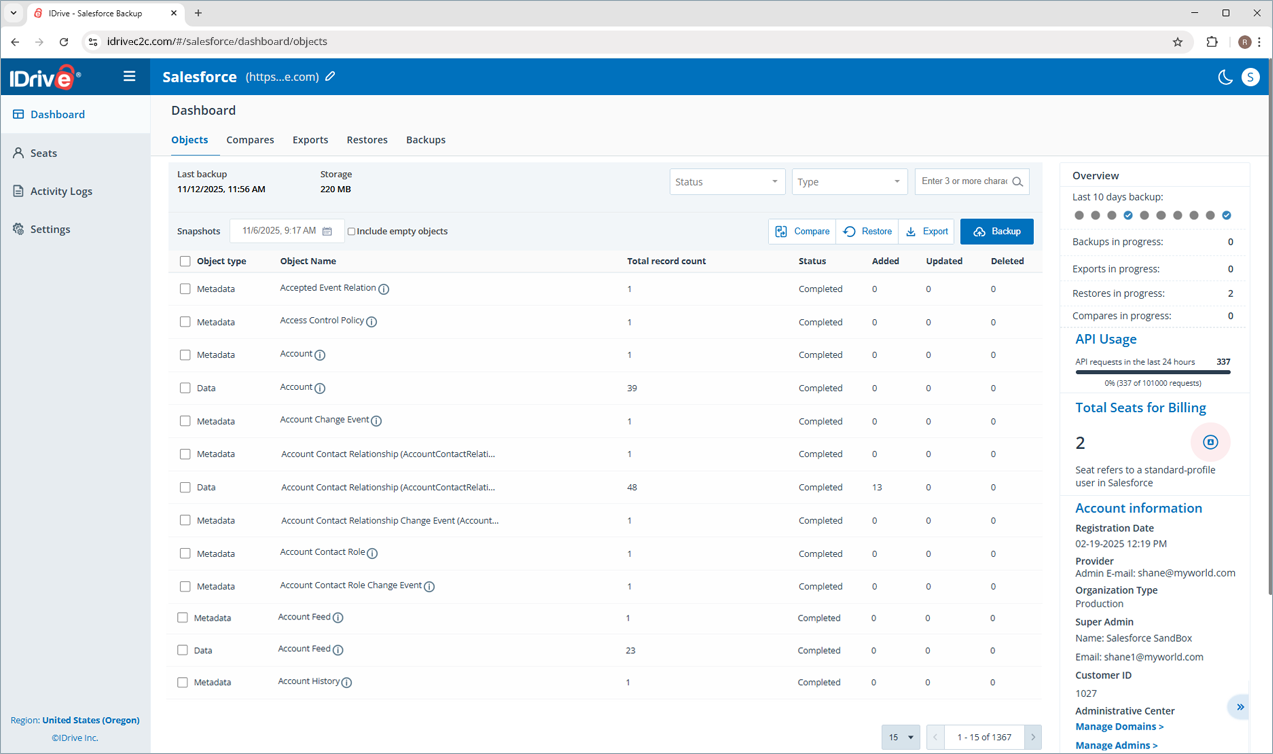
IDrive Salesforce Backup provides automated, secure cloud-to-cloud backups with AES 256-bit encryption, seamless snapshot and selective restore to keep your business running smoothly, minimizing downtime and ensuring data resilience.

It backs up your Salesforce records (Standard and Custom Objects), files and attachments (Documents, Notes & Attachments, Files, Chatter feeds, and more), as well as metadata (custom objects and fields, Apex classes and triggers, workflows, reports, dashboards, configurations, and more).

End-to-end protection for all Salesforce environments

  • Automated backups

    Prevent data loss across your production and sandbox environments. Get daily automatic backup for round-the-clock protection and fast recovery.

  • Ransomware-ready disaster recovery

    Safeguard your data against unforeseen ransomware attacks with incremental backups and flexible, point-in-time recovery.

  • Granular data recovery

    Quickly locate, recover and export the data you need with precise, granular restore options at every level, including organization, object, record, and field.

  • Centralized restore, export and compare

    Search, restore, compare and export your data effortlessly from one unified platform with organization-wide visibility.

  • Triple-layer data protection

    Stay protected with daily automated backups, AES 256-bit encryption, and enterprise-grade security that meets industry standards.

  • Compliance

    IDrive assists your company in meeting stringent compliance standards, including SOC 2 Type II, FINRA, and SOX.

Why Backing Up Your Salesforce Data Is Non-Negotiable

Your Salesforce data drives your business

It powers sales workflows and operations, making it a valuable target for cybercriminals and a critical asset to protect.

Most data loss happens from within

Accidental deletions, overwrite errors, or mishandled metadata can easily lead to corruption or loss of crucial records.

Salesforce doesn’t cover user-side data loss

Salesforce recommends regular backups as part of every data protection strategy—so having a reliable backup and recovery system in place is essential to keep your business running smoothly.

Learn more
Getting Started

  • Backup console

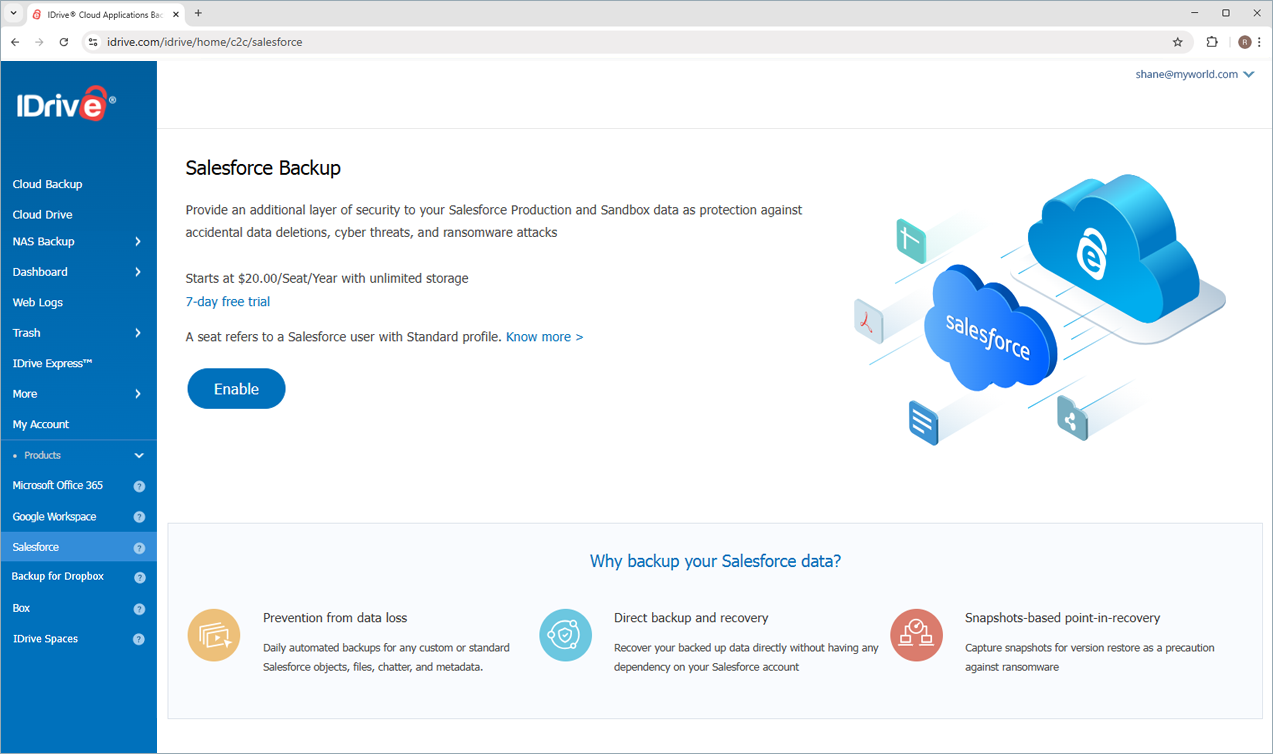
    Sign up for IDrive Salesforce Backup.

  • Account backeup

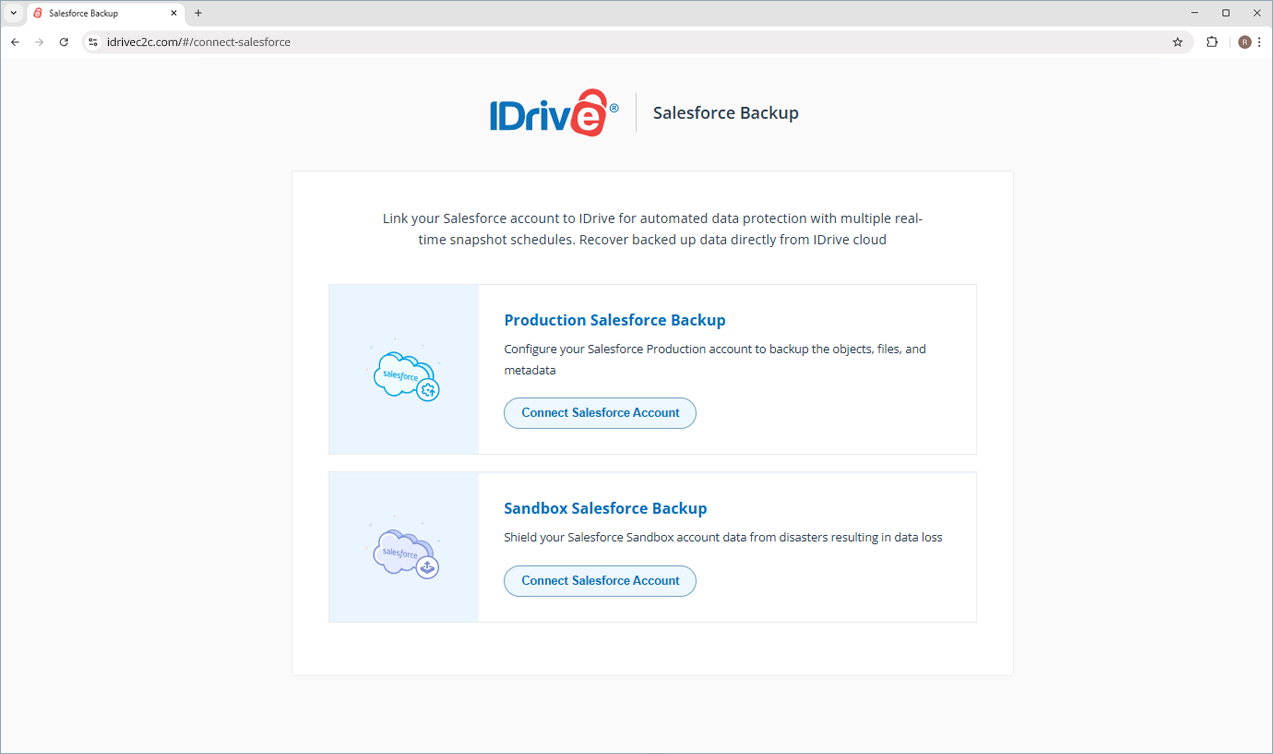
    Connect to your Salesforce Production or Sandbox account to back up your data and metadata.

  • Restore backeup

    Restore backed up Salesforce data and metadata from a single console.

$20/Seat/Year with Unlimited Storage

Monthly plans available at $2/Seat

Learn more about our privacy policy >

Note:

  • A seat refers to a Salesforce user with a standard profile. Each seat added to the account will be charged $20/Year.
  • Any third-party logo used on this site is the property of its respective provider or its licensor.