Related Links
Integrate Kopia Backup with IDrive® e2
Kopia Backup is an open-source snapshot-based backup tool designed to securely back up files and directories across Windows, macOS, and Linux. It combines incremental backups with client-side encryption, compression, deduplication, and policy-driven scheduling while supporting both CLI and GUI workflows. Integrating Kopia Backup with IDrive® e2 provides a capable, scalable cloud object storage solution that integrates smoothly for reliable, cost-efficient, and centralized snapshot storage.
Prerequisites:
Before you begin, ensure the following:
- An active IDrive® e2 account. Sign up here if you do not have one.
- A bucket in IDrive® e2. Learn how to create a bucket.
- Valid Access Key ID and Secret Access Key. Learn how to create an access key.
- The latest version of the Kopia Backup application installed on your machine.
Configure Kopia Backup with IDrive® e2
- Install and launch the Kopia Backup application.
- Create a repository using your IDrive® e2 credentials as mentioned
below.
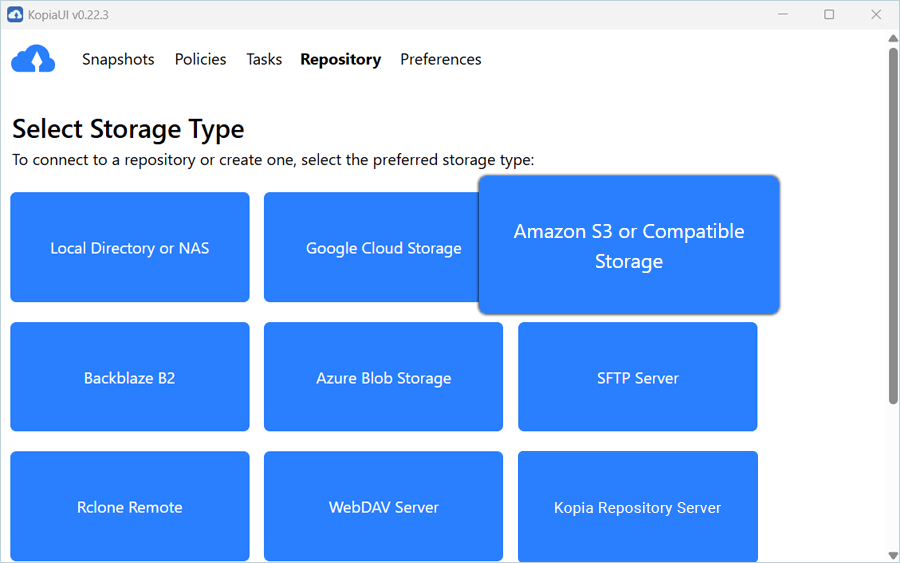
- Select Amazon S3 or Compatible Storage as the Storage
Type.
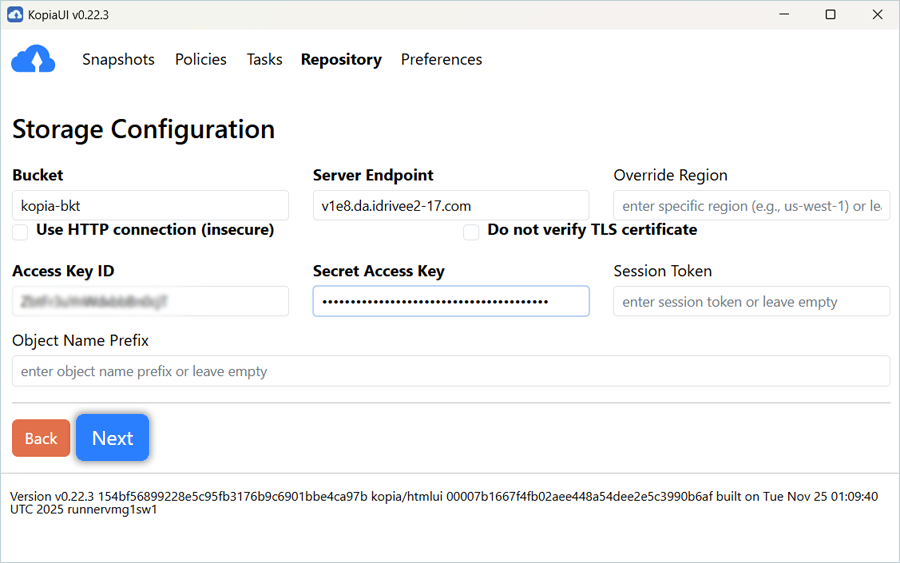
- To configure Storage, enter your IDrive details as mentioned below.
- Enter your IDrive® e2 bucket name as Bucket
- Enter your IDrive® e2 S3 Endpoint as Server Endpoint
- Enter your IDrive® e2 Access key as Access Key ID
- Enter your IDrive® e2 Secret Key as Secret Access Key
- Click Next
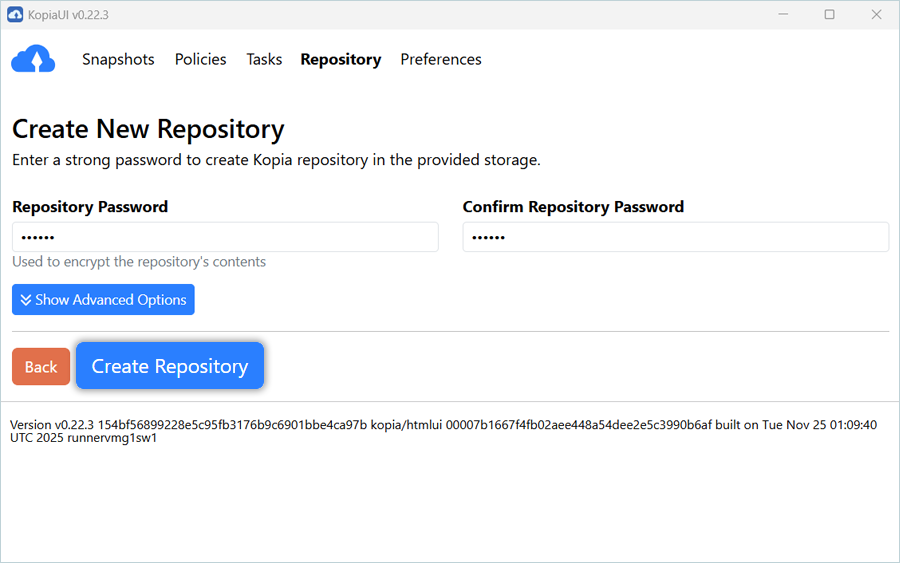
- Enter a Repository Password.
- Click Create Repository.
Once the repository is created, it is visible in the repository list.
- Select Amazon S3 or Compatible Storage as the Storage
Type.
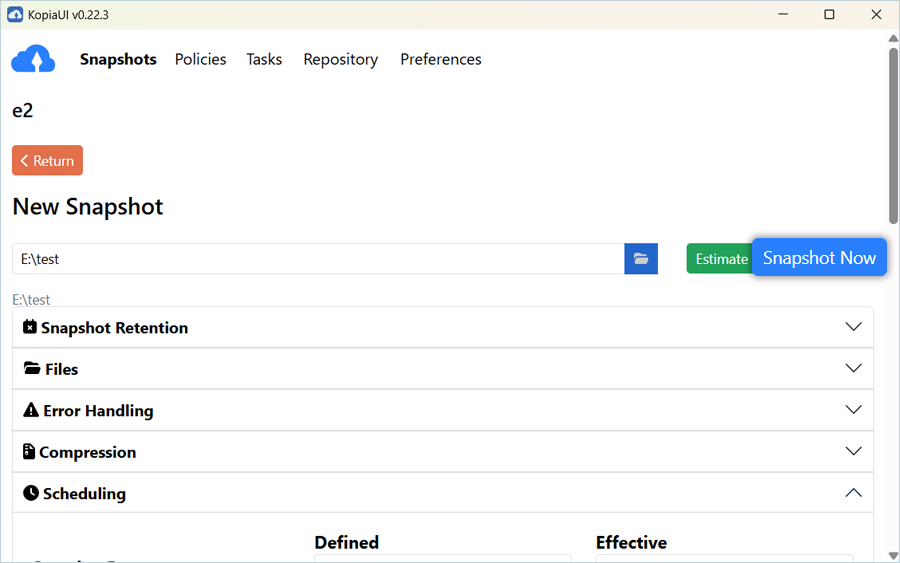
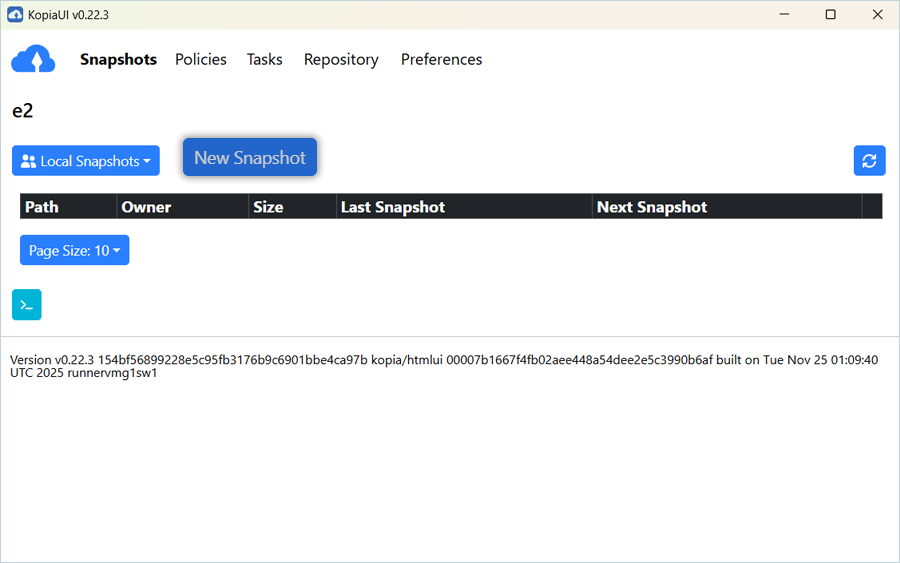
- In the Snapshots tab, click New Snapshot.
- Under New Snapshot, click
 to select the folder you want to back up.
- Click Snapshot Now.
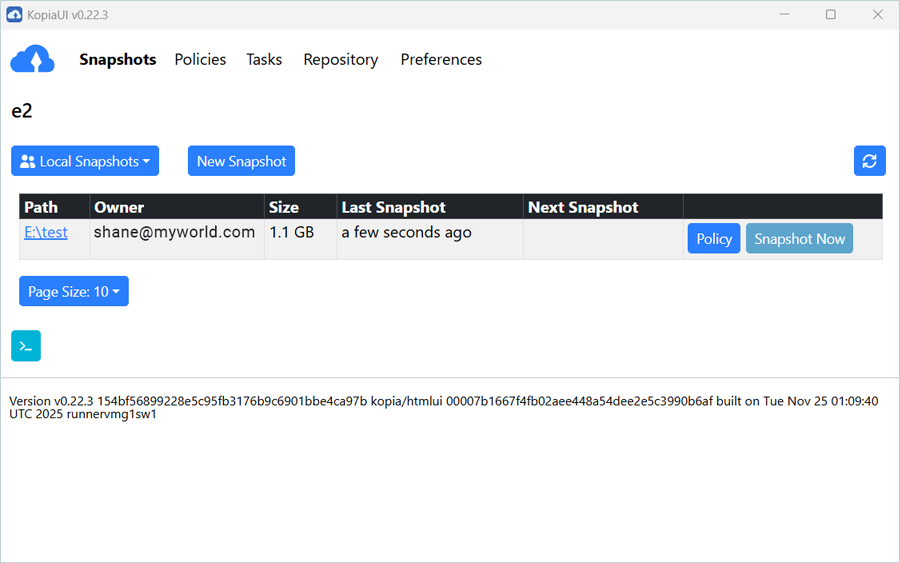
A snapshot of the selected folder is successfully created and backed up to the IDrive® e2 bucket.