Related Links
Integrate ForkLift with IDrive® e2
ForkLift is a macOS file manager and transfer client with a dual-pane interface that speeds local and remote file workflows. It supports FTP, SFTP, WebDAV, Amazon S3, Google Drive, file synchronization, batch renaming, quick previews, remote file editing, customizable themes, and terminal integration to boost productivity. Integrating ForkLift with IDrive® e2 pairs these capabilities with a capable and scalable cloud object storage solution that facilitates systematic integration, secure access, and reliable remote management.
Prerequisites
Before you begin, ensure the following:
- An active IDrive® e2 account. Sign up here if you do not have one.
- A bucket in IDrive® e2. See how to create a bucket.
- Valid Access Key ID and Secret Access Key. Learn how to create an access key.
- A valid ForkLift account.
Configure ForkLift with IDrive® e2
- Launch the ForkLift app.
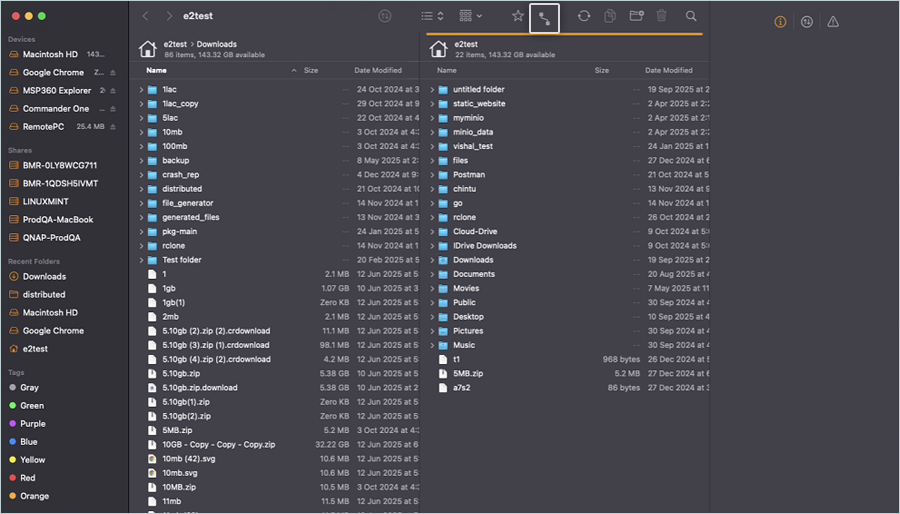
- Click the
 in the header.
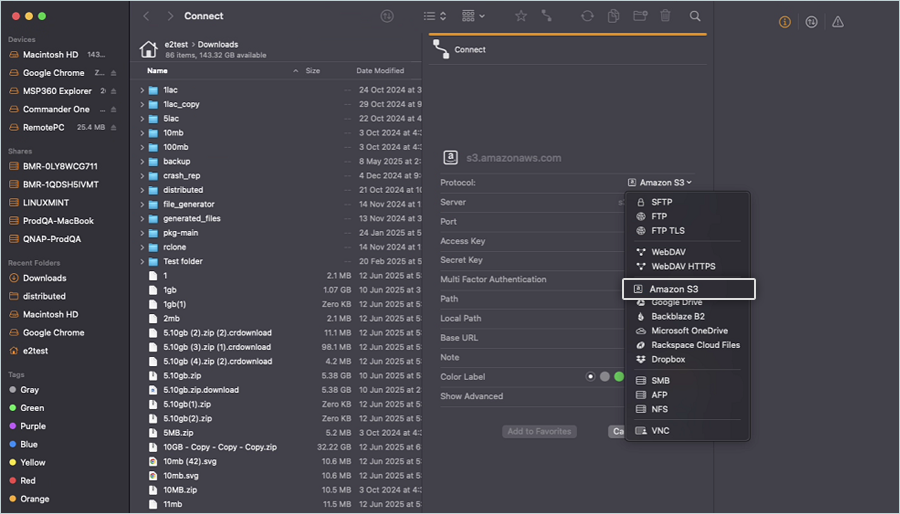
- In the Connect window, select Amazon S3 as the Protocol.
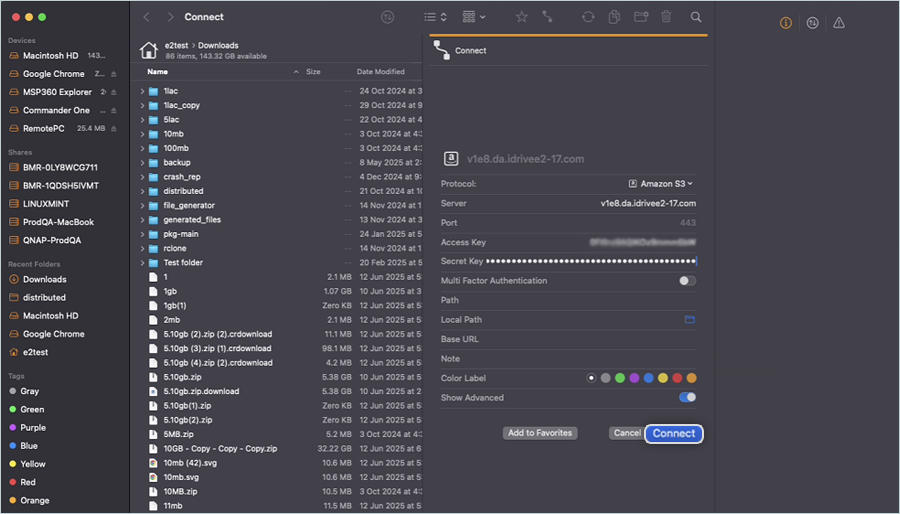
- Enter your IDrive® e2 credentials as mentioned below to add the Connector.
- Enter your IDrive® e2 S3 endpoint as Server.
- Port should be 443 by default.
- Enter your IDrive® e2 Access Key as Access Key.
- Enter your IDrive® e2 Secret Key as Secret Key.
- Click Connect.
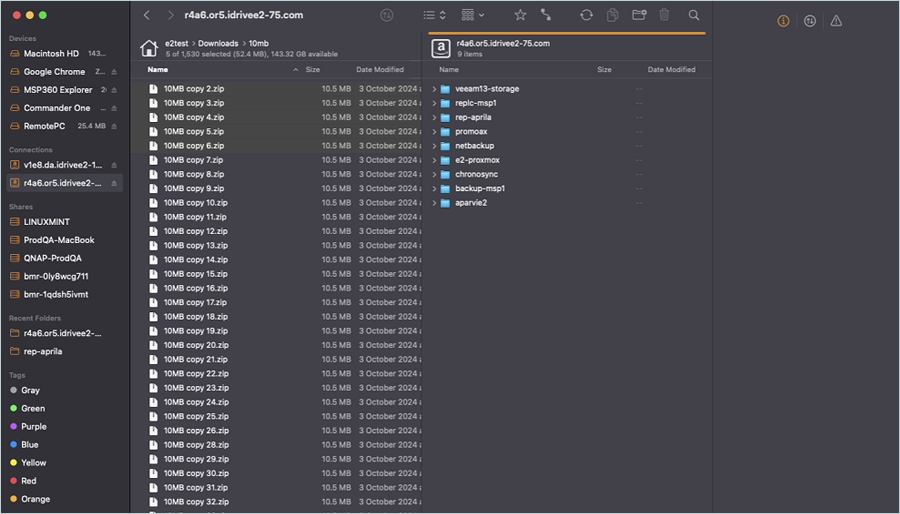
- Select the Source Folder/Files from the Left tab and select your IDrive® e2 Bucket from the Right tab.
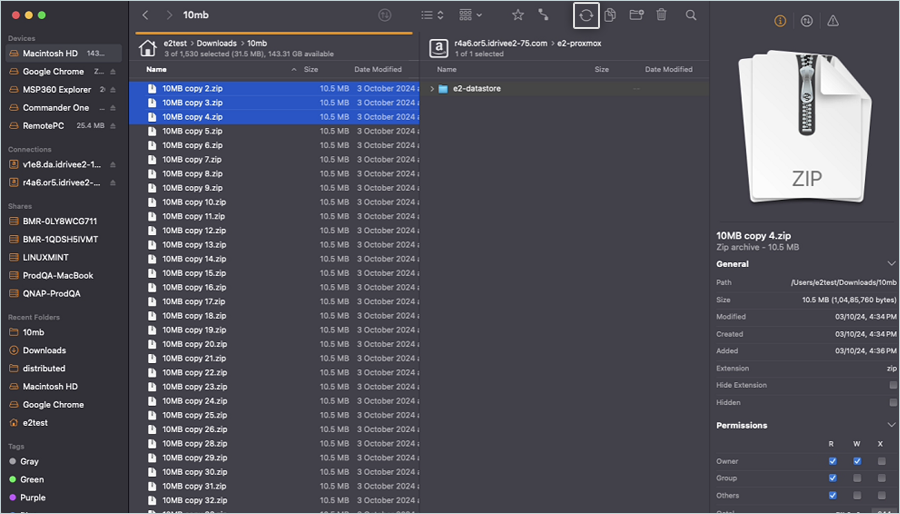
- Click the
 in the header.