How to restore Synology NAS with IDrive®
How to restore Synology NAS with IDrive®
Easily restore your Synology NAS data from IDrive® using Hyper Backup. The setup has been tested and validated with Synology DSM 7.1 for seamless integration.
Follow the steps in this guide to restore Synology NAS data from IDrive®
- Click
 .
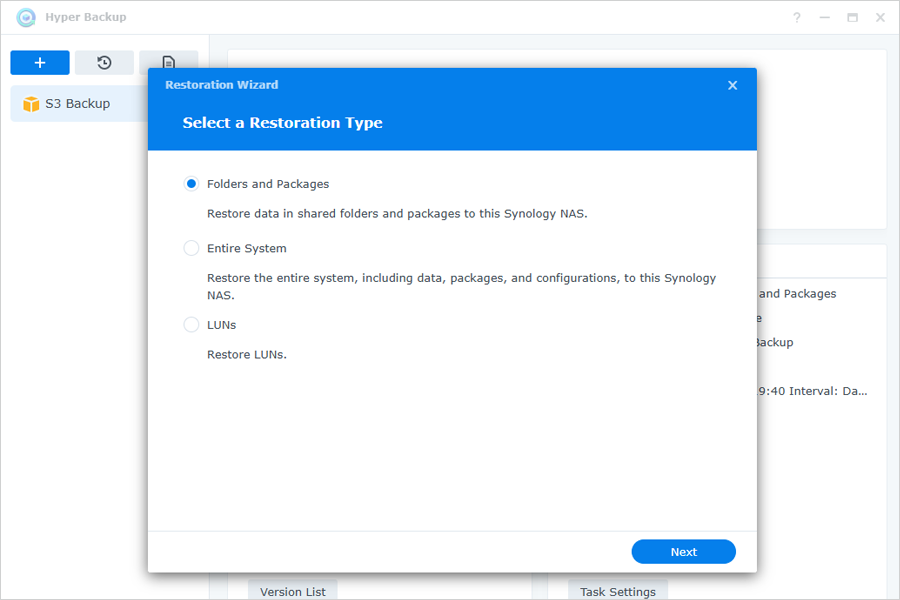
. - In the Restoration Wizard, select a Restoration Type, and click Next.
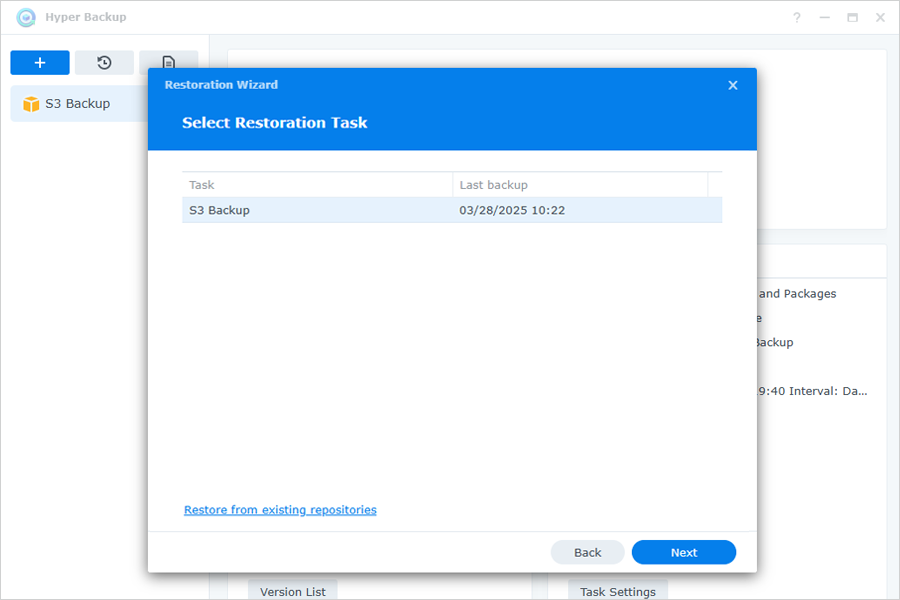
- Select the required one from the list of all associated backup jobs as the restoration task, and click Next.
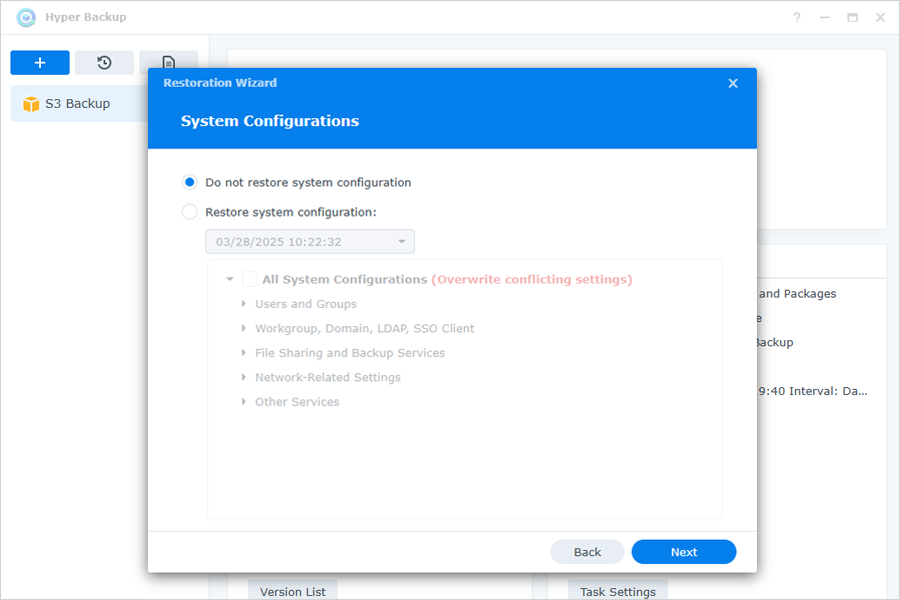
- Choose if you want to restore system configurations, and click Next.
- Verify the details in the summary, and click Done.
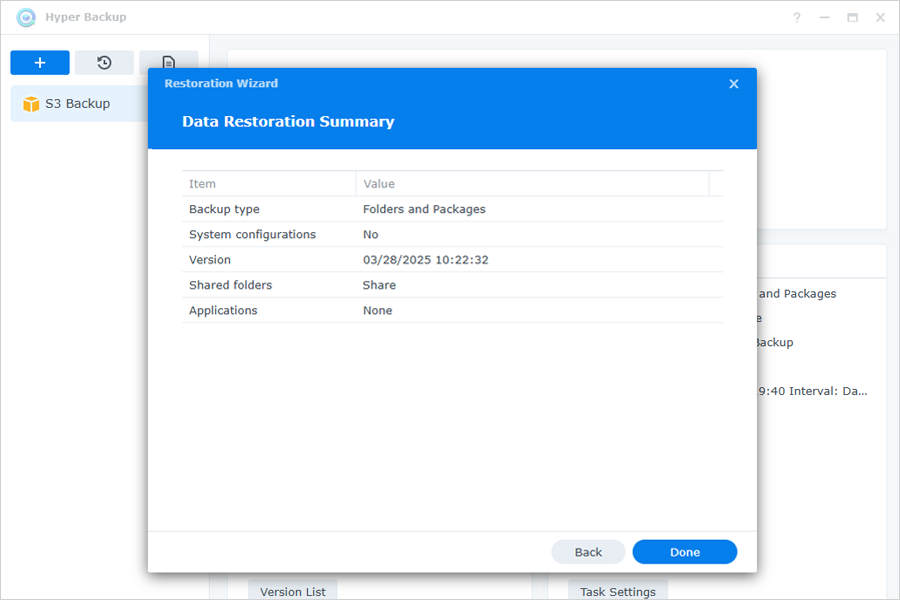
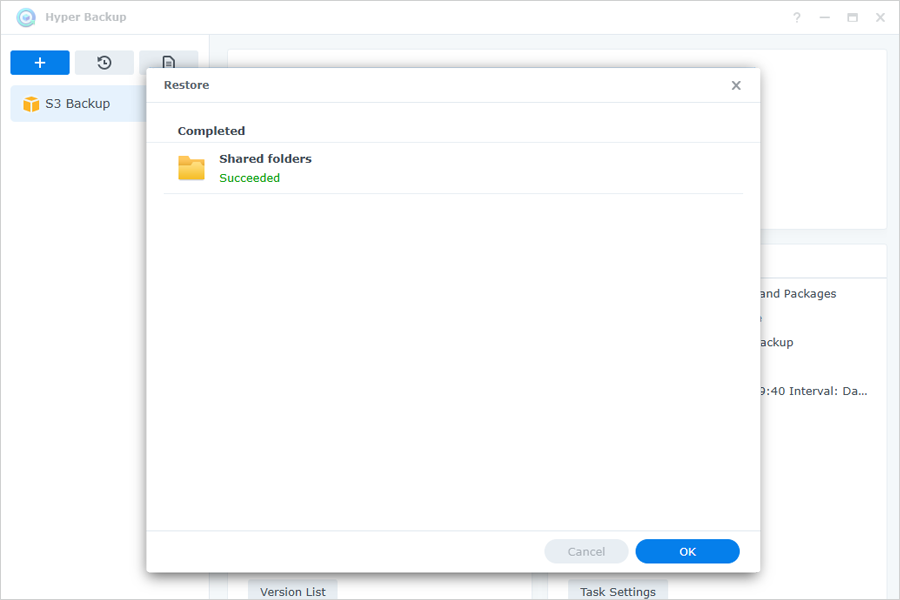
- Data will be restored to the original or specified location on the Synology NAS device.