QNAP Restore Instructions
How to Restore QNAP data from IDrive®
Easily restore your QNAP NAS data from IDrive® using HBS 3 - Hybrid Backup and Sync.
Follow the steps in this guide to restore QNAP NAS data from IDrive®
- Open the QNAP App Center and launch HBS 3 – Hybrid Backup Sync.
- Go to Backup & Restore.
- Click Create and select Restore job.
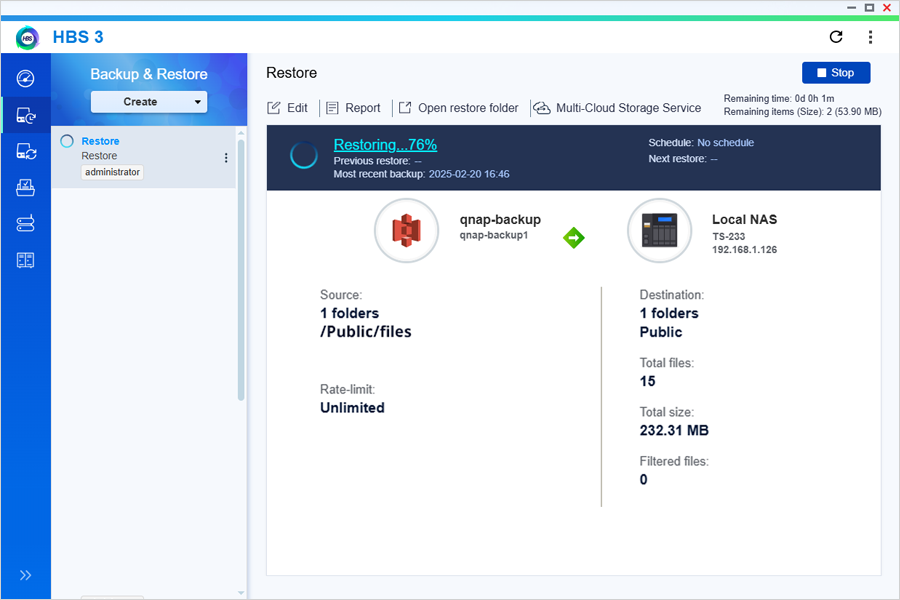
- Select Amazon S3 & S3 Compatible as the source storage space.
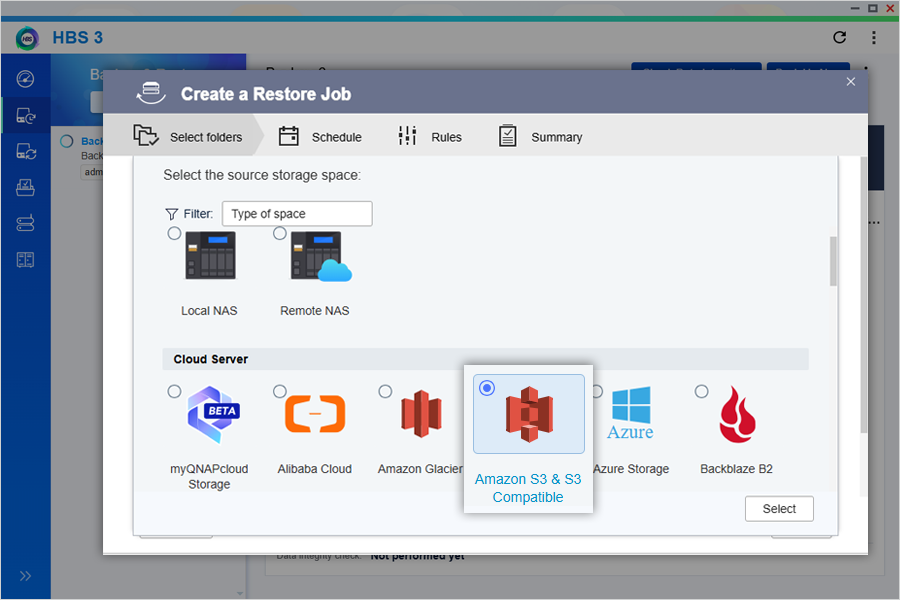
- Choose IDrive and click Select.
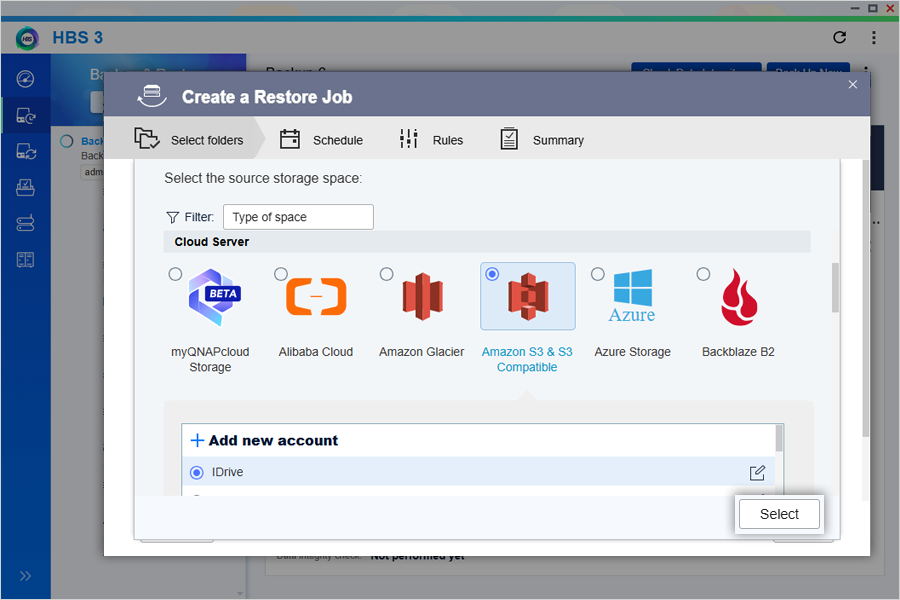
- Enter job name and description.
- Choose Source.
- Restore from Backup job: Restores data using an existing job, and automatically import related settings.
- Restore from Destination: Restores data from a specified destination
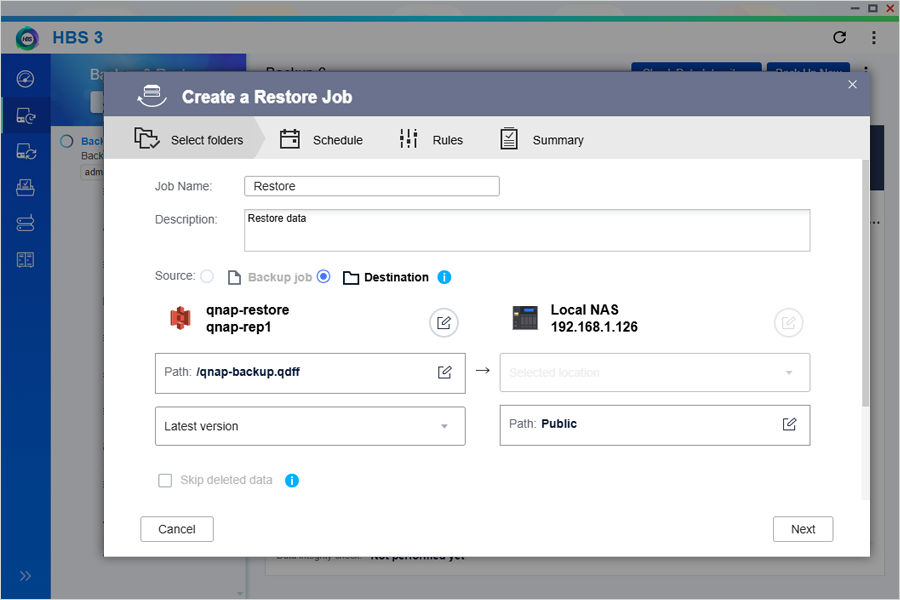
- Set up a schedule to automate restores if required or click Restore Now.
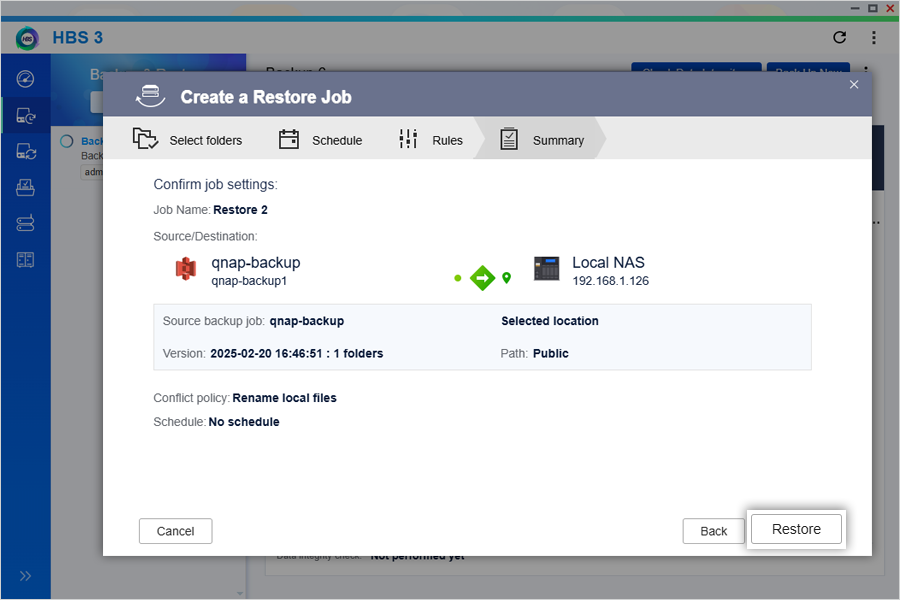
- Configure a job policy if required.
- Verify the details in the summary and click Create.
- Selected data will be restored from IDrive to your NAS device.