VMware Backup
VMware Backup
IDrive's VMware backup is an easy, secure and one of the most reliable solutions to backup virtual machines of any size with incremental backups.
To backup your VMware virtual machines,
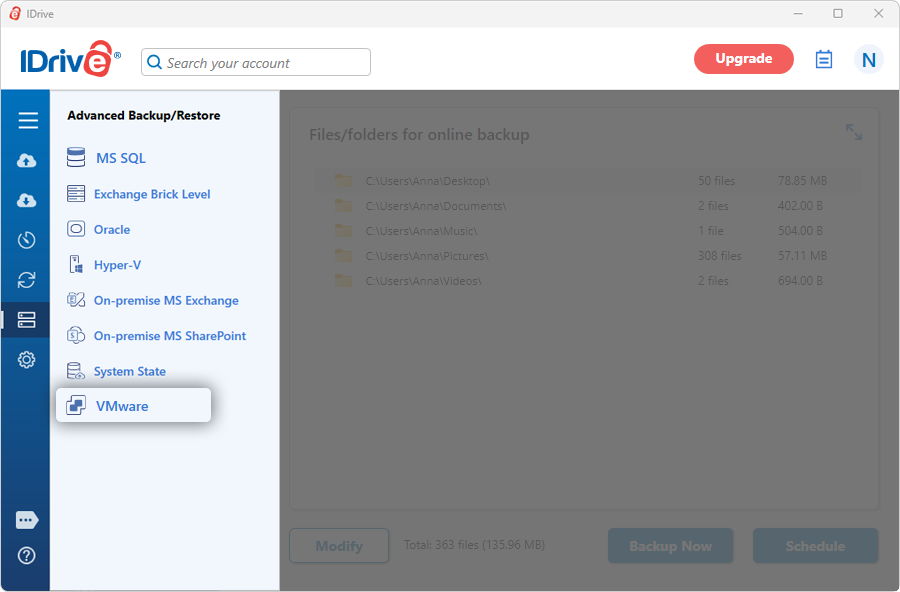
- Sign in to the IDrive application and click 'Server Backup'. A slider menu will appear.
- Click 'VMware'. The VMware login screen appears.
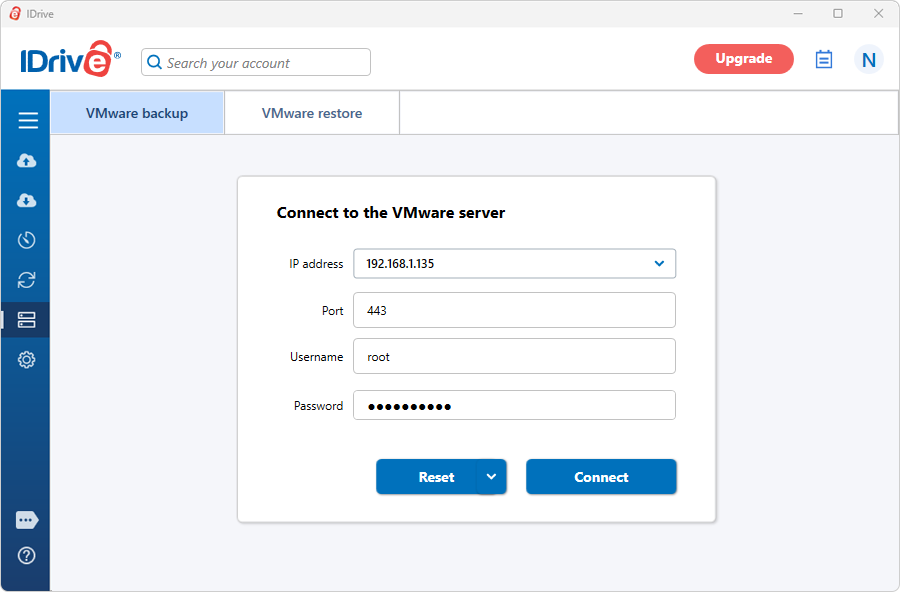
- Enter the ESXi/vCenter IP address, Port, Username, and Password, and click 'Connect'.
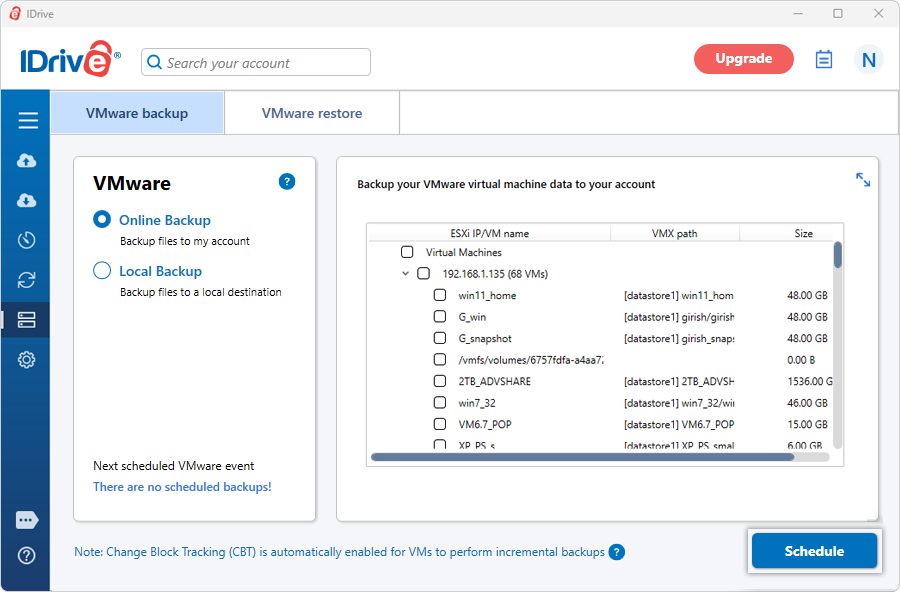
- Select 'Online Backup', or 'Local Backup'
Note: On selecting 'Online Backup', the data will be stored on the IDrive cloud whereas on selecting 'Local Backup' the data will be stored in the local drive.
- Select the virtual machine(s) from the list, which appears, and specify the temporary local backup path for local backup.
- Click 'Schedule'.
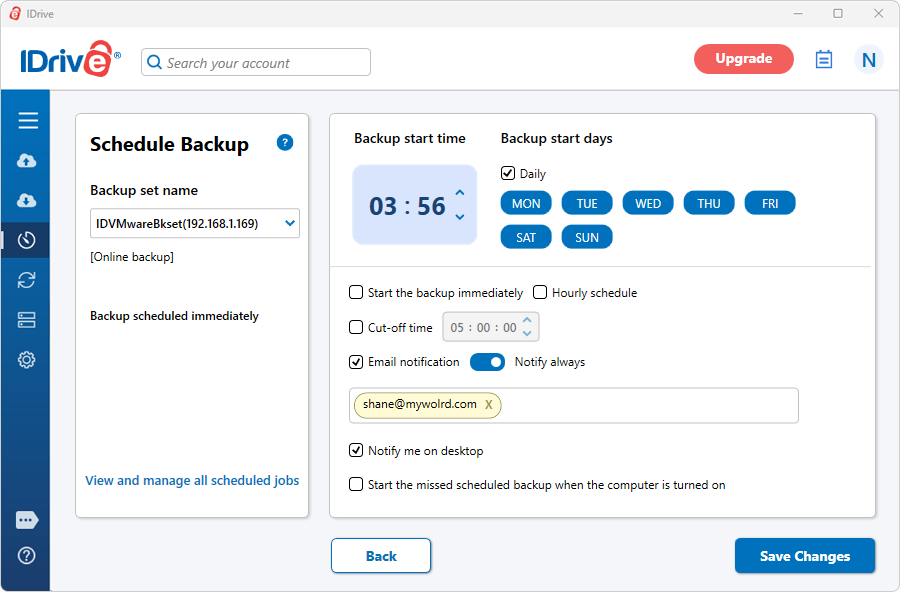
- The 'Scheduler' appears where you can either schedule the backup for any future day and time or perform an immediate backup of the selected virtual machines.
View steps to restore VMWare.
Protect your organization's data with secure online server backups
SIGN UP NOW!