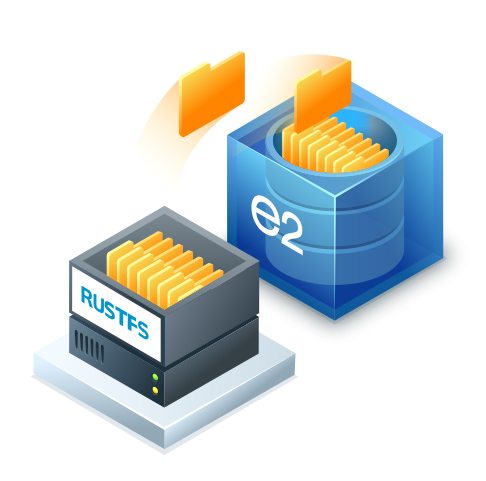
Extend On-Premises RustFS Deployments with Secure, Cost-Effective Cloud Tiering and Replication
Seamlessly integrate your high-performance, on-premises RustFS object storage with IDrive® e2 S3-compatible cloud storage. Protect critical enterprise data off-site or transparently transition inactive data to lower your total cost of ownership (TCO)—without disrupting existing application workflows.
Integration Methods:
Leverage IDrive® e2 through two primary architecture patterns: Native Bucket Replication for complete disaster recovery, or Automated Cloud Tiering for lifecycle-based capacity management.
Automatically transition older RustFS objects to the IDrive® e2 remote storage tier while continuing to access them through RustFS. Ideal for lifecycle-based data management.
Keep an independent copy of your RustFS objects in IDrive® e2 using native RustFS bucket replication. Ideal for off-site backup and disaster recovery.
Why Use IDrive® e2 with RustFS?
- Reduce local storage consumption by moving inactive data to IDrive® e2.
- Keep data accessible through RustFS after objects are moved to the remote tier.
- Maintain an off-site copy using RustFS bucket replication when backup or disaster recovery is required.
- Avoid data egress charges when retrieving data from IDrive® e2.
- No S3 API request charges, helping make cloud-based RustFS storage more predictable.
- Use S3-compatible storage with your existing RustFS environment.
Frequently asked questions about RustFS integration with IDrive® e2
What is the difference between RustFS cloud tiering and bucket replication?
Cloud tiering moves eligible inactive objects from local RustFS storage to an IDrive® e2 remote tier. RustFS retains the metadata required to manage and access the tiered objects. Bucket replication maintains a separate copy of replicated objects in IDrive® e2. This is useful when you need an independent off-site copy for backup and disaster recovery.
Can applications access objects after they are tiered to IDrive® e2?
Yes. Tiered objects should continue to be accessed and managed through the RustFS endpoint. Do not modify, move, or delete tiered objects directly in the IDrive® e2 bucket. Such changes can cause the RustFS metadata index to become inconsistent with the remote data.
When should I use RustFS cloud tiering instead of bucket replication?
Use cloud tiering when your primary goal is to reduce local storage consumption by moving inactive data to IDrive® e2 while continuing to manage that data through RustFS.
Use bucket replication when your primary goal is to maintain a separate copy of your data in IDrive® e2 for off-site backup or disaster recovery.
You can also use both approaches when your environment requires cloud capacity management as well as an independent copy of selected data.
How do I rotate IDrive® e2 access keys used for RustFS cloud tiering?
Create replacement access keys in the IDrive® e2 console and update the tier configuration using the RustFS CLI:
rc bucket lifecycle tier edit
Verify that the new credentials can successfully access the IDrive® e2 tier before revoking the original credentials.