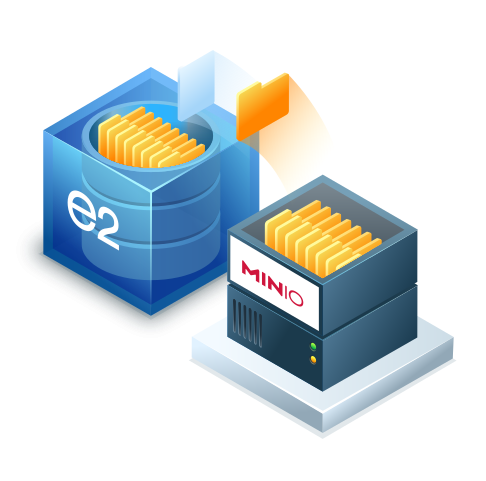
MinIO Backup & Cloud Sync to IDrive® e2
Protect your on-premises MinIO data with secure, scalable, S3-compatible cloud storage from IDrive® e2. Use native S3 tools or the MinIO Client (mc) to copy, mirror, and synchronize MinIO buckets to IDrive® e2 for reliable off-site backup, disaster recovery, and cloud migration.
Configure MinIO BackupWhy Connect MinIO with IDrive® e2?
MinIO delivers high-performance S3-compatible object storage for on-premises environments, edge infrastructure, and private clouds. IDrive® e2 extends that storage architecture with an off-site cloud destination for backup, replication, and disaster recovery.
Key Capabilities:
Off-site Backup
Periodically copy new and modified MinIO objects to e2 while retaining previously backed-up objects.
Cloud Sync
Keep selected local MinIO buckets fully synchronized with IDrive® e2 in near real-time.
Migration & DR
Move data from an on-premises MinIO deployment to e2 or restore it when the primary environment is unavailable.
Frequently asked questions about MinIO and IDrive® e2 integration
How do I back up MinIO to IDrive® e2?
To back up MinIO to IDrive® e2, use the MinIO Client (mc). Set up an alias for your IDrive® e2 endpoint with your e2 access credentials, then run mc mirror or mc cp to transfer data from your local MinIO bucket to your IDrive® e2 destination bucket.
Is IDrive® e2 fully compatible with MinIO?
Yes. IDrive® e2 provides 100% S3-compatible API endpoints. Because MinIO communicates using standard S3 protocol specifications, tools like mc (MinIO Client), MinIO Console, and SDKs connect to IDrive® e2 seamlessly without requiring code modifications.
Does IDrive® e2 charge egress or API fees for MinIO replication?
No. IDrive® e2 charges zero egress fees and no fee for standard API requests. This makes continuous replication, disaster recovery testing, and large-scale MinIO data restores cost-effective compared to traditional cloud providers.
Can I enforce immutability (WORM) on MinIO backups in IDrive® e2?
Yes. IDrive® e2 supports S3 Object Lock. You can configure bucket immutability to prevent backed-up MinIO objects from being altered, overwritten, or deleted by ransomware or accidental operational errors for a specified retention period.