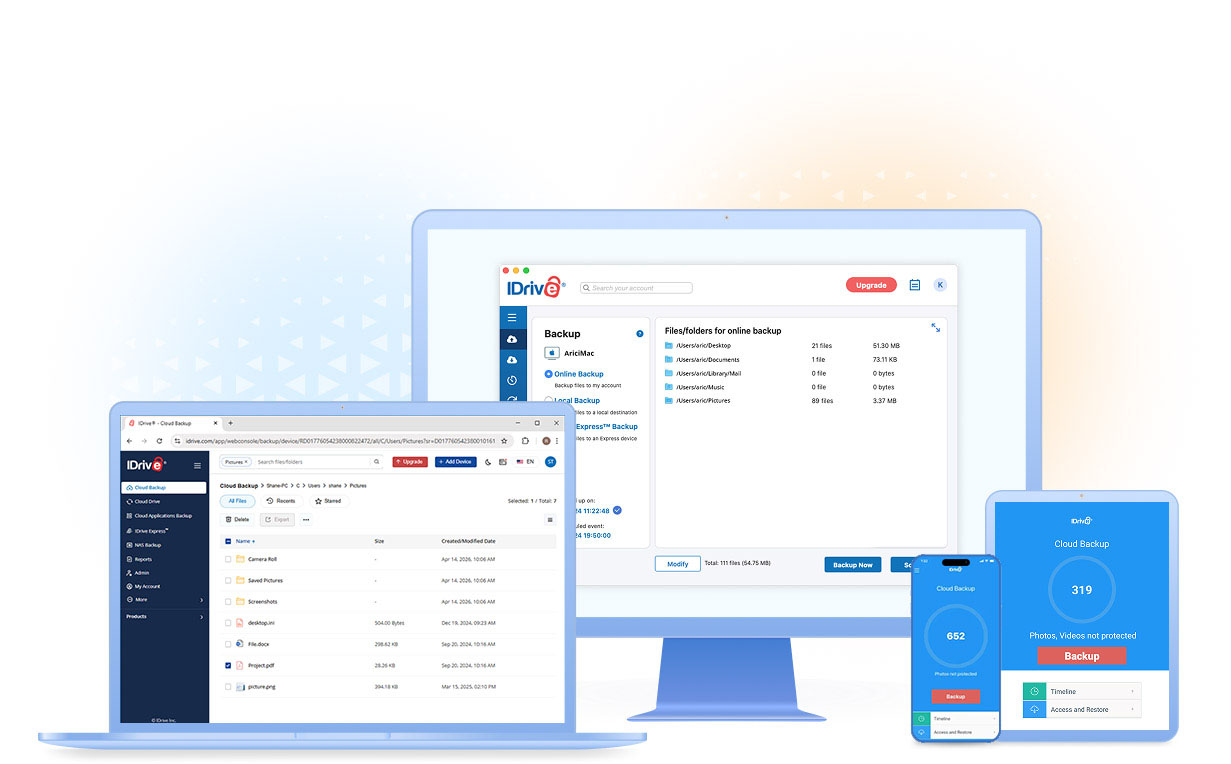

Protect Every Device You Own with One IDrive® Account
Most households today use at least 5 devices—computers, smartphones, and tablets—each storing critical files, photos, and work data. With IDrive, you can back up and protect all your devices under a single, secure cloud account.
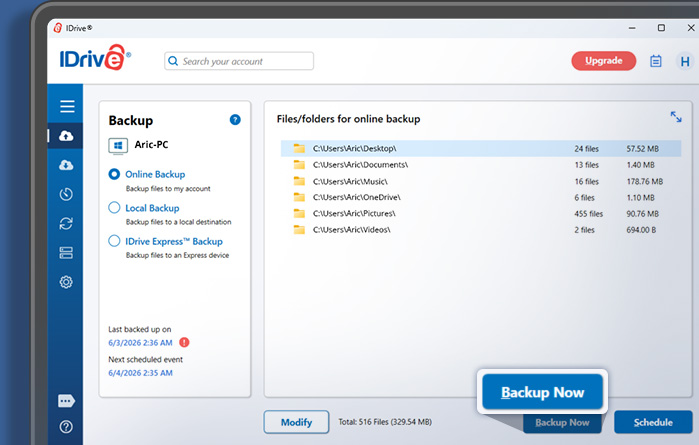
Backup multiple computers
Install IDrive on any number of Windows, Mac, or Linux computers, then log in with the same account. Each device gets its own unique folder in your account to prevent data overlap.
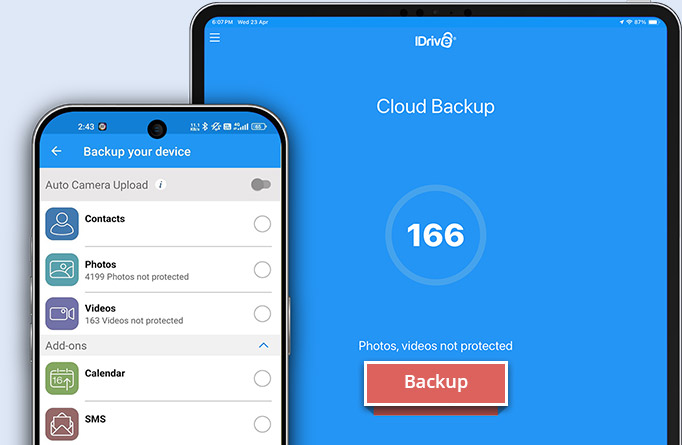
Backup for iOS and Android
Download the free IDrive app from the App Store or Google Play to back up your contacts, photos, videos, calendar events, and more—straight from your iPhone, iPad, or Android device.
Access Your Files Anytime
Your files are always within reach. Access, share, and manage your backed-up data from any web browser, computer, or mobile device.
Fast and Easy Restores
Recover important files whenever you need them. Simply sign in to your IDrive account from the web, desktop, or mobile app to restore.
Reliable and Versatile Backups
IDrive supports backups of open or locked files like Outlook (.pst), QuickBooks, and Excel, plus data from mapped, network, and external drives.
Smart, Automated Protection
Schedule automatic backups for critical data. Changes in your files are detected automatically and updated in real time.
Keep Your Files in Sync
Enable sync to keep your files updated across all linked devices. Edit a file on one device, and see the change on all devices.
Remote Management
From any web browser, you can manage backups, set schedules, and monitor logs for all your connected computers.
Enterprise-Grade Security
Your data is protected with 256-bit AES encryption during transfer and storage. For added privacy, create a private encryption key that only you know.
Yes. IDrive lets you back up multiple Windows PCs, Macs, and Linux computers under a single account. Each device is stored in its own dedicated folder, making it easy to organize and manage backups.
Yes. The IDrive mobile app allows you to back up contacts, photos, videos, calendar events, and other important data from your iPhone, iPad, or Android device.
Absolutely. You can access, manage, download, and share your backed-up files from any web browser, desktop application, or mobile device with your IDrive account.
Yes. You can restore files and folders from your IDrive account to any supported computer or mobile device by signing in to your account.
IDrive uses 256-bit AES encryption to protect your data during transfer and storage. You can also choose a private encryption key for an additional layer of security.
Yes. IDrive offers automated backups and detects file changes automatically. Updated files are backed up based on your configured backup schedule, helping keep your data protected.