Getting started
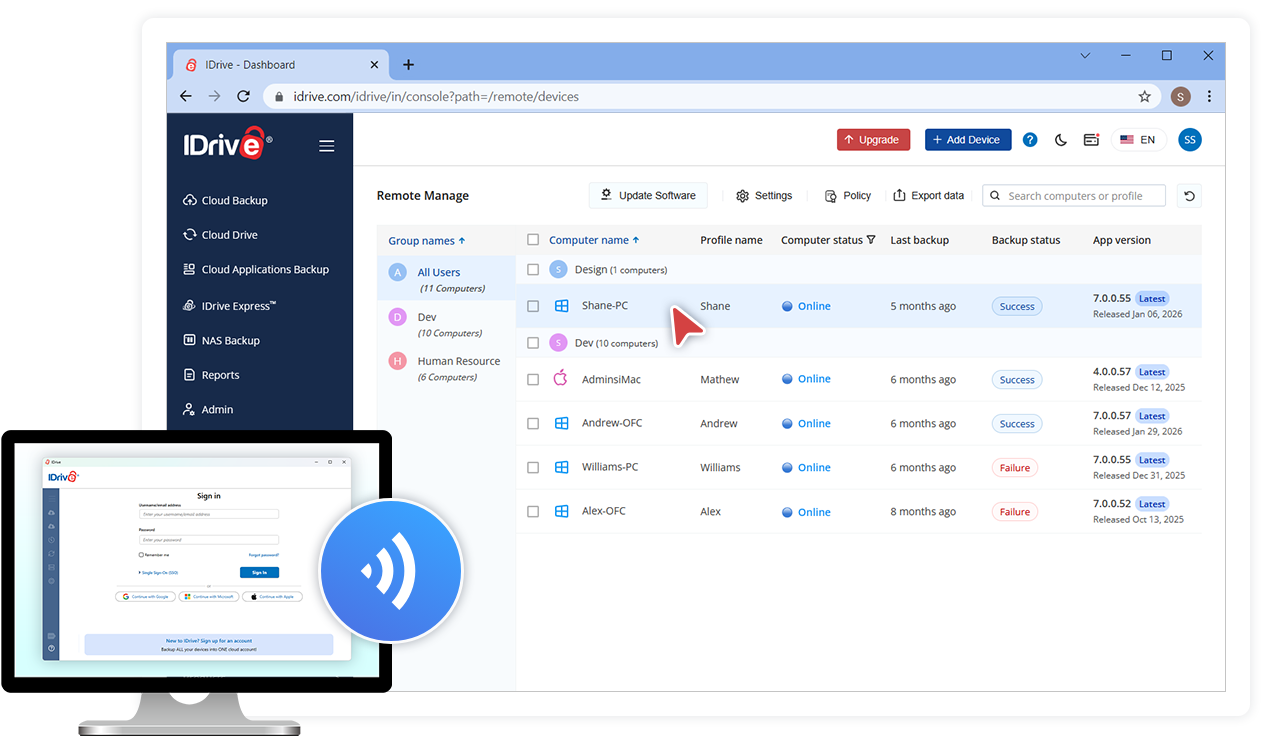
Deploy the thin client application and perform backup or restore, manage settings, for your computers via the web.
Set up IDrive Thin Client
The thin client application requires minimum configuration on your PC or Mac. Just download, install and sign in to your account.
Centralized Backup Management
Once the thin client is set up on your computers, you can perform the following operations via the web console:
- Perform immediate backups or schedule backup jobs, restore data and more.
- Modify your backup sets or settings and push the changes across all devices.
- Remotely upgrade to the latest version of IDrive on any computer.
- Create policies with required settings and push them.
- Monitor and keep track of the status of your backup activities.
Deploy IDrive using Group Policy
Remotely install the IDrive application from Windows Server, to multiple computers, by using Microsoft Active Directory Group Policy.
-
01
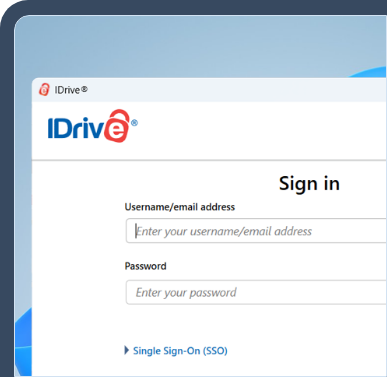
Setup and sign in
Download and install the IDrive Thin Client application on your Windows or Mac machine and manage backups by via web.
-
02
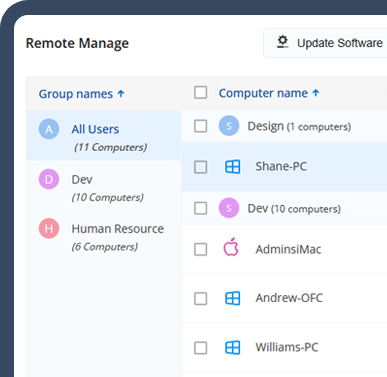
Computer list
All computers connected to your IDrive account appear in the Remote Manage tab in the web interface.
-
03
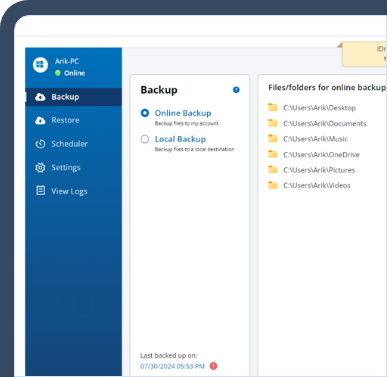
Backup and restore
Backup data on your computer to IDrive via the web. Restore individual file or use Snapshots for point-in-time recovery.
-
04
Settings
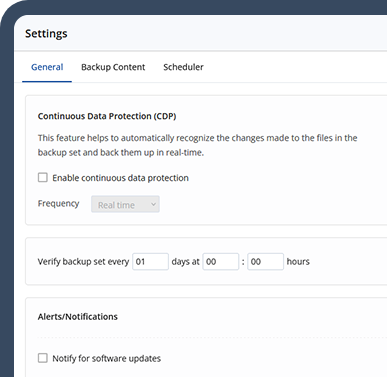
You can configure your IDrive settings and push changes to all the connected computers from the Settings tab.
The IDrive Thin Client Application is a lightweight backup management tool that lets administrators remotely manage backup and restore operations for multiple computers from a centralized web console.
Yes. The IDrive Thin Client allows administrators to remotely monitor backup activities, start or stop backup jobs, manage settings, and restore files from the IDrive web console without accessing each device individually.
Yes. IDrive uses industry-standard security measures, including secure data transmission and AES 256-bit encryption, to help protect backed-up data. Organizations can securely manage endpoint backups while maintaining data privacy and compliance requirements.
IDrive Thin Client helps organizations streamline backup administration, reduce IT workload, and improve data protection across distributed devices. With centralized management, remote backup control, and scalable deployment capabilities, it is an efficient solution for businesses of all sizes.