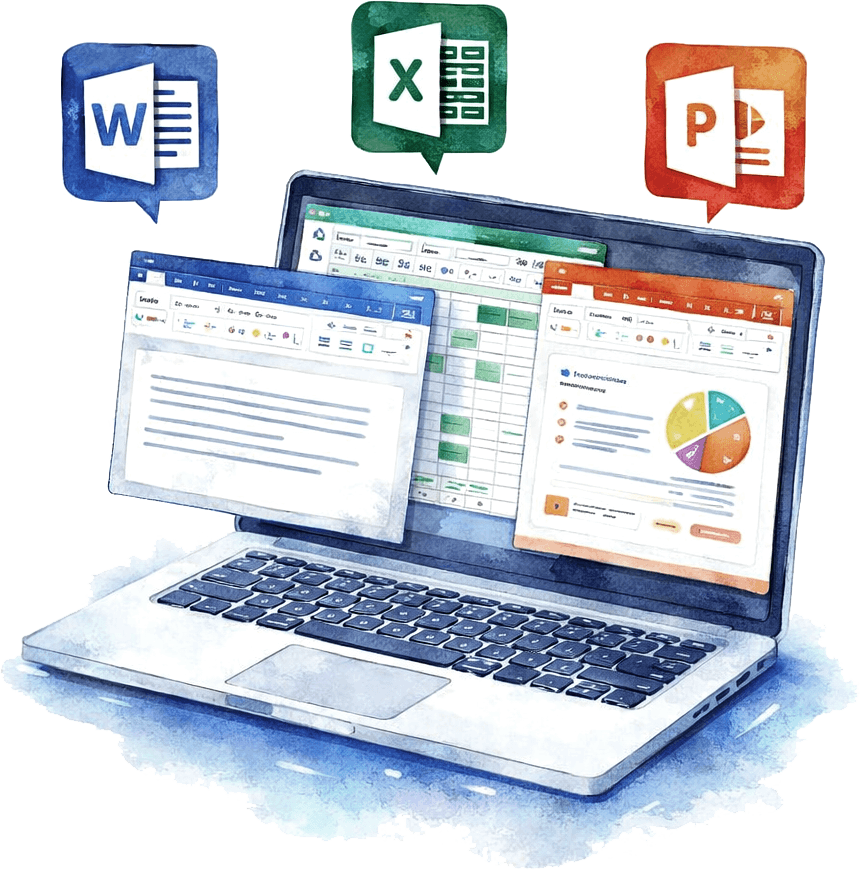
Online Editing and Collaboration with MS Office Files
Work smarter with IDrive® for Office. Create, edit, preview, and collaborate on Word, Excel, PowerPoint, and PDF files stored in your Cloud Drive. No need to switch apps—everything happens right in your browser. All edits are auto-saved, and your data is always protected with secure, encrypted storage.
Preview Documents
Quickly open and view Word, Excel, PowerPoint, and PDF files stored in Cloud Drive in your web browser.
Create and Edit Files
Create new Office files directly in Cloud Drive or edit existing files; all changes are automatically saved back to Cloud Drive.
Share and Collaborate
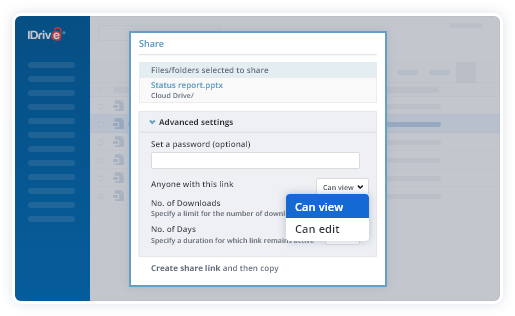
Share files from Cloud Drive with view or edit permissions, and collaborate on Word, Excel, and PowerPoint files in real time.
Open MS Office files in your Cloud Drive.
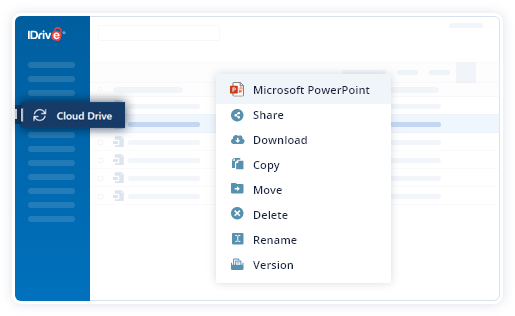
Make edits directly in your browser—everything is saved automatically.

Share files for collaboration with view or edit permissions.
Cloud Backup vs. Cloud Drive: IDrive® for Office
Cloud Backup
IDrive Cloud Backup is designed for secure file preservation. Users can preview Word, Excel, PowerPoint, and PDF files, but editing is disabled to ensure the integrity and safety of backed-up data.
Cloud Drive
It is built for collaboration. Edit Office files online without switching apps. Changes are saved automatically, and data remains secure with encrypted storage, making it an ideal solution for dynamic workflows.
IDrive for Office is a cloud-based productivity feature that lets you create, edit, preview, and collaborate on Microsoft Word, Excel, and PowerPoint files stored in your Cloud Drive. You can work directly from your web browser without installing additional software.
Yes. IDrive for Office allows you to create and edit supported Microsoft Office files, including Word documents, Excel spreadsheets, and PowerPoint presentations, directly within Cloud Drive. Changes are automatically saved and synced.
Yes. As long as you have an internet connection, you can access your Cloud Drive, edit Office documents online, and collaborate with team members from virtually anywhere.
No. You can edit supported Office documents online through your web browser without installing Microsoft Office on your computer.
IDrive for Office supports files up to 200 MB for online editing and collaboration.
- Note:
- This feature supports file formats including .docx, .xlsx, and .pptx.
- You can upload, open, and view the PDF files directly to and from your Cloud Drive Storage. However, you cannot edit the PDF files stored in your Cloud Drive.
- Edits are automatically saved and synced back to Cloud Drive.
- The maximum file size supported is 200 MB.
- Collaborators will access the files anonymously, with no user-specific information tracked.
- Some features may differ between Microsoft Office’s online platform and the locally installed Microsoft Office software.