Round-the-clock Google Workspace data backup and recovery
From priority contacts to critical meeting schedules, your Google Workspace data is vast and varied. However, Google Workspace data without adequate backup is vulnerable to loss even due to a single event of failure. Your Gmail, Drive, or Google Classroom data can be accidentally deleted, Google files lost with deprovisioned licenses, or a ransomware attack can put your entire data archive at risk.
Smart data protection across Google Workspace Apps
-
Safeguard against accidental deletion
Preserve your Gmail, Google Drive, Google Shared Drives, Contacts, Calendar, and Google Classroom data with 3 automated backups a day.
-
Protection against ransomware
Save your organization’s data against ransomware with incremental backup, point-in-time version restore, and granular recovery.
-
Intuitive data retention
Automatic snapshot schedules ensure safe retention of multiple versions of the backed up data for a seamless data lifecycle.
-
SaaS data at your fingertips
Get comprehensive control over your cloud-based data backup: migrate, export, download, and perform cross-user restores with ease.
-
Three-layered data protection
Automated backup 3x times a day, AES 256-bit encrypted transfer and storage, and data controls that comply with industry standards.
-
Backup multiple domains
Configure multiple domains from your Google Workspace account. Invite users with admin privileges to manage backup and recovery for one or multiple configured domains.
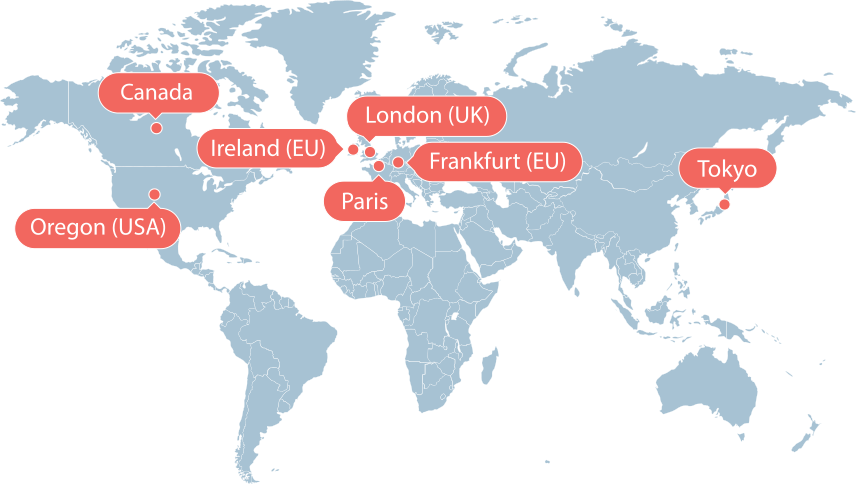
Store your Google Workspace backups in a region closer to you for faster access.
Keep Gmail, Drive, Calendar, and Contacts safe for you and your family with up to 3 daily backups and quick snapshot recovery
Preserve announcement, classwork, people, grade, and drive files with reliable daily backups and point-in-time restore
Getting started
-
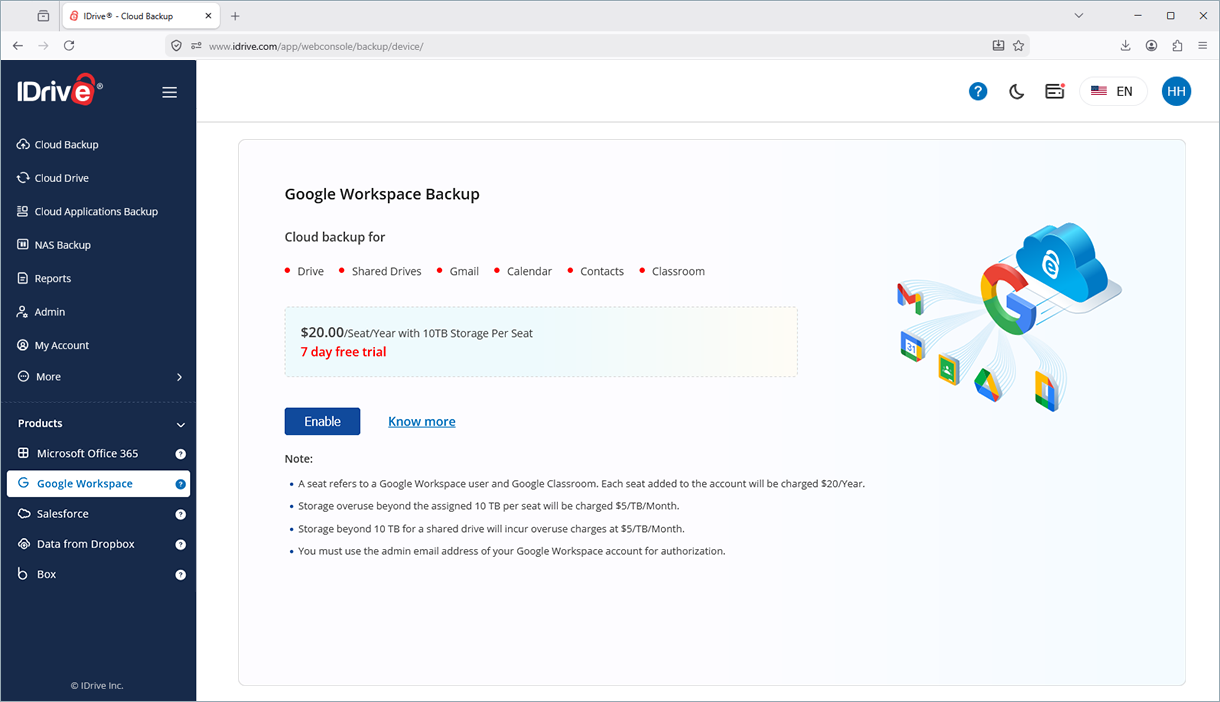
Go to Google Workspace
Enable backup for all the Google Workspace users
-
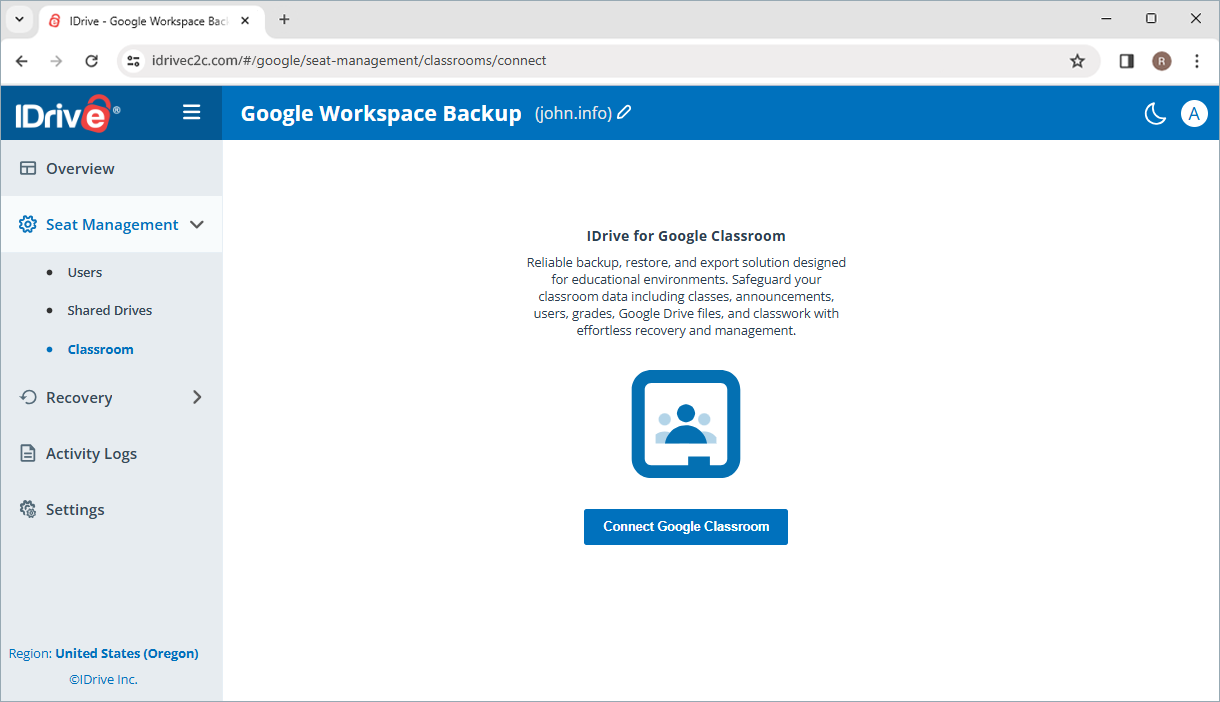
Google Classroom protection
Backup your Google Classroom account and its data
-
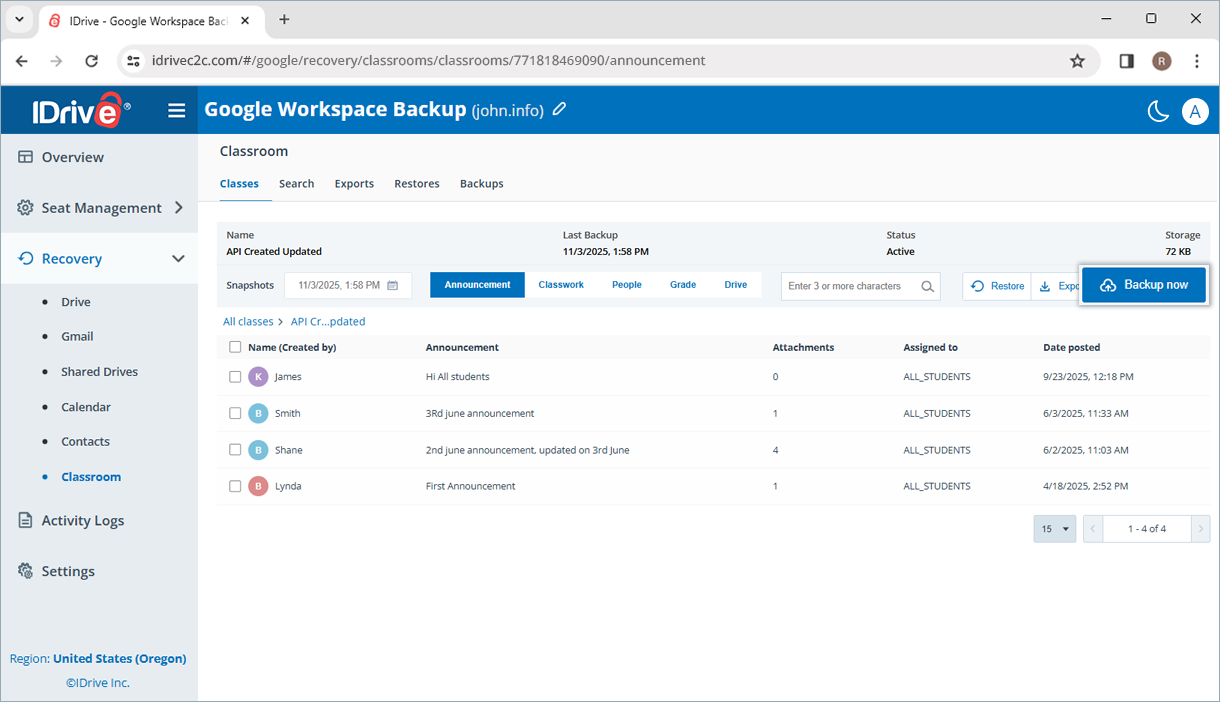
Monitor backup
Your Gmail, Google Drive, Shared Drives, Calendar, Contacts, and Classroom data will be backed up automatically
-
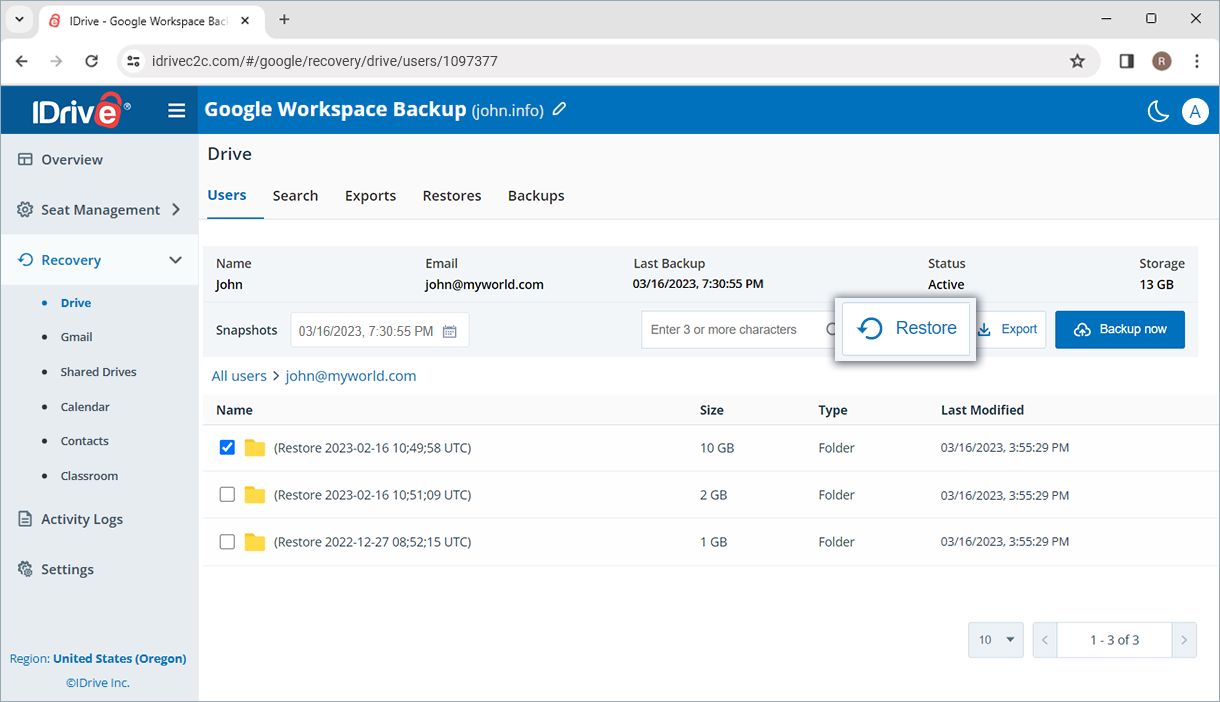
Granular restore
Restore individual or entire Google Drive, shared drives, Gmail, contacts, calendars, and classrooms.
-
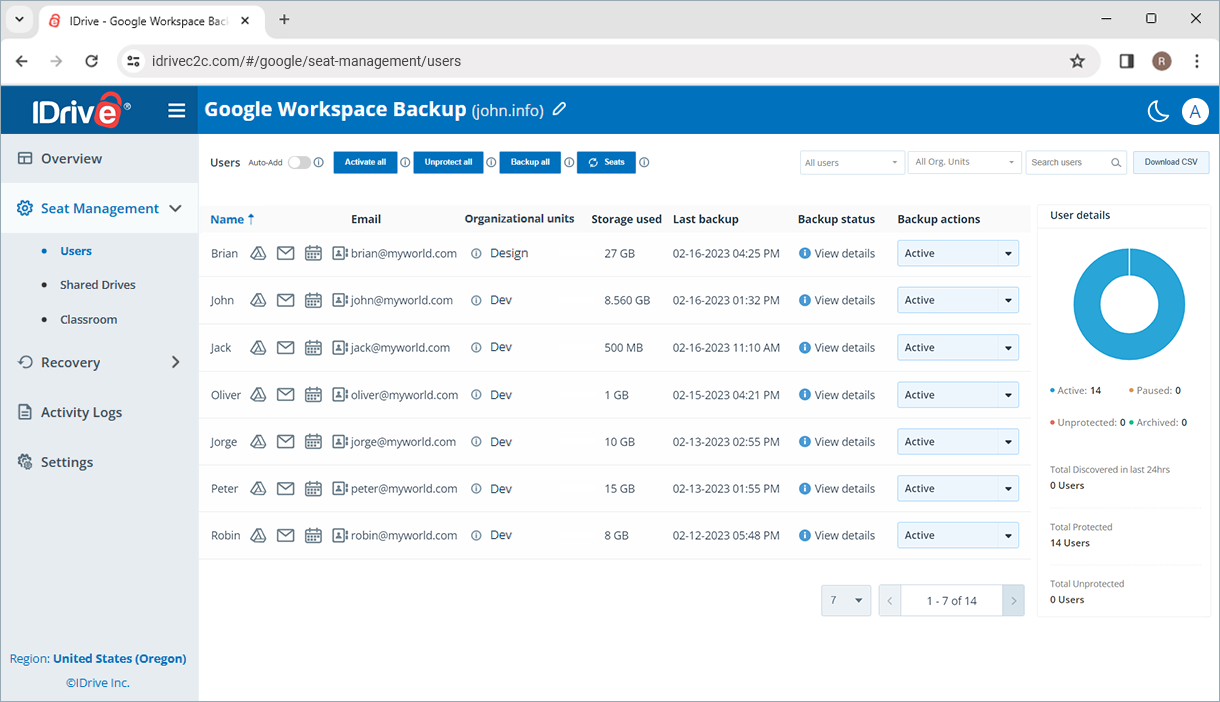
Centralized management
Manage users, monitor backups, perform restores, and configure data retention via web console
* You need to add your Google Workspace account to the IDrive for backup. Know more
Available at $20/Seat/Year with 10 TB storage per seat. Additional storage available at $5/TB/Month per seat.
Monthly plans available at $2/Seat
Google Workspace provides data availability and basic retention features, but a dedicated backup solution adds protection against accidental deletion, ransomware, malicious activity, and long-term retention needs. Google Workspace backup ensures your business data remains recoverable when unexpected data loss occurs.
IDrive Google Workspace Backup protects data from Gmail, Google Drive, Shared Drives, Contacts, and Calendar, helping businesses secure critical emails, files, and collaboration data in a single backup solution.
Yes. IDrive supports granular recovery, allowing you to restore specific Gmail messages, Google Drive files, folders, contacts, and calendar events without restoring the entire account.
Yes. Independent cloud backups provide an additional layer of defense against ransomware, accidental file modifications, and data corruption. Clean backup copies can be restored quickly to minimize business disruption.
Yes. IDrive enables administrators to protect and manage multiple Google Workspace users from a centralized dashboard, simplifying backup management for organizations of all sizes.
Disclosure: IDrive® Google Workspace Backup App's use and transfer of information received from Google APIs to any other app will adhere to Google API Services User Data Policy, including the Limited Use requirements.
Learn more about our privacy policy >Note:
- A seat refers to a Google Workspace user and Google Classroom. Each seat added to the account will be charged $20/Year.
- Storage beyond the assigned 10 TB per seat will be charged $5/TB/Month.
- Storage beyond 10 TB for a shared drive will incur overuse charges at $5/TB/Month.
- Any third-party logo used on this site is the property of its respective provider or its licensor.
- Dropbox is a registered trademark of Dropbox, Inc. IDrive is a third-party service and is not affiliated with, sponsored by, or endorsed by Dropbox.