Windows
If your question is not addressed below, please contact us through our support form and we'll get back to you shortly. |
|||||||||||||||||||||||||||||||||||||||||||||||||||||||||||||||||||||||||||||||||||||||||||||||||||||||||||||||||||||||||||||||||||||||||||||||||||||
Backup |
|||||||||||||||||||||||||||||||||||||||||||||||||||||||||||||||||||||||||||||||||||||||||||||||||||||||||||||||||||||||||||||||||||||||||||||||||||||
Restore |
|||||||||||||||||||||||||||||||||||||||||||||||||||||||||||||||||||||||||||||||||||||||||||||||||||||||||||||||||||||||||||||||||||||||||||||||||||||
|
|||||||||||||||||||||||||||||||||||||||||||||||||||||||||||||||||||||||||||||||||||||||||||||||||||||||||||||||||||||||||||||||||||||||||||||||||||||
|
|||||||||||||||||||||||||||||||||||||||||||||||||||||||||||||||||||||||||||||||||||||||||||||||||||||||||||||||||||||||||||||||||||||||||||||||||||||
General |
|||||||||||||||||||||||||||||||||||||||||||||||||||||||||||||||||||||||||||||||||||||||||||||||||||||||||||||||||||||||||||||||||||||||||||||||||||||
|
|||||||||||||||||||||||||||||||||||||||||||||||||||||||||||||||||||||||||||||||||||||||||||||||||||||||||||||||||||||||||||||||||||||||||||||||||||||
|
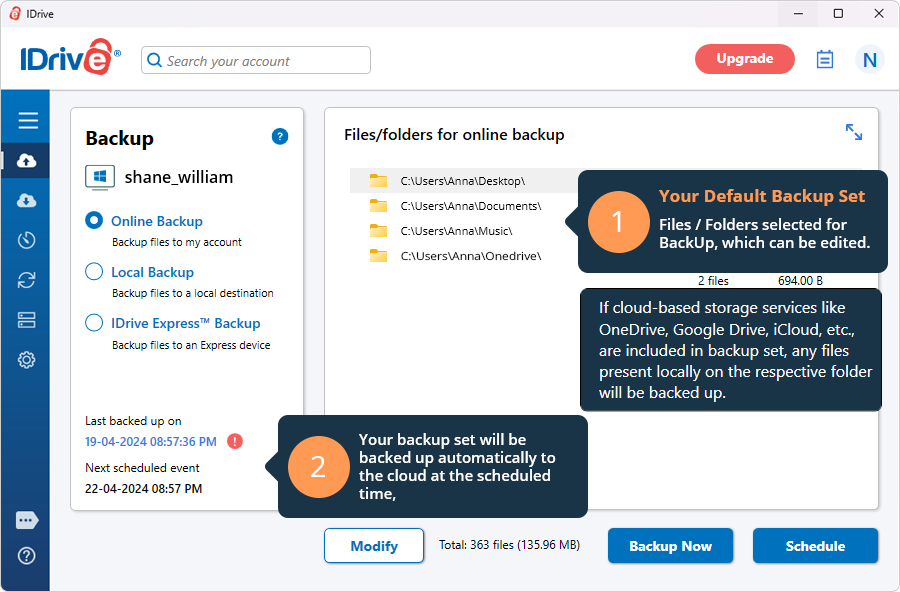
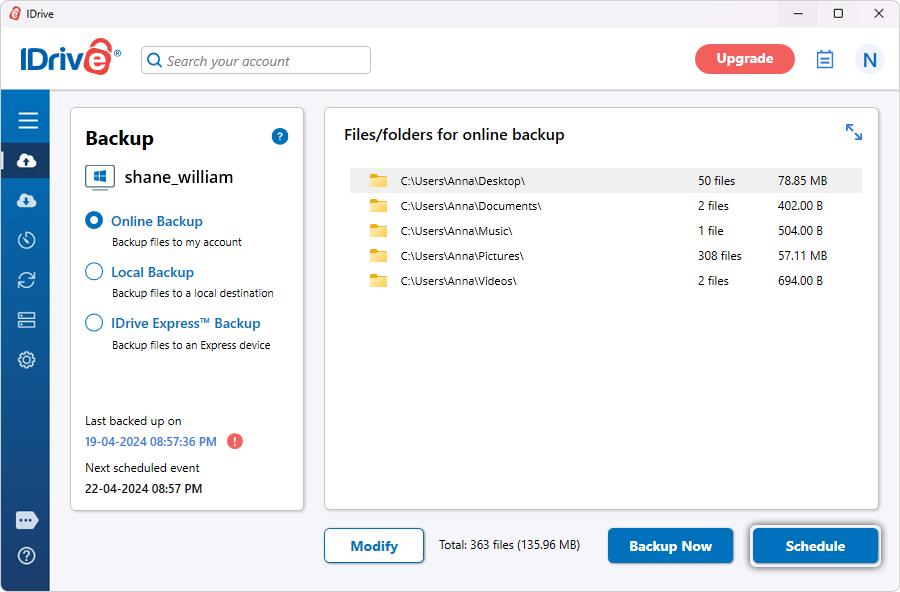
 .
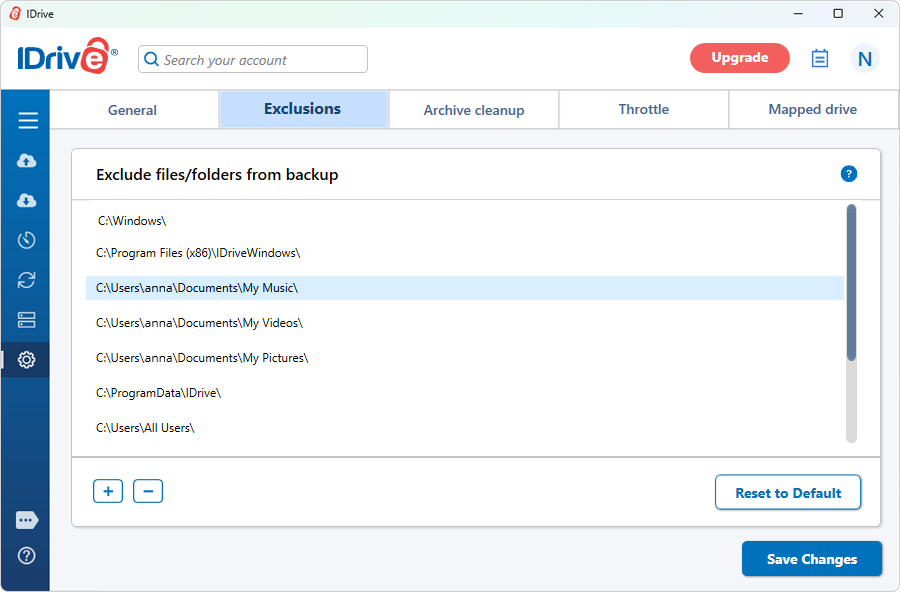
.
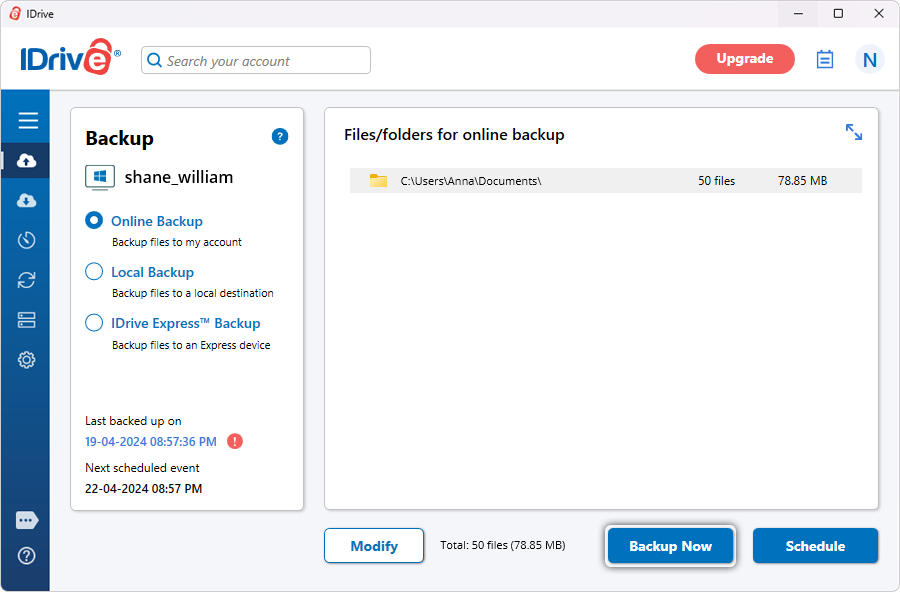
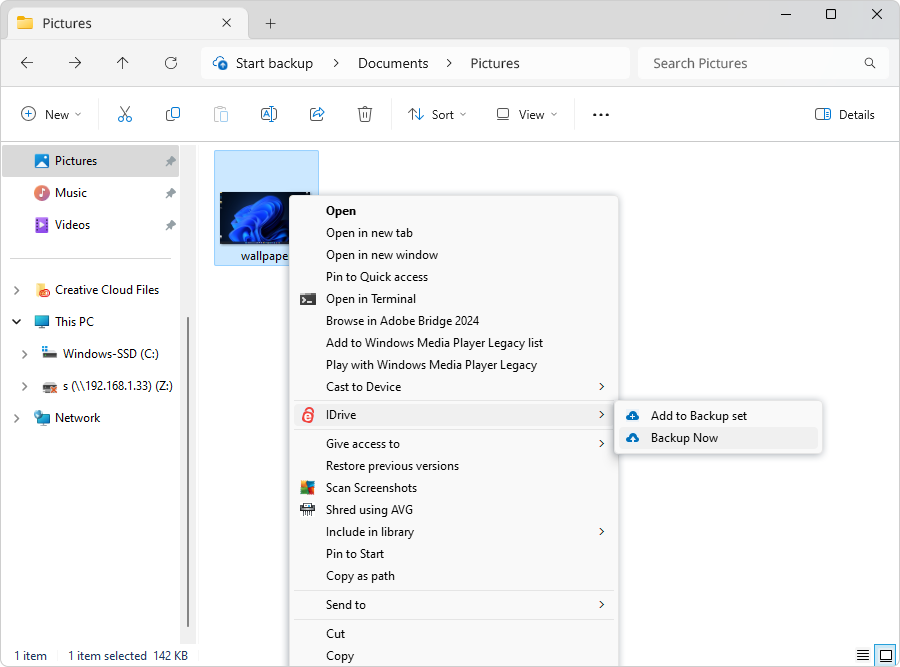
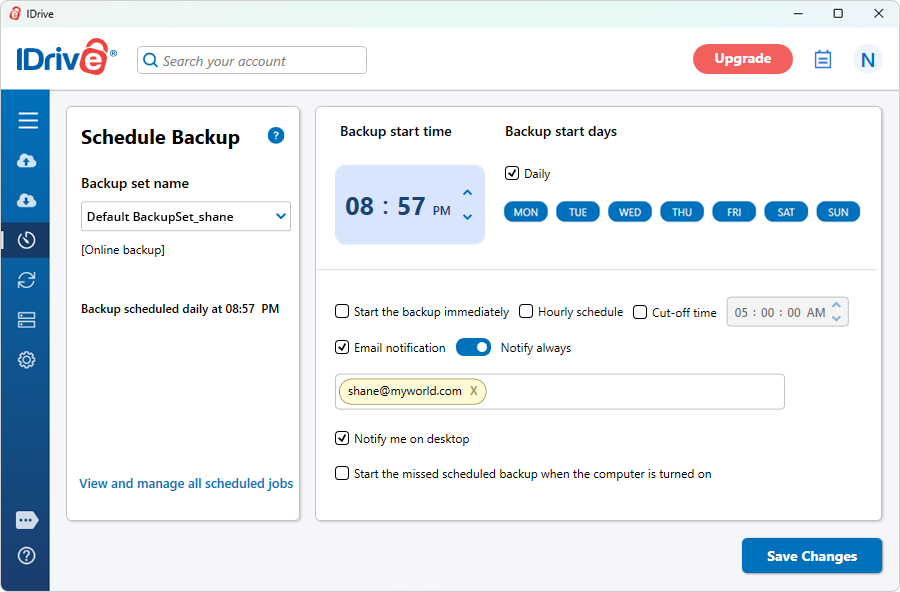
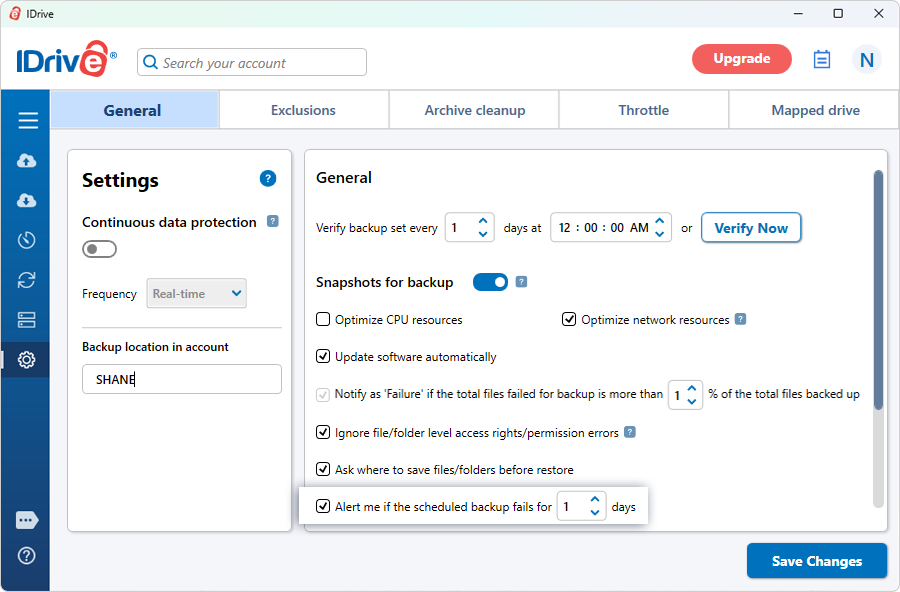
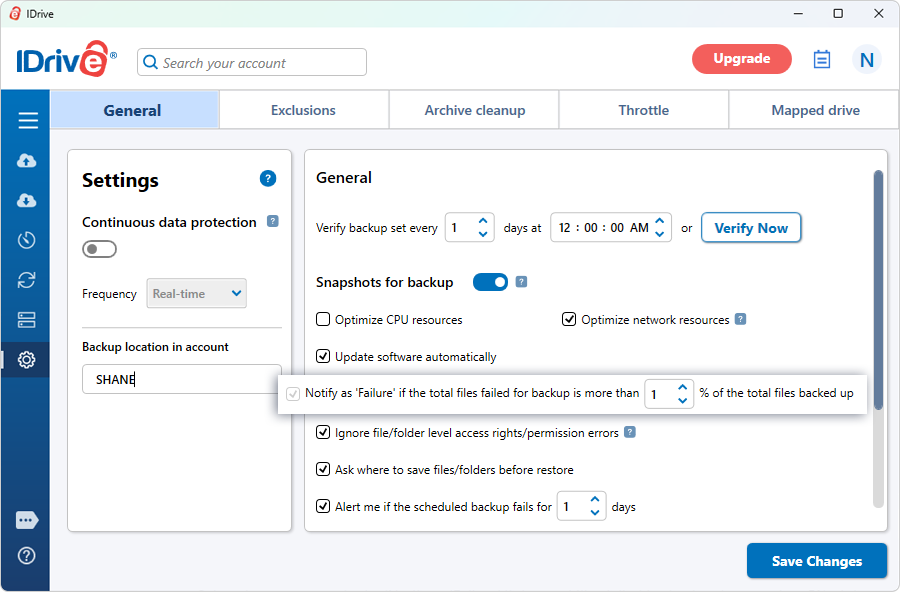
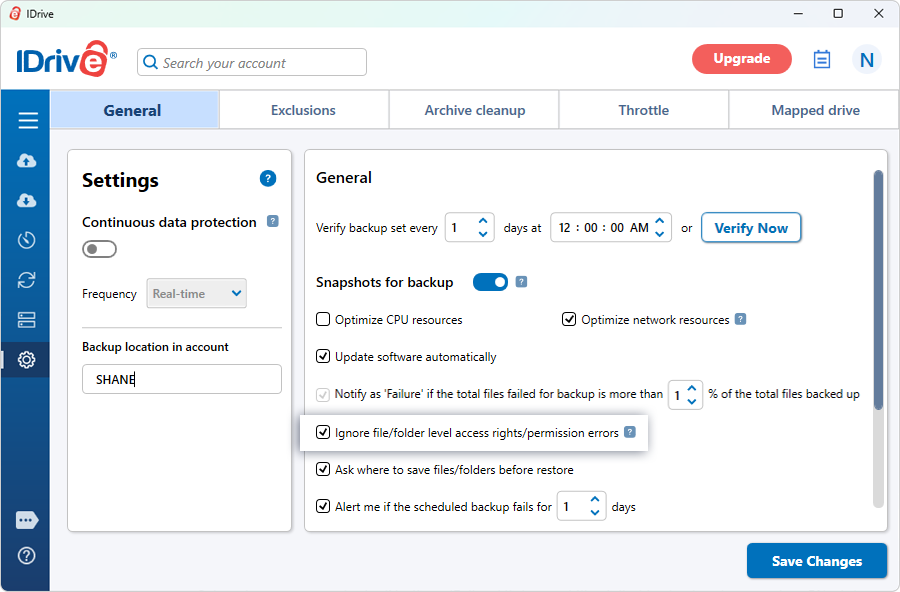
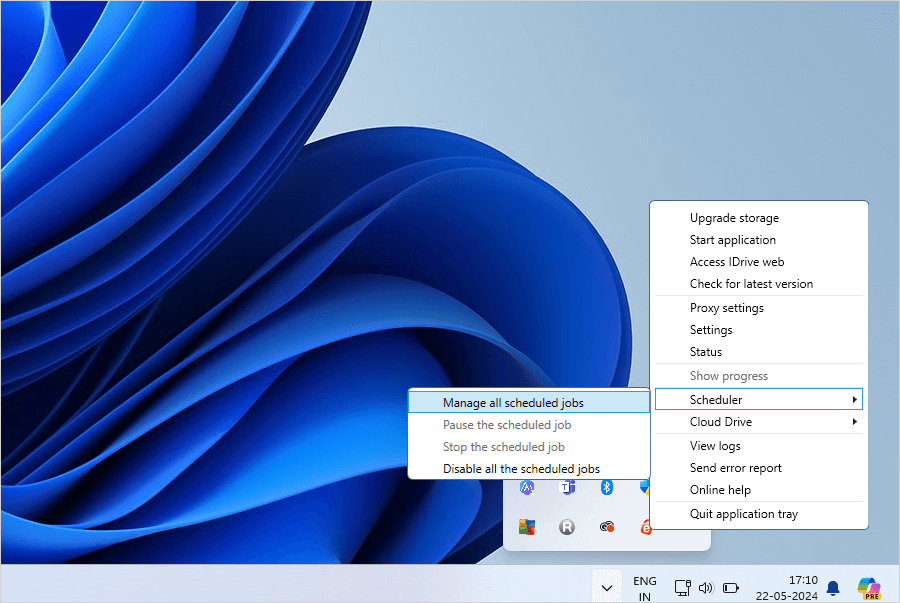
 .
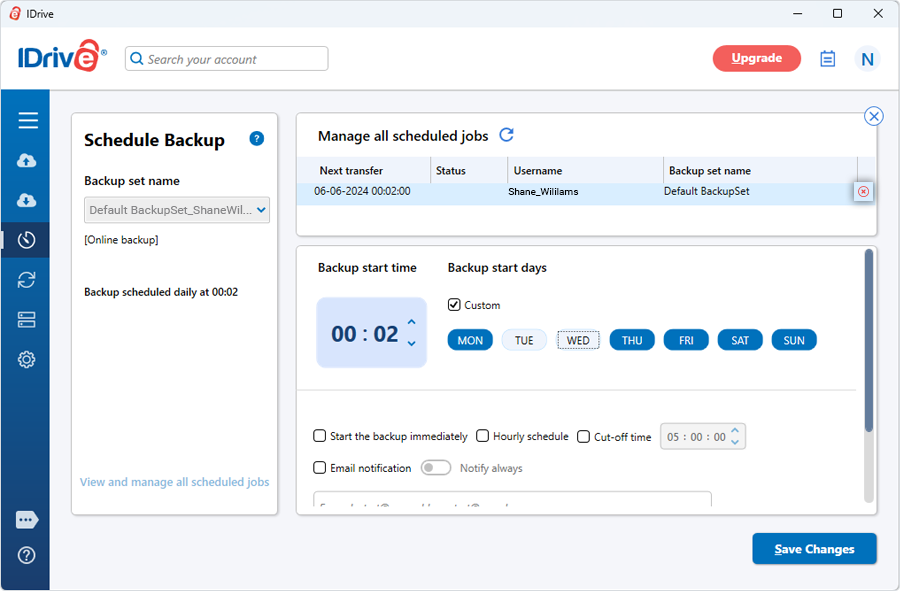
.
 . under 'Exclude files/folders from backup'.
  to browse the files/folders from the list.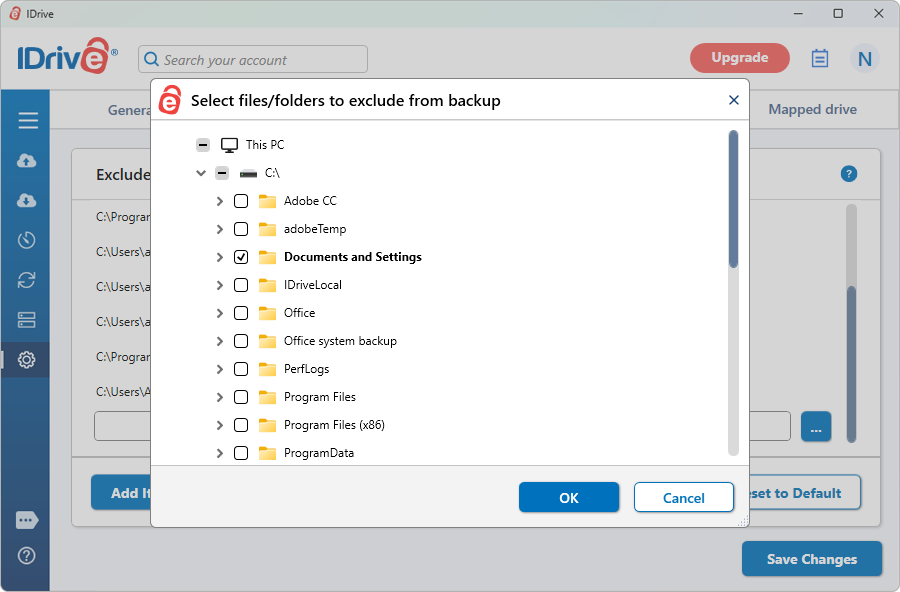
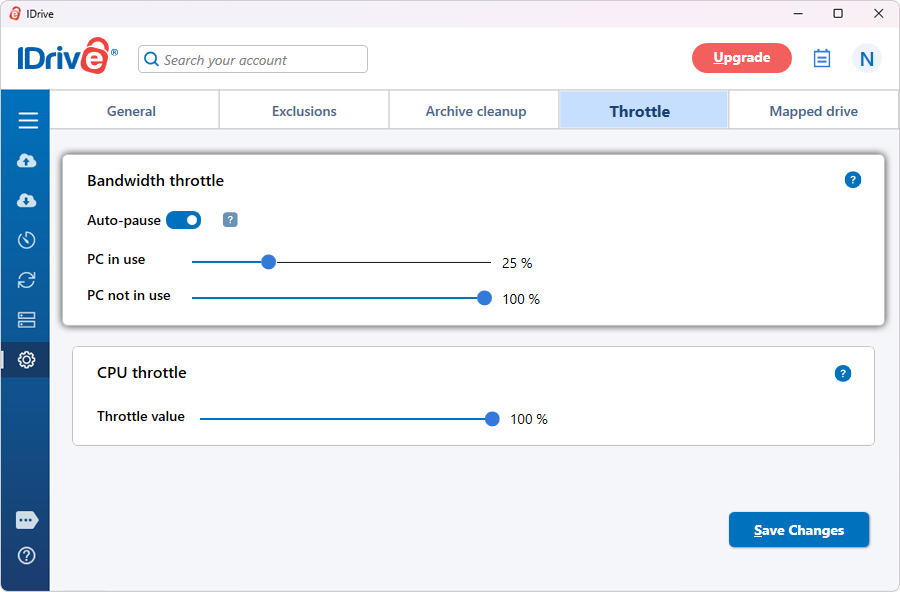
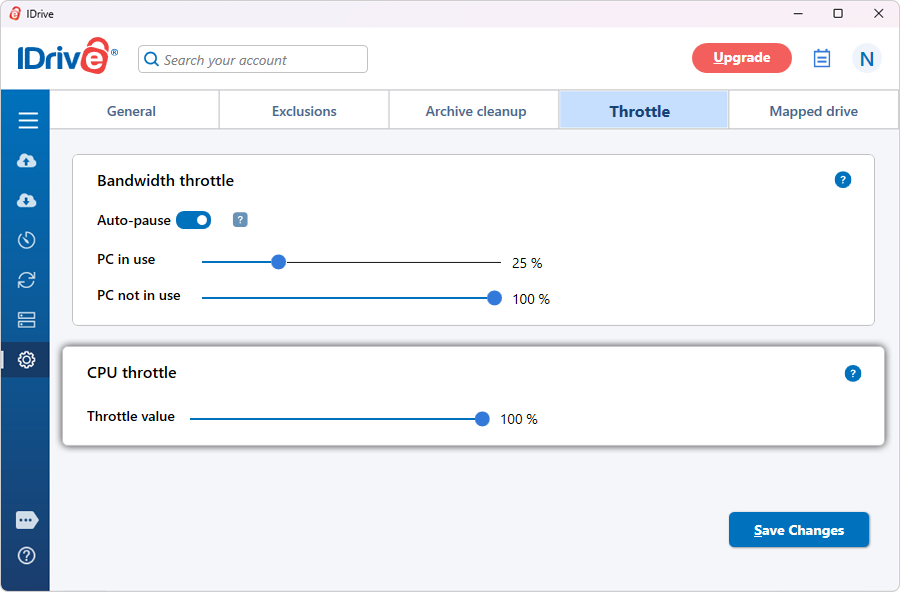
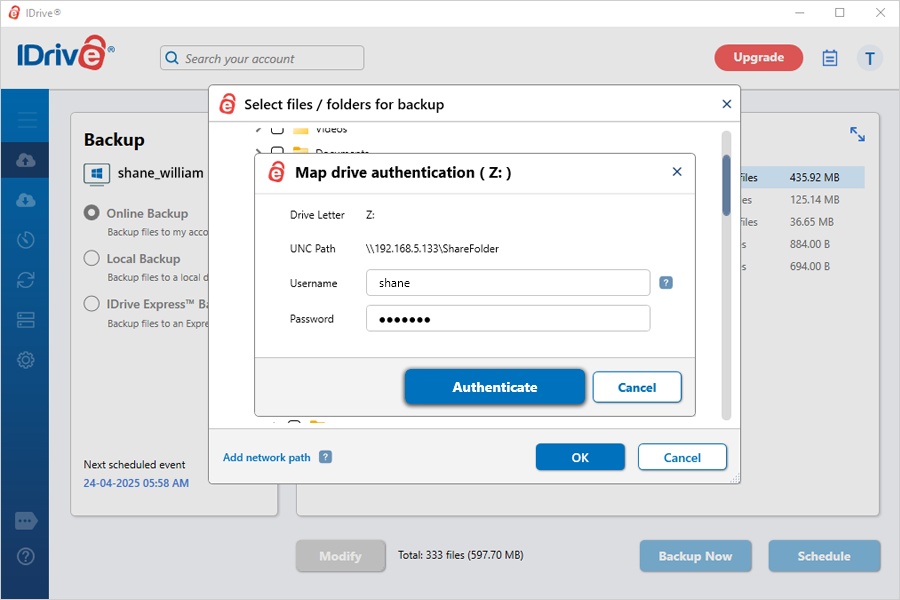
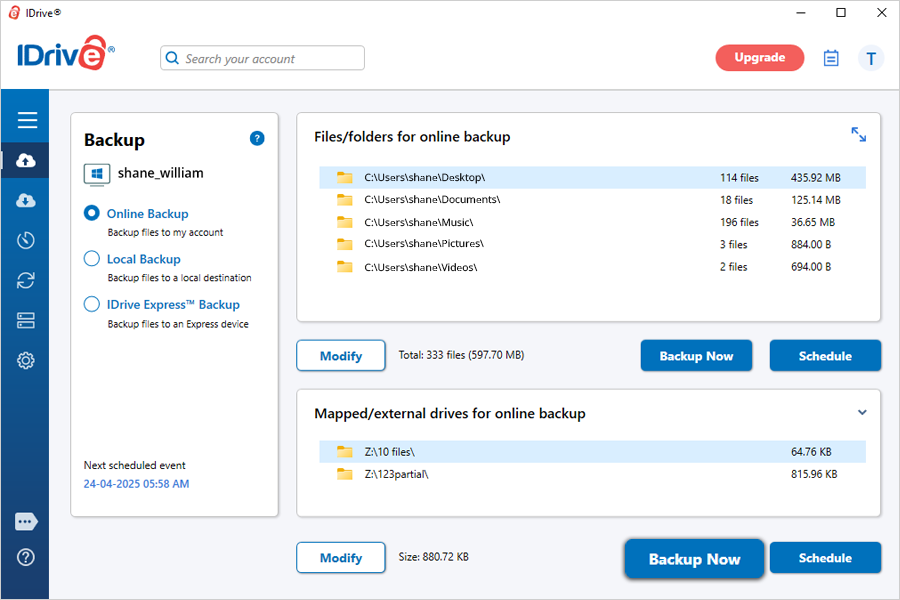
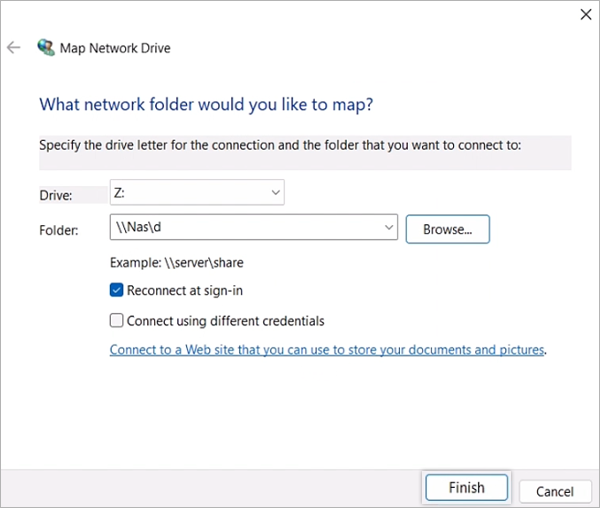
 and select the mapped drive as the destination.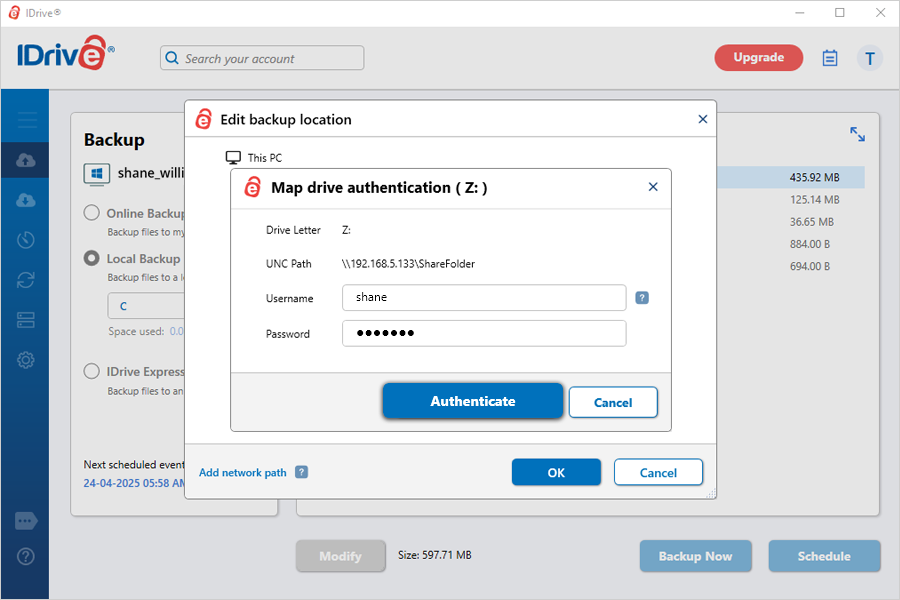
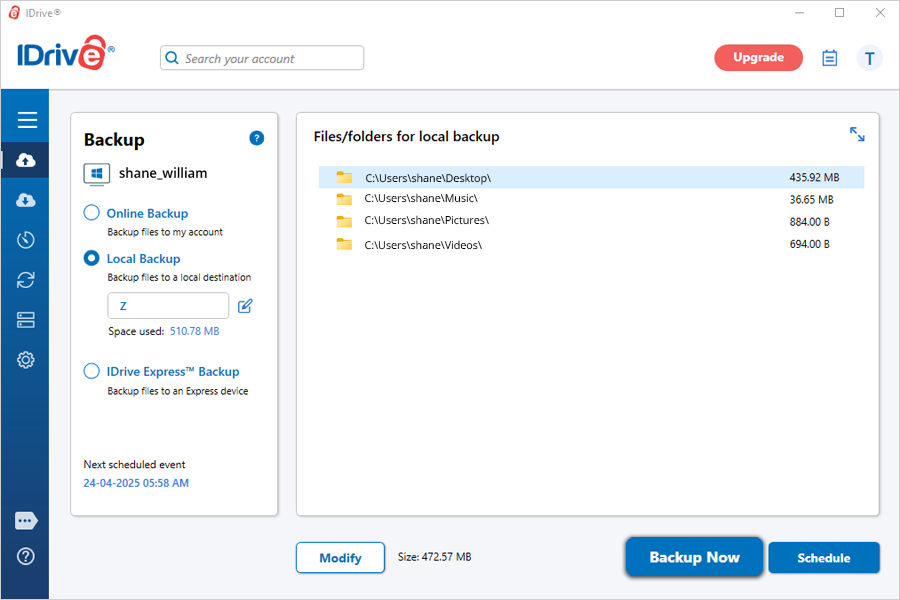
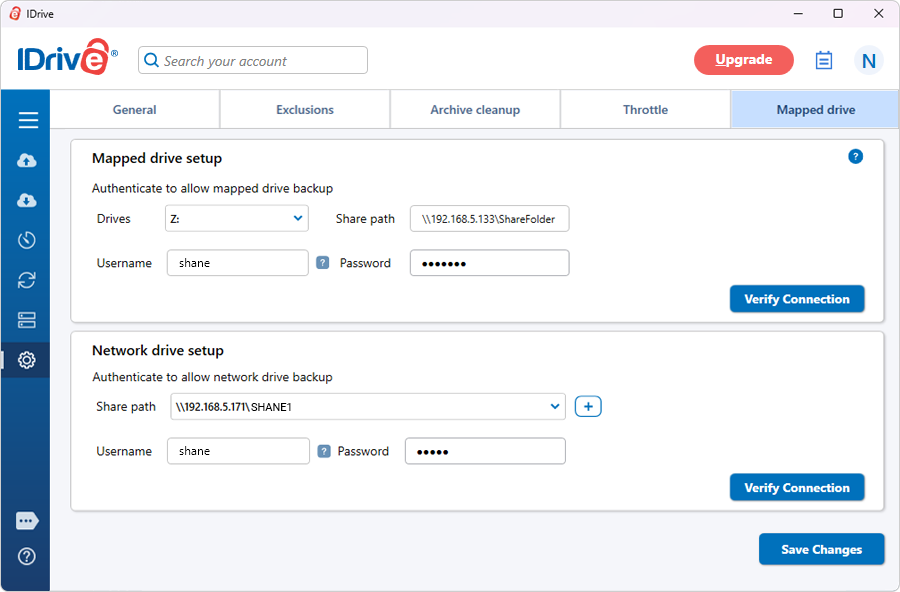
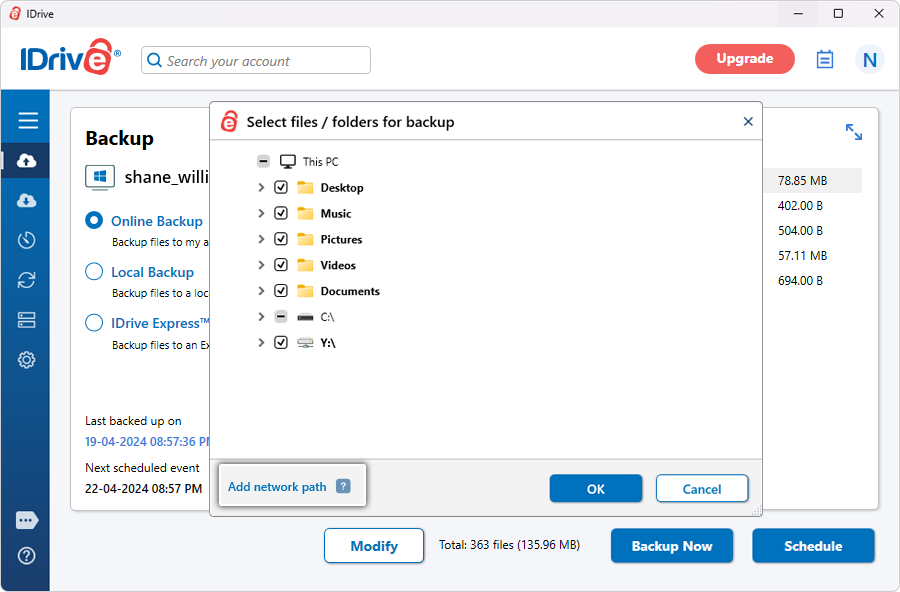
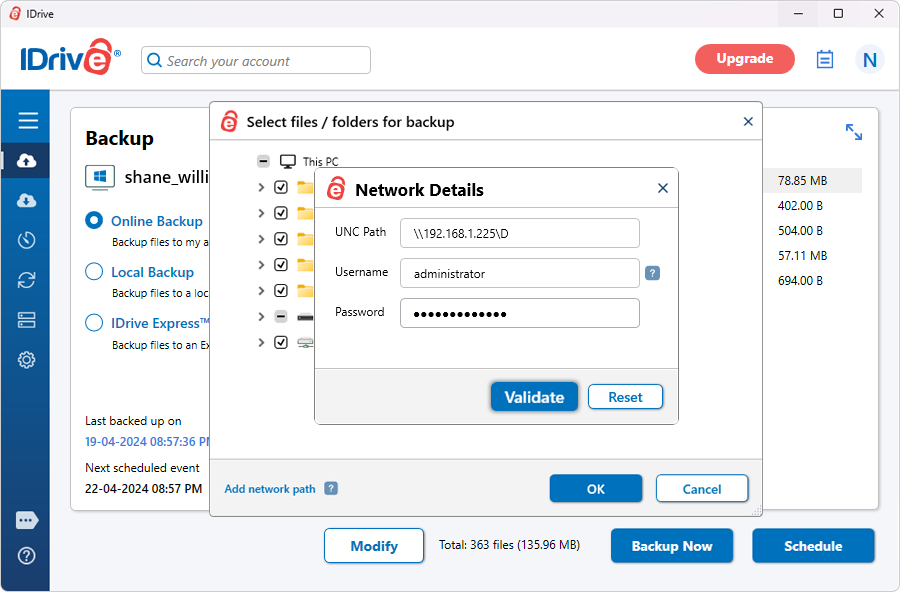
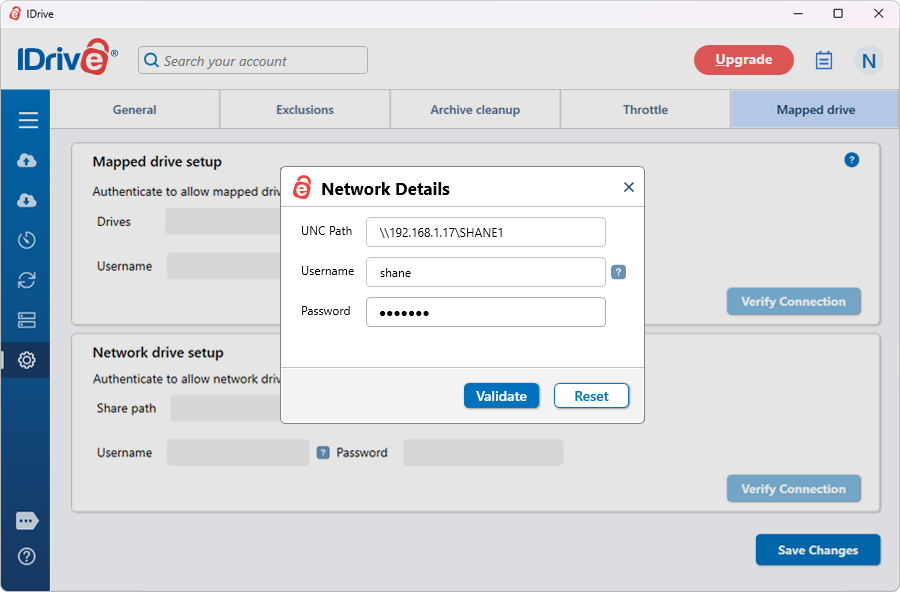
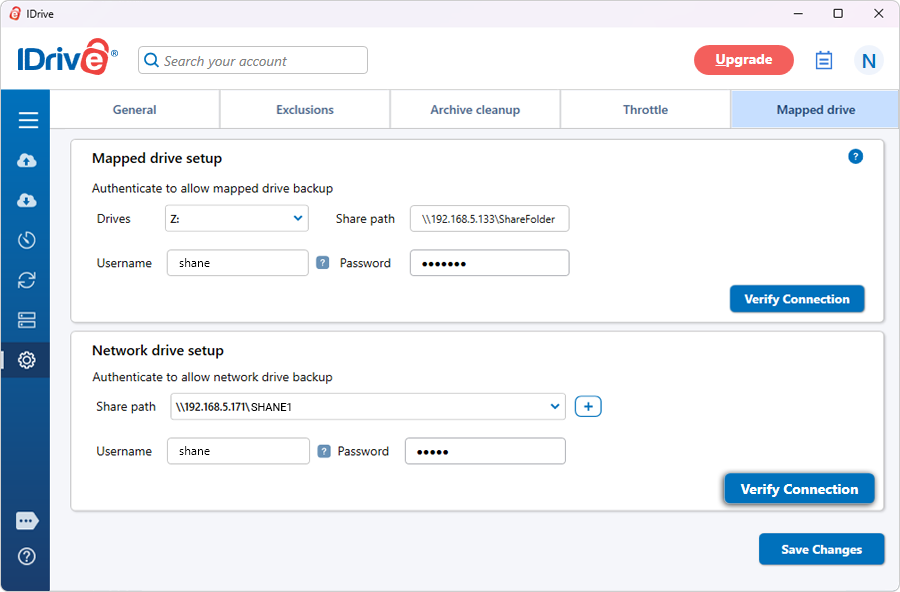
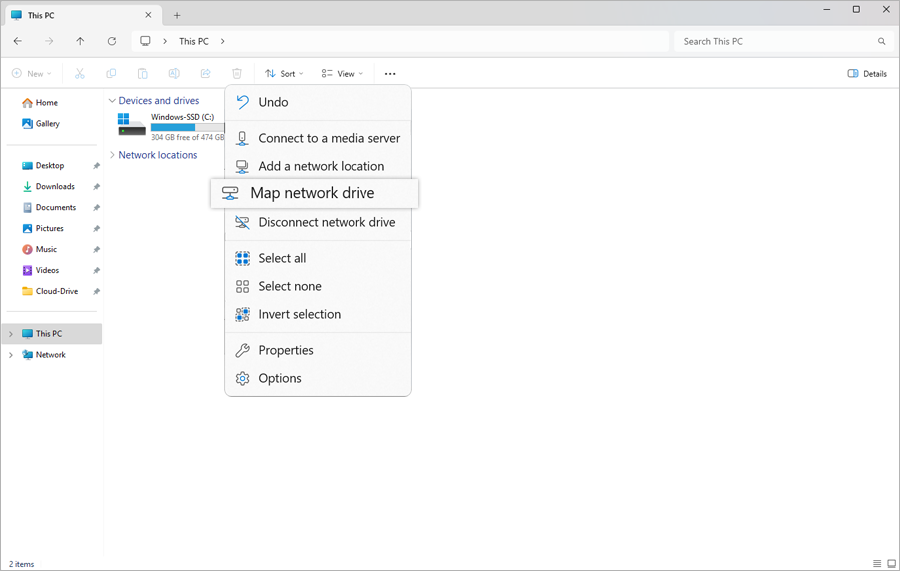
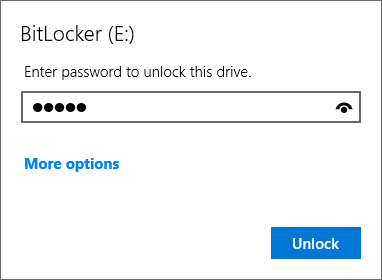
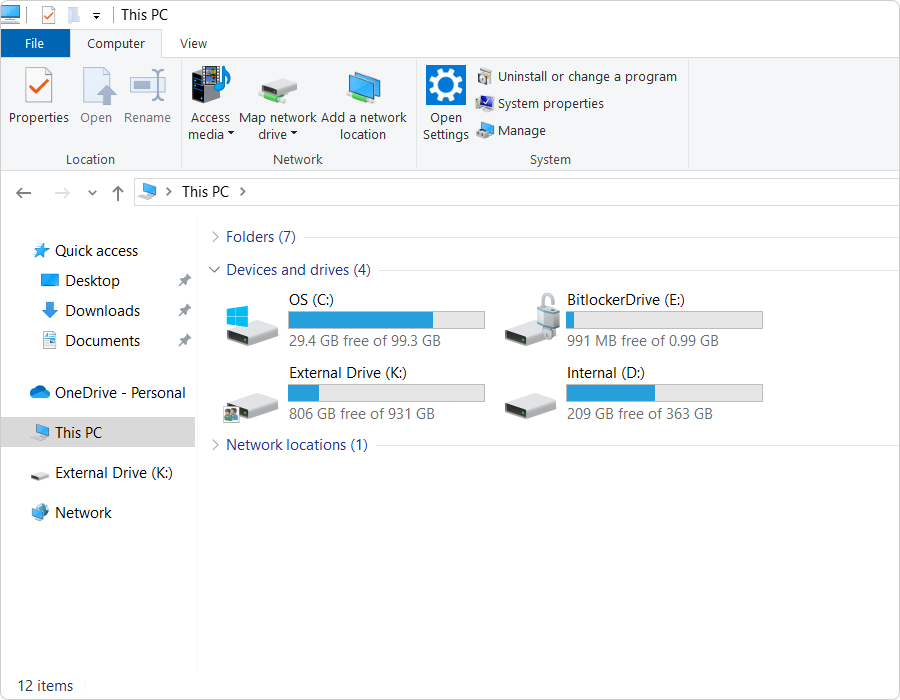
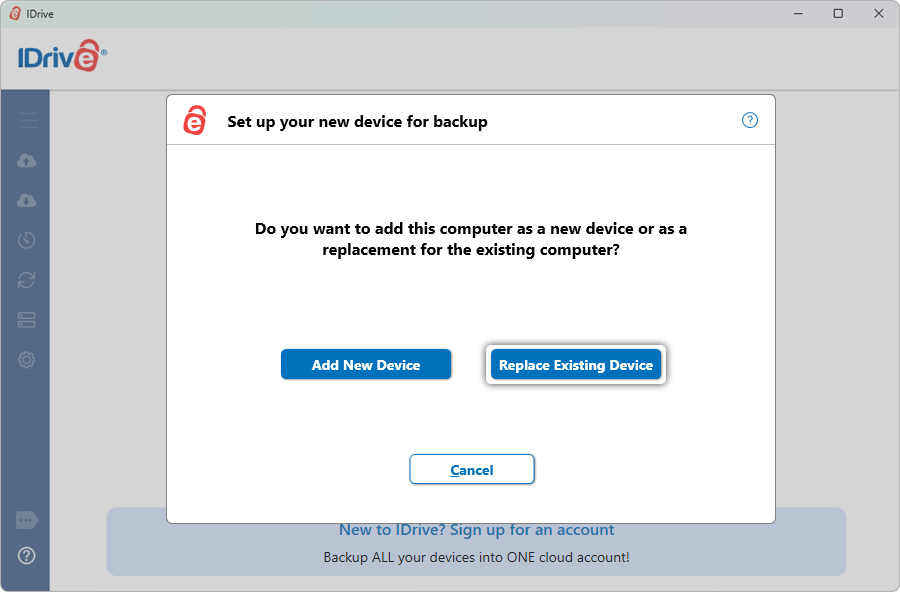
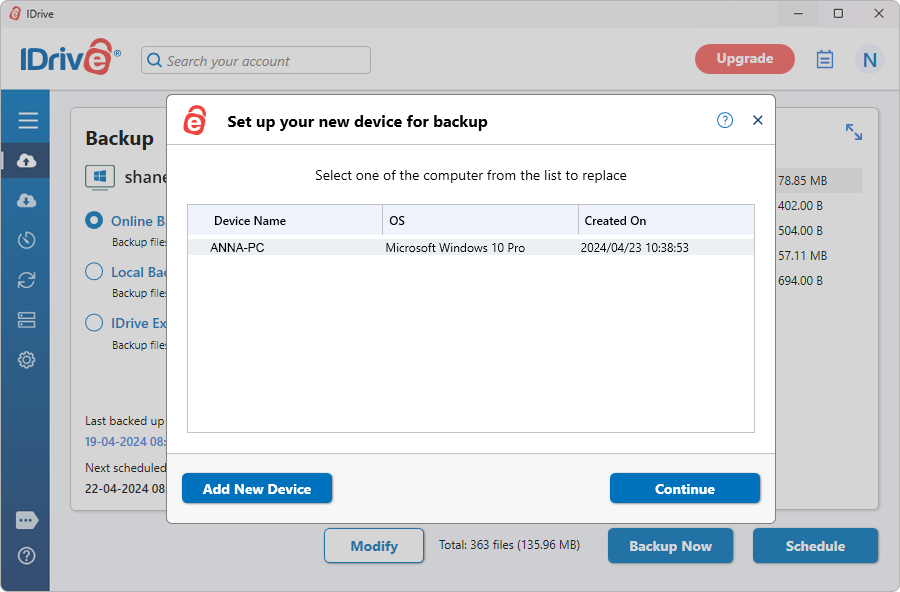
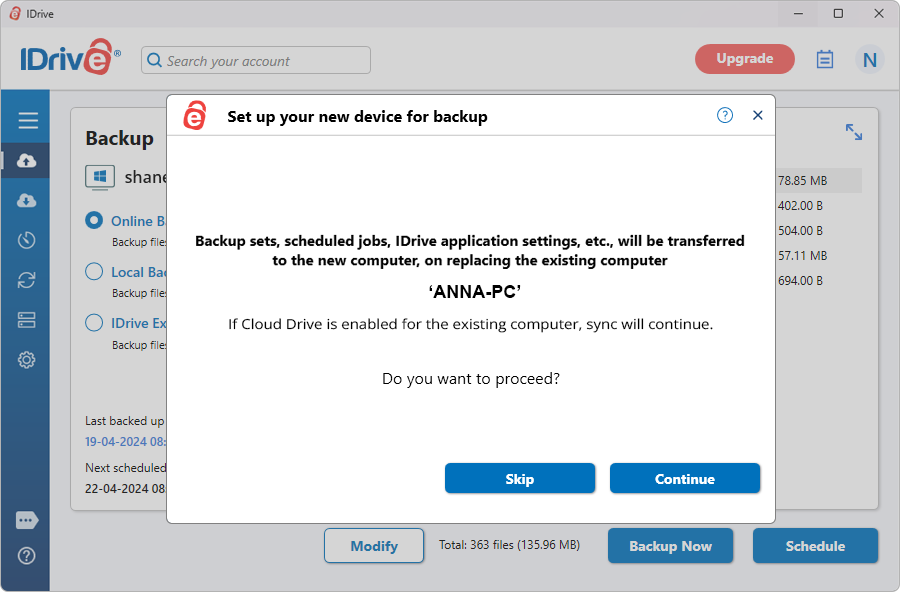
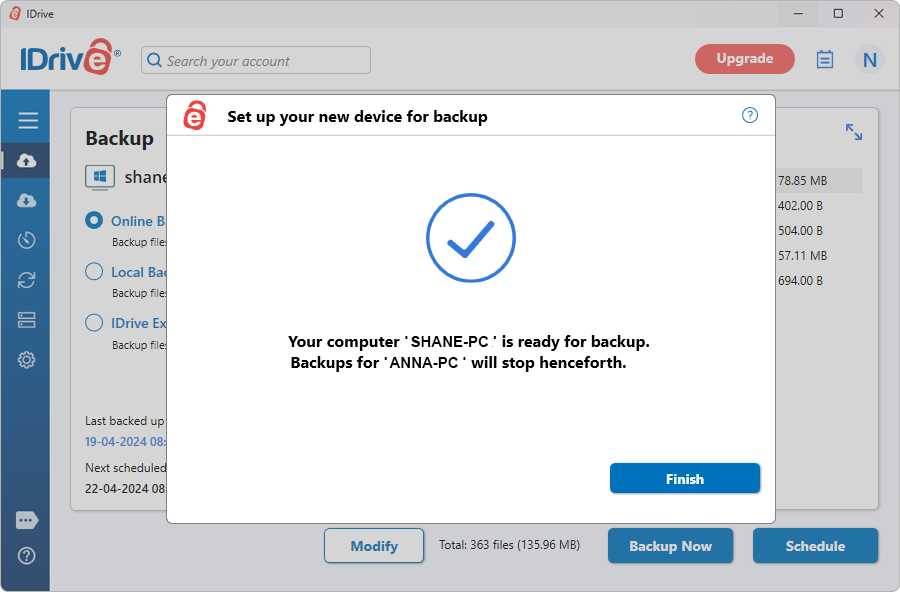
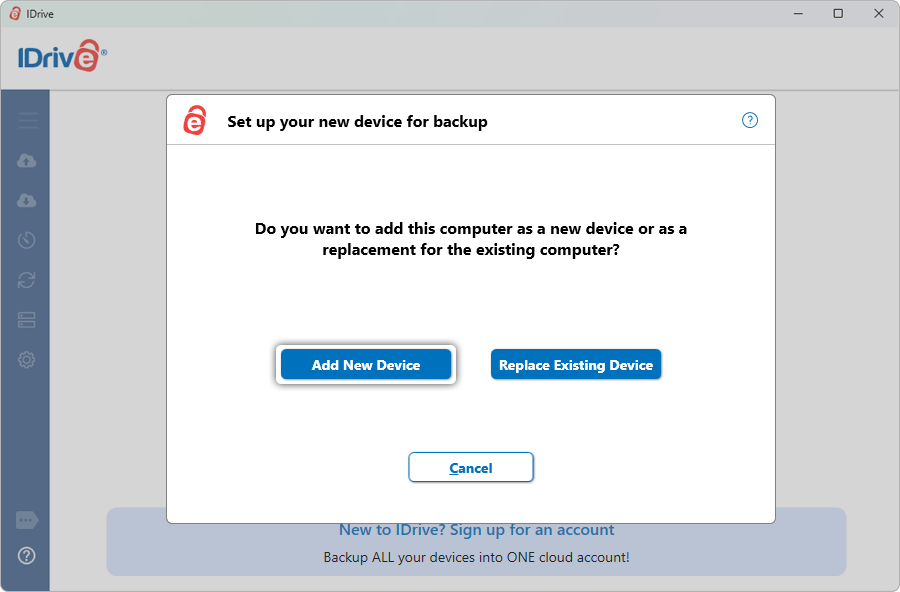
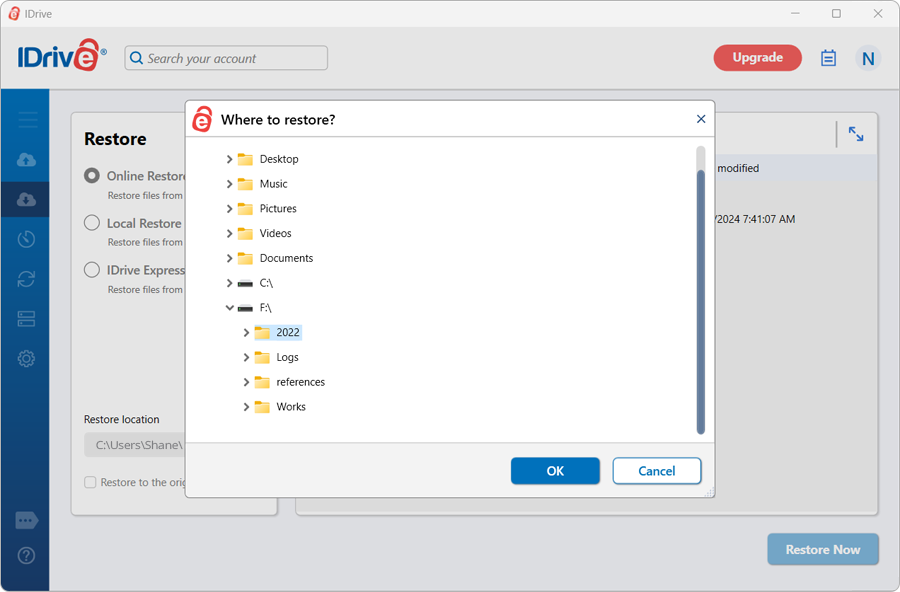
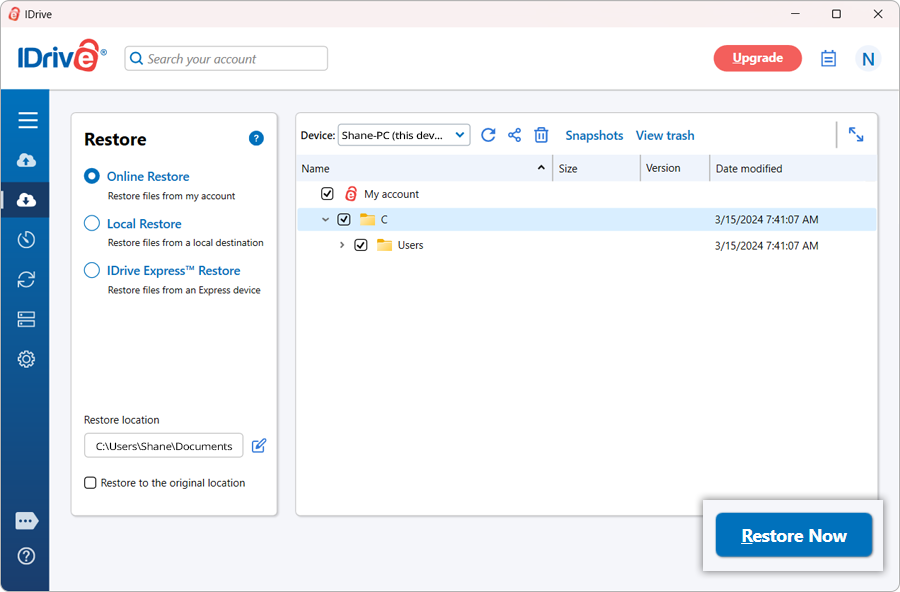
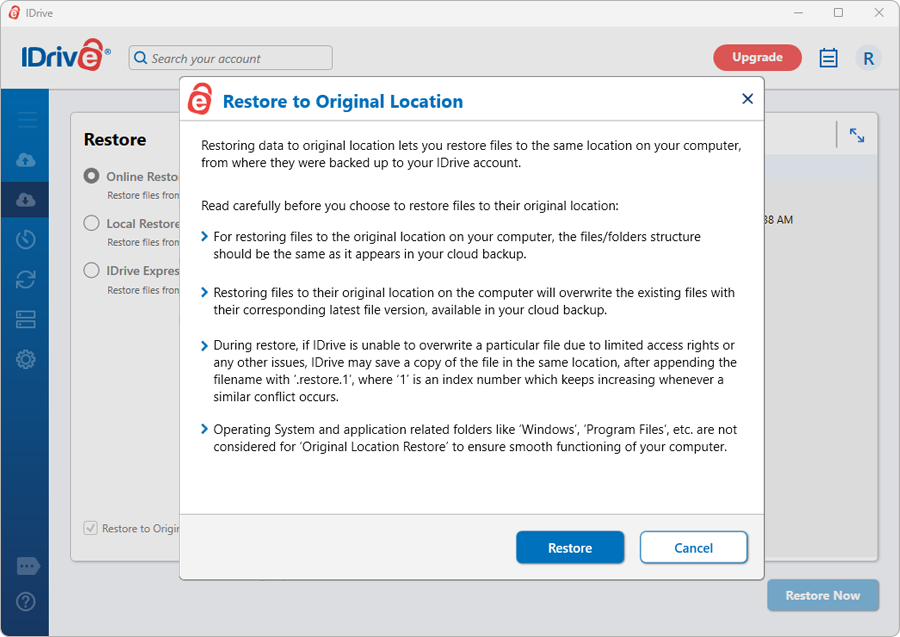
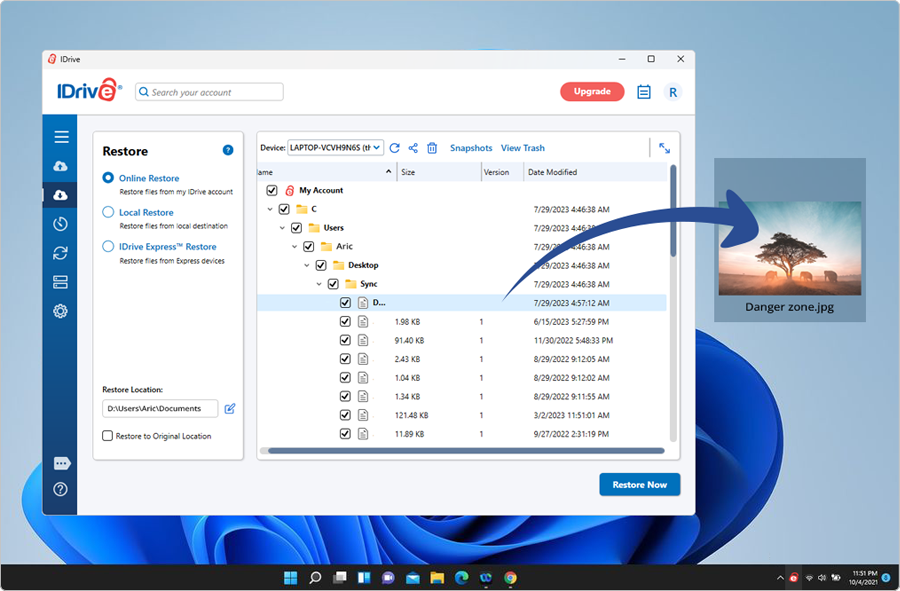
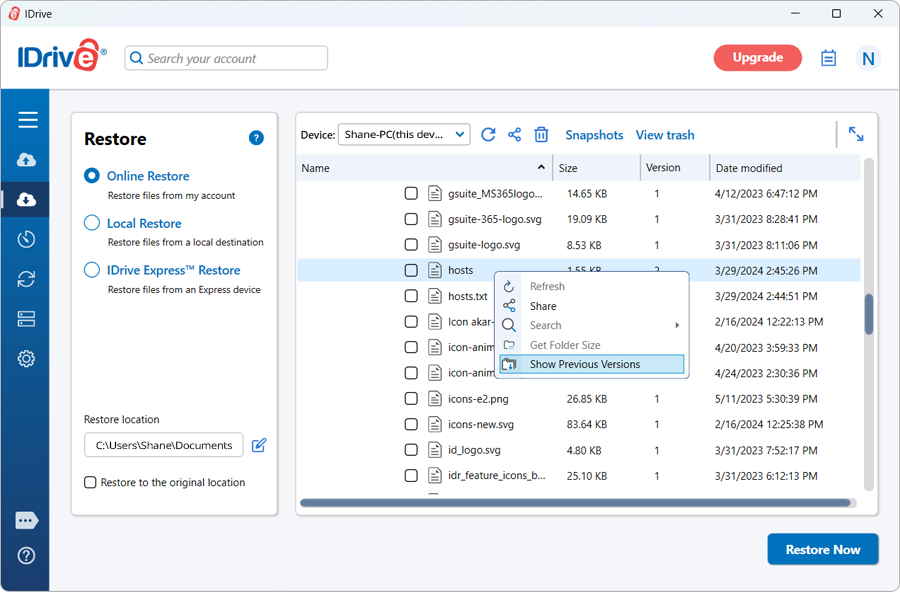
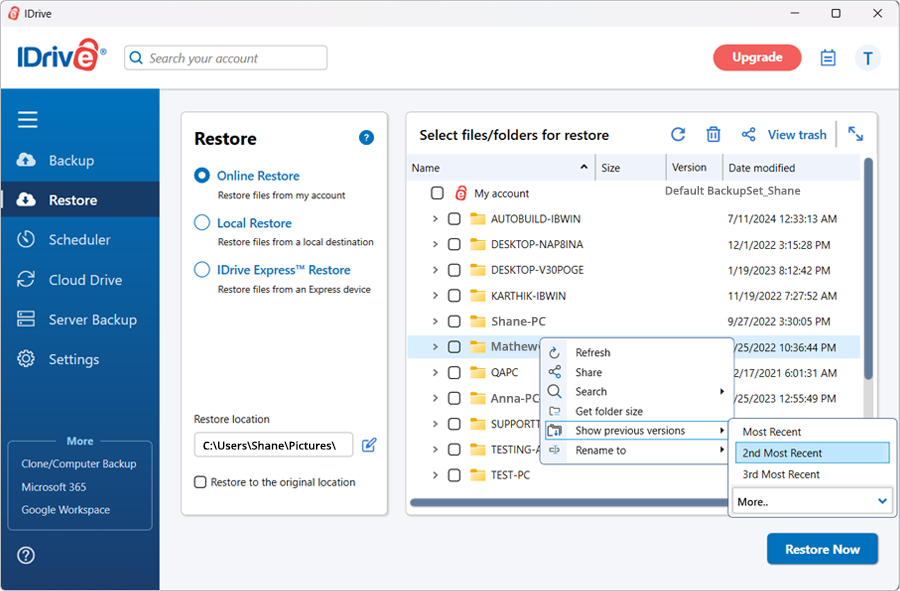
 . Click 'Yes' in the confirmation popup to proceed.
 and
and 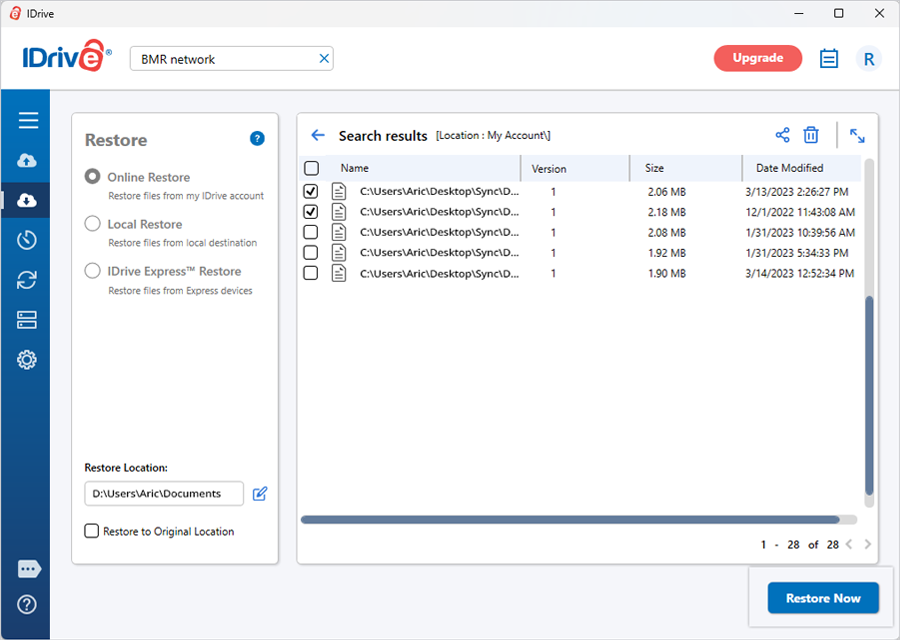
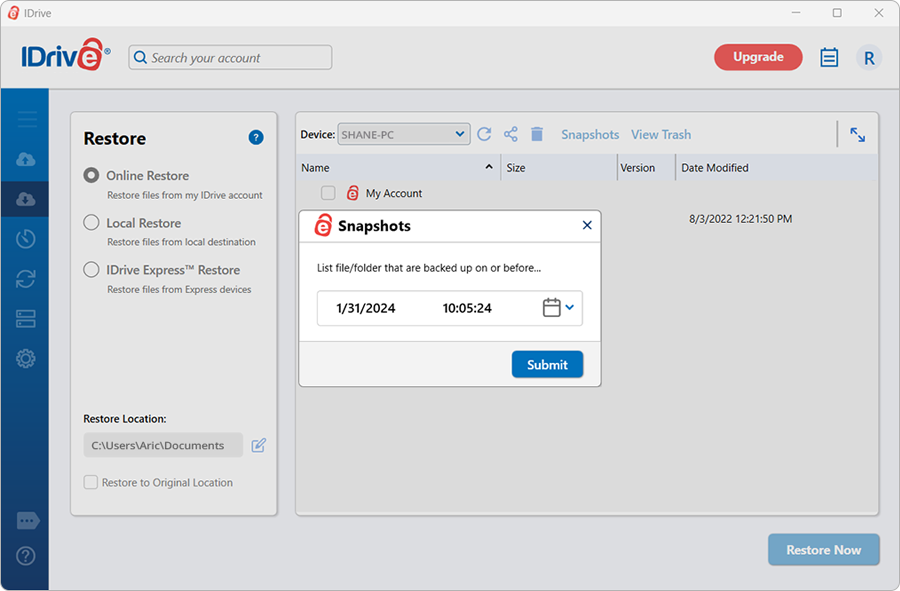
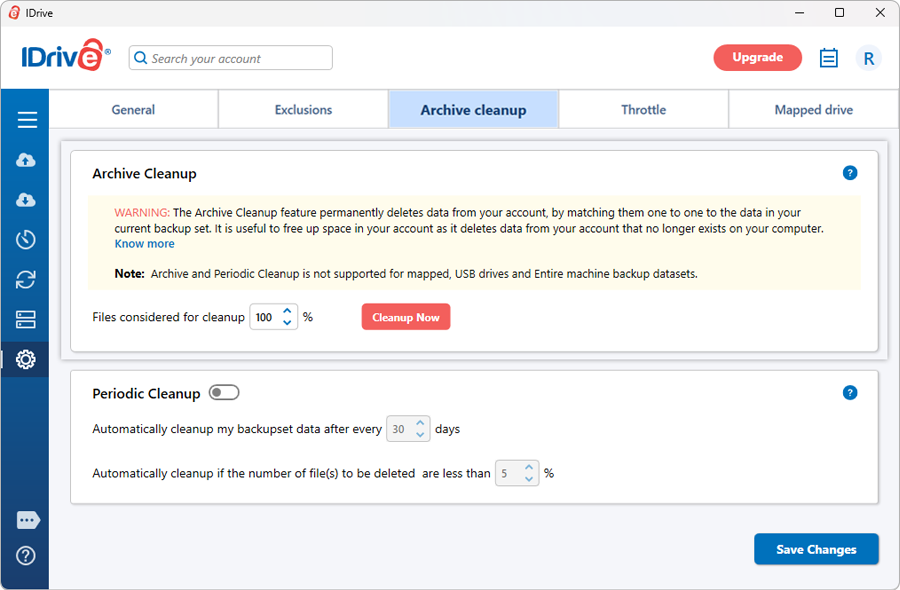
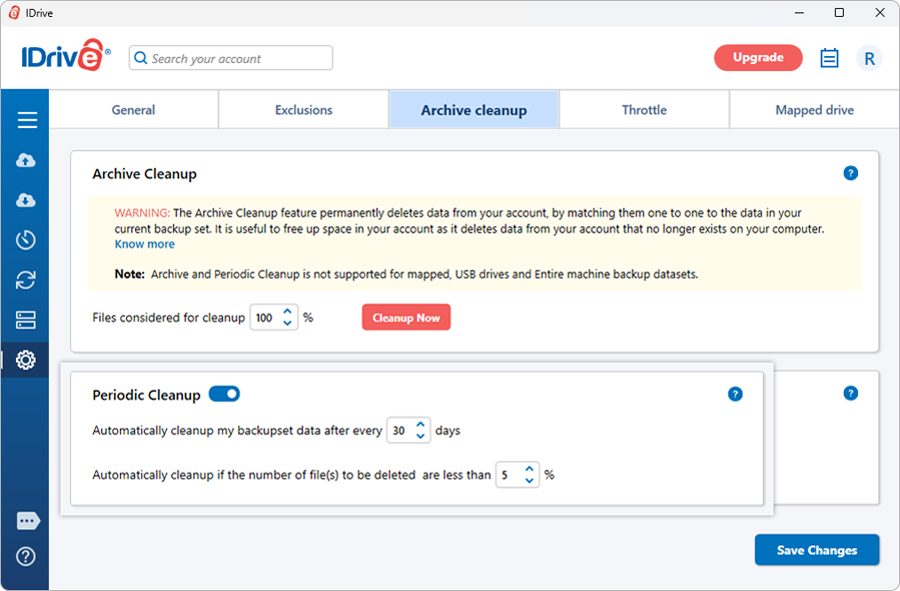
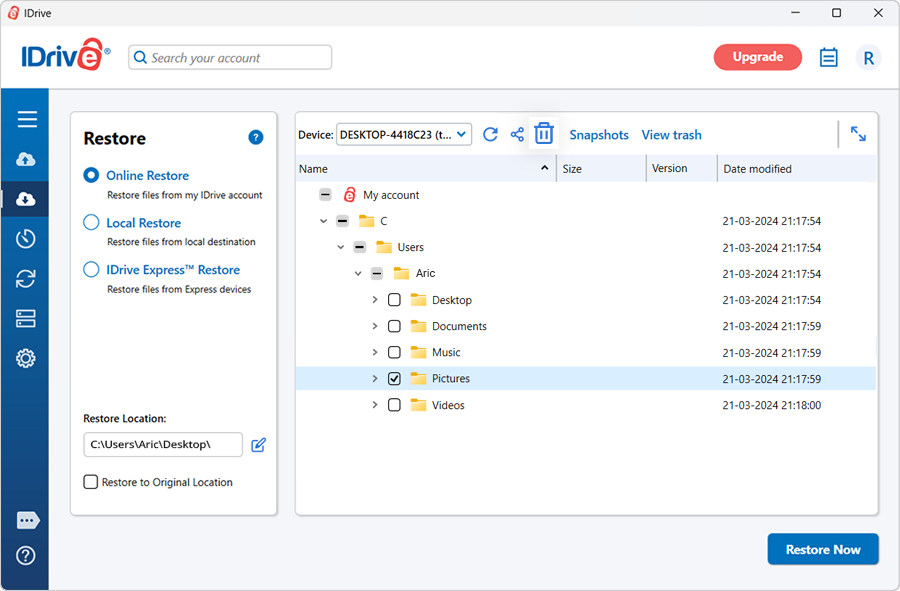
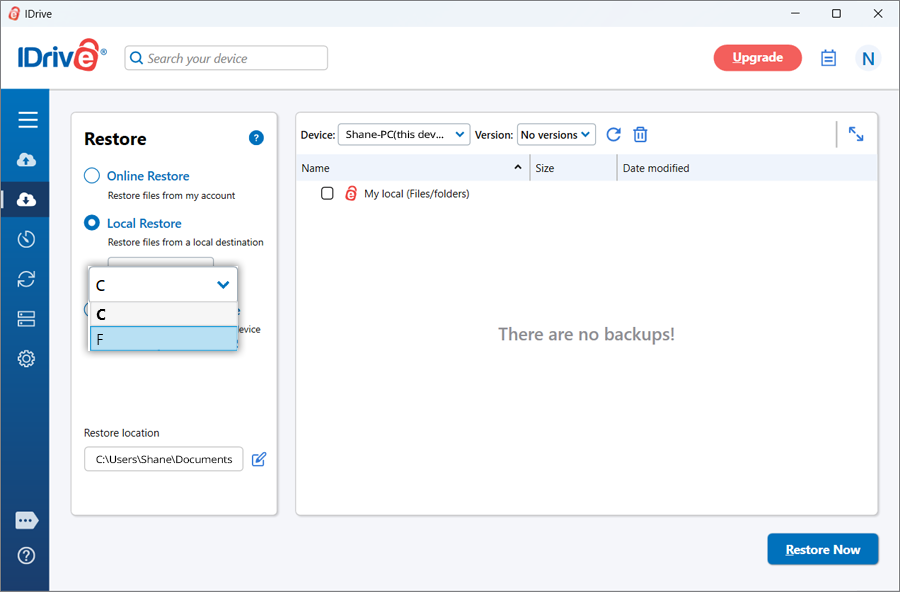
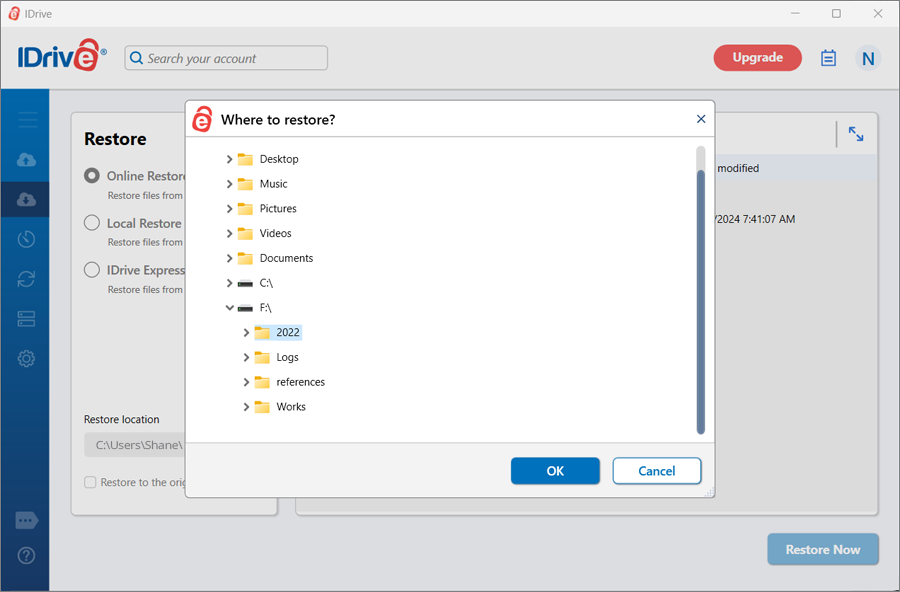

 on the IDrive main window, allows you to view all the backup/restore activities in your account.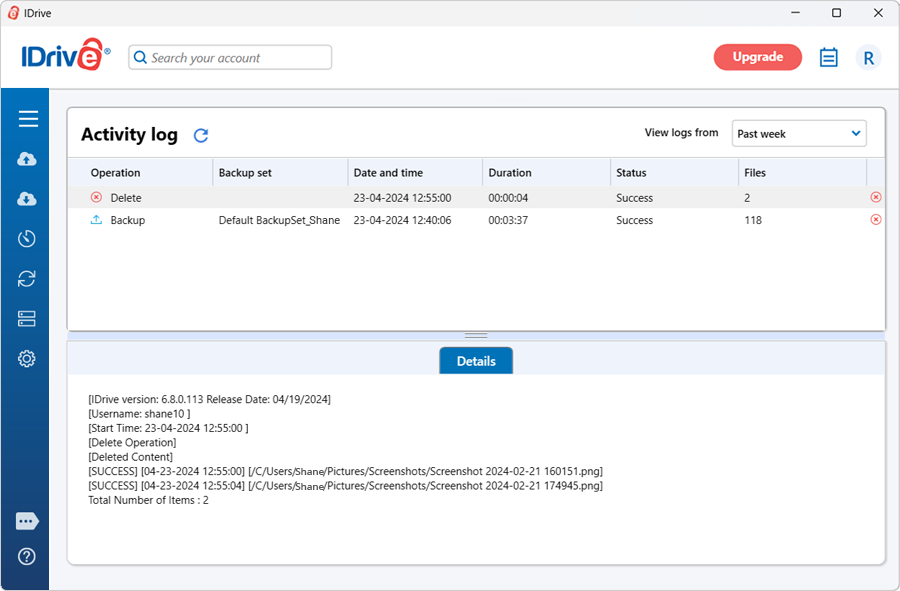
 . Alternatively, right-click on the files / folders you wish to share and select 'Share' from the drop-down menu.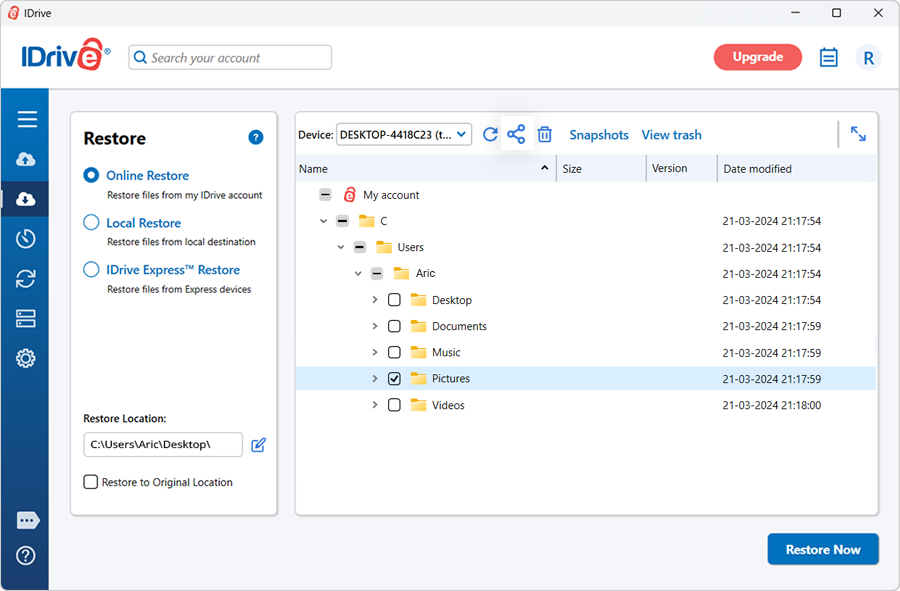
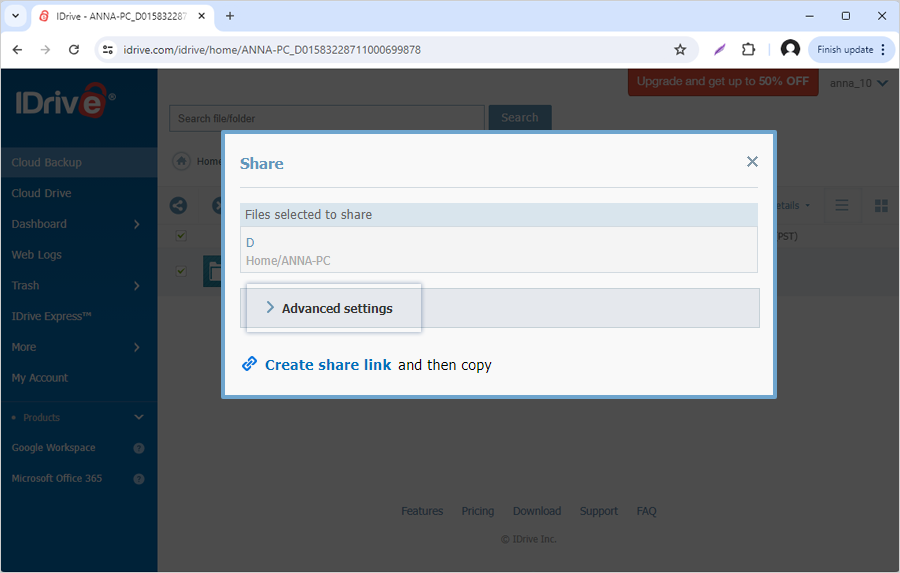
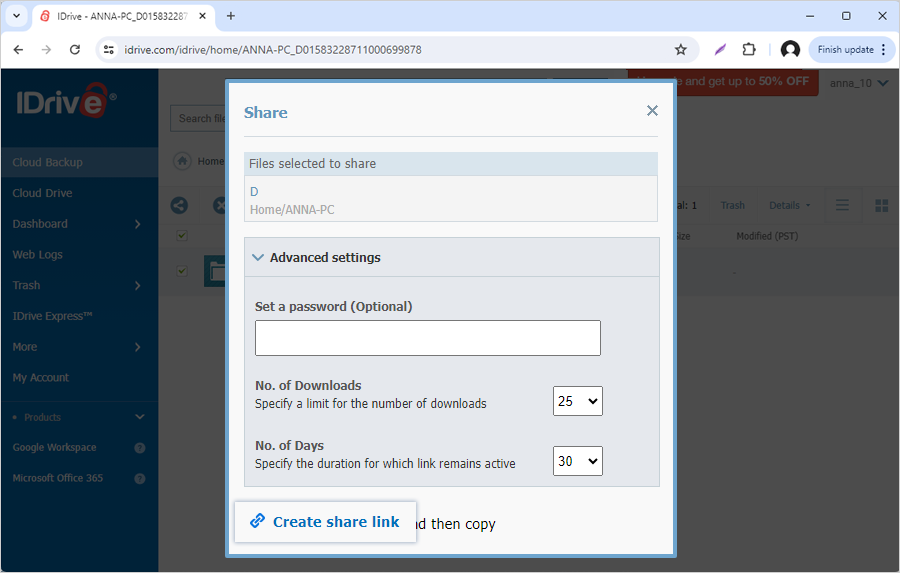
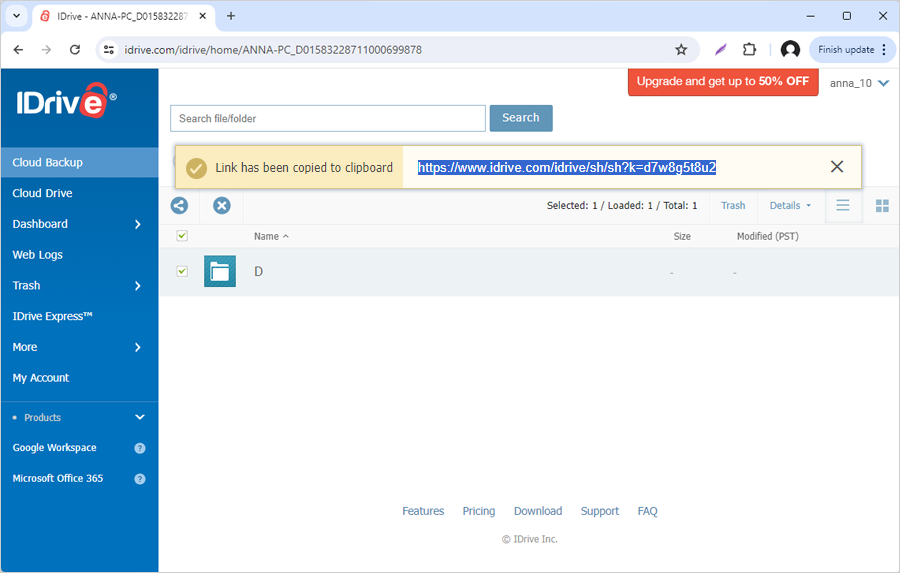
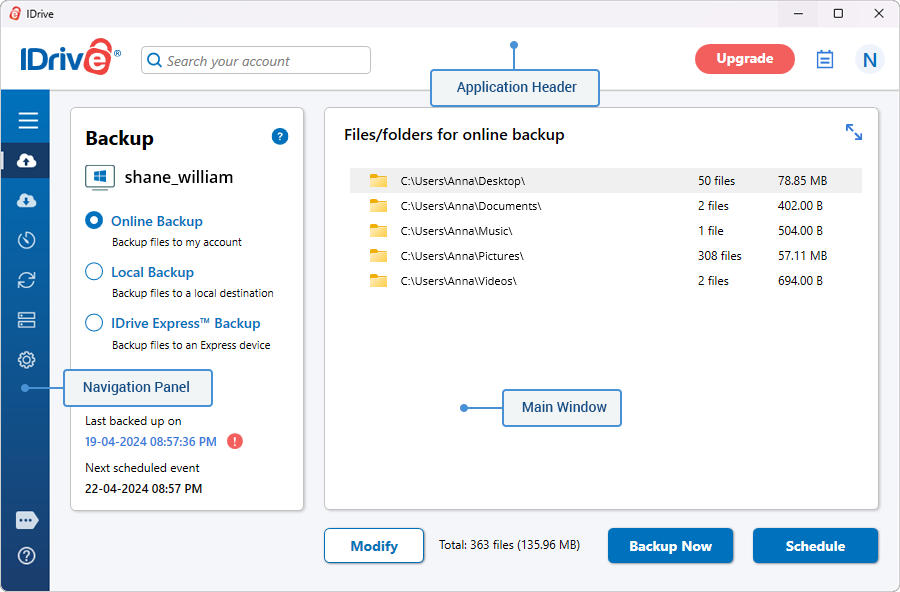
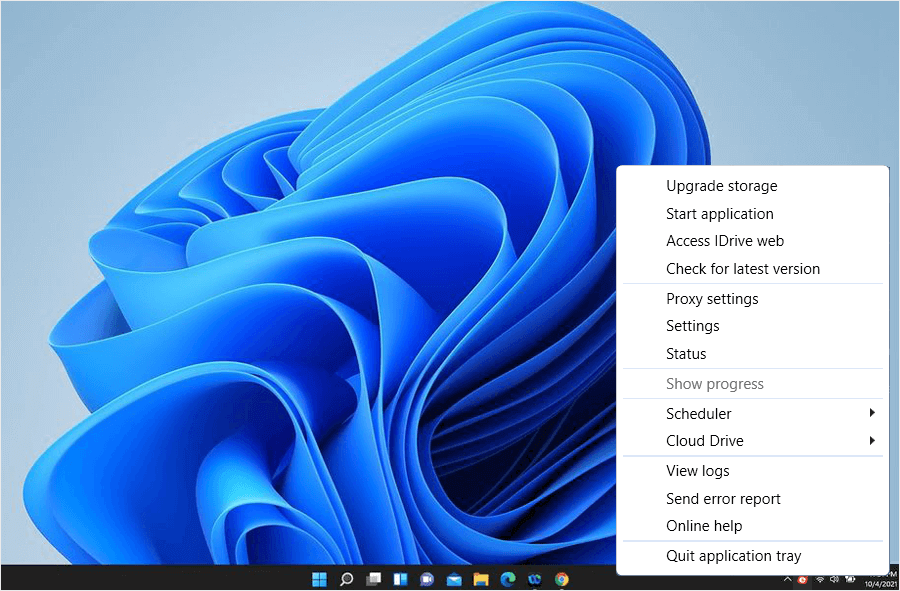
 next to 'IDrive', and select 'Uninstall'.